

Storm
Keep storm jobs straight when calls stack up.
A property, a crew and a job for every loss.
Review active work by stage, plan site visits and keep photos and documents on the right job.
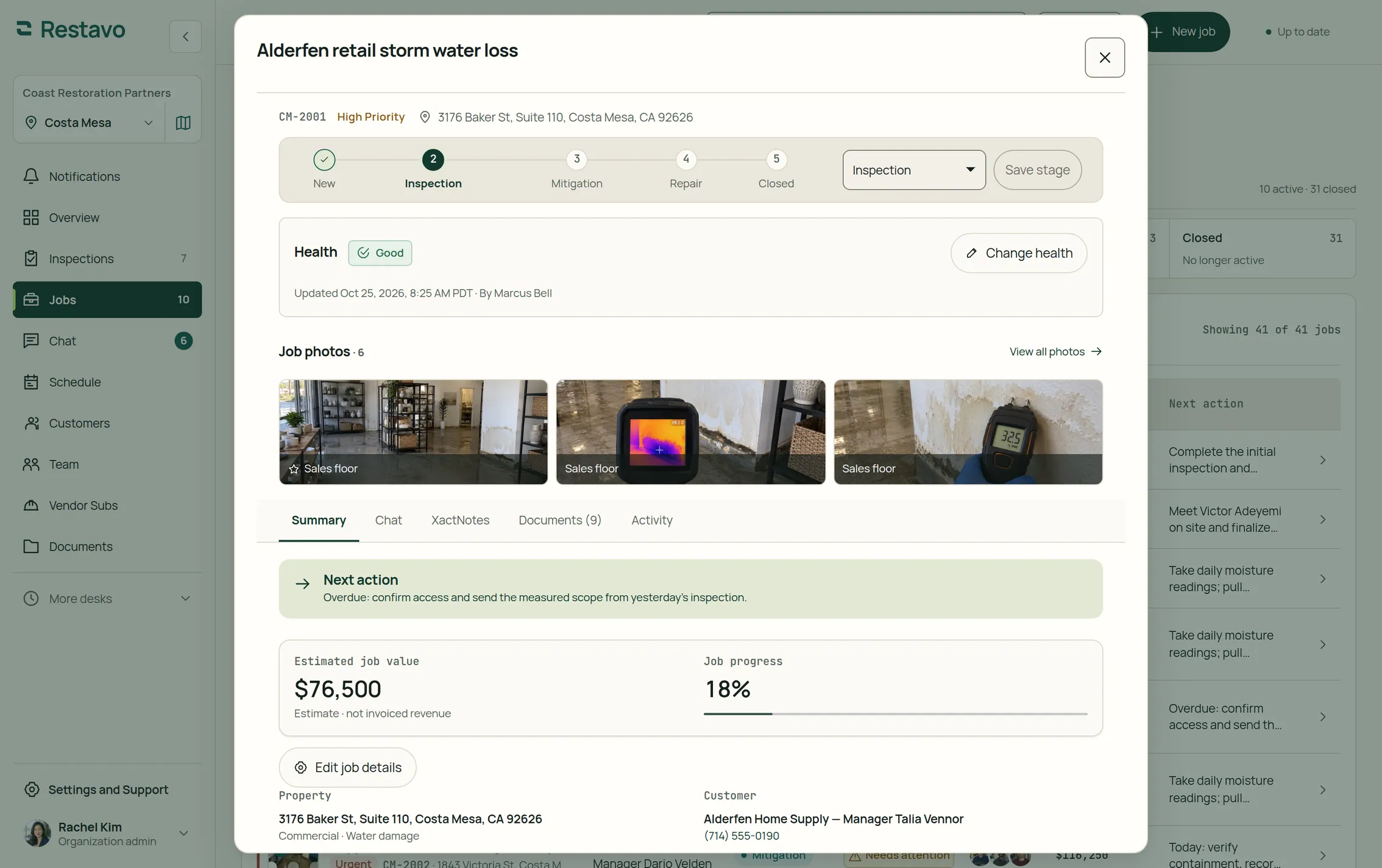
CM-2001 · Alderfen retail storm water loss · Inspection
01Triage
Work from what your team has entered.
Start with what needs attention.
Open the overview, then work the jobs that need a follow-up. A Health review records the issue and the next action.
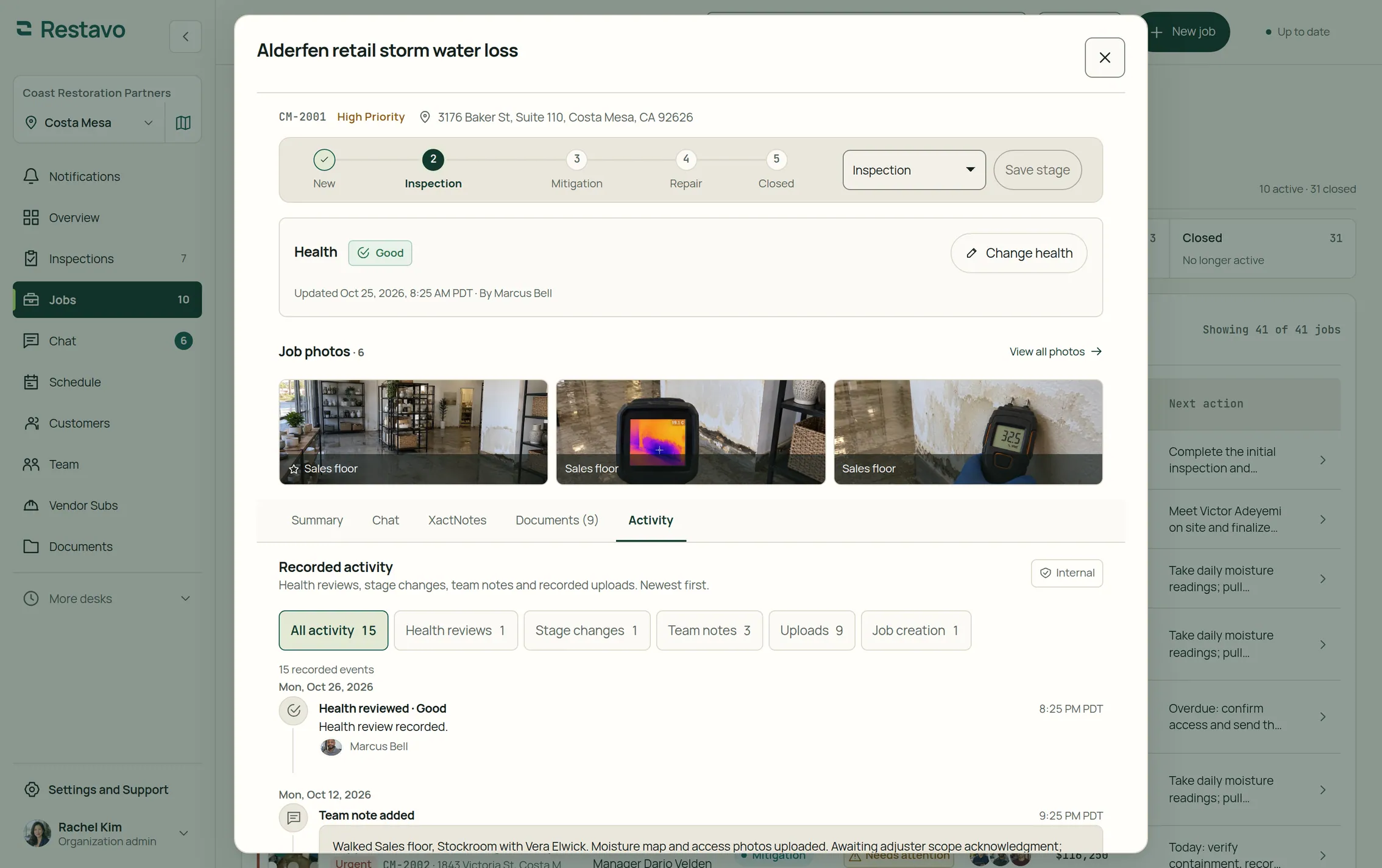
CM-2001 · Health review, team notes and recorded uploads
02Visits
Find unassigned visits and double bookings.
Check the crew plan before the next visit.
Review the day or week in Schedule and decide where people need to go.
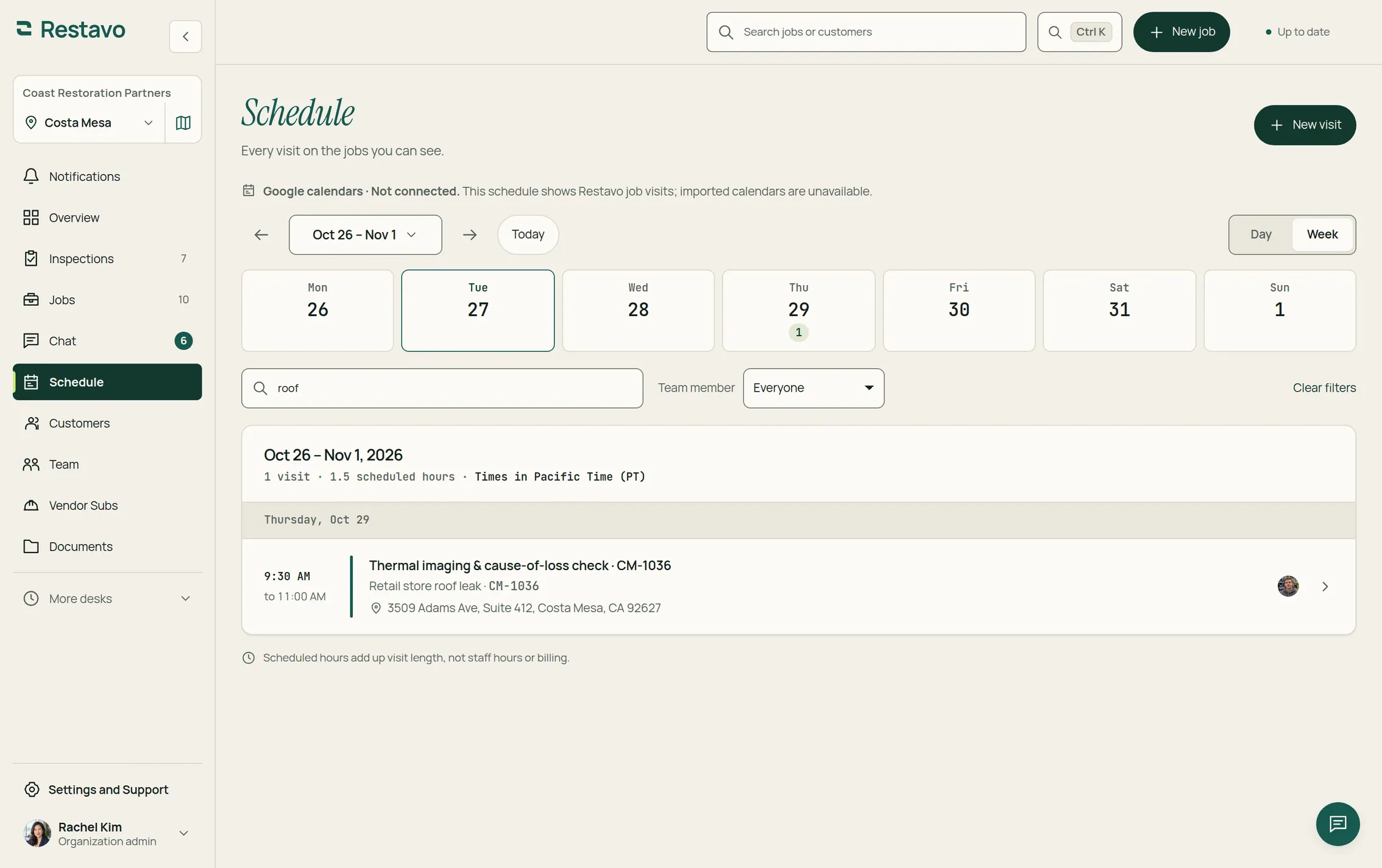
CM-1036 · thermal imaging check on the retail roof leak
03Evidence
It matters after the busy week is over.
Each property's photos, on that property's job.
Add job photos and PDFs. When a customer or adjuster asks for an update, the notes and activity are already saved.
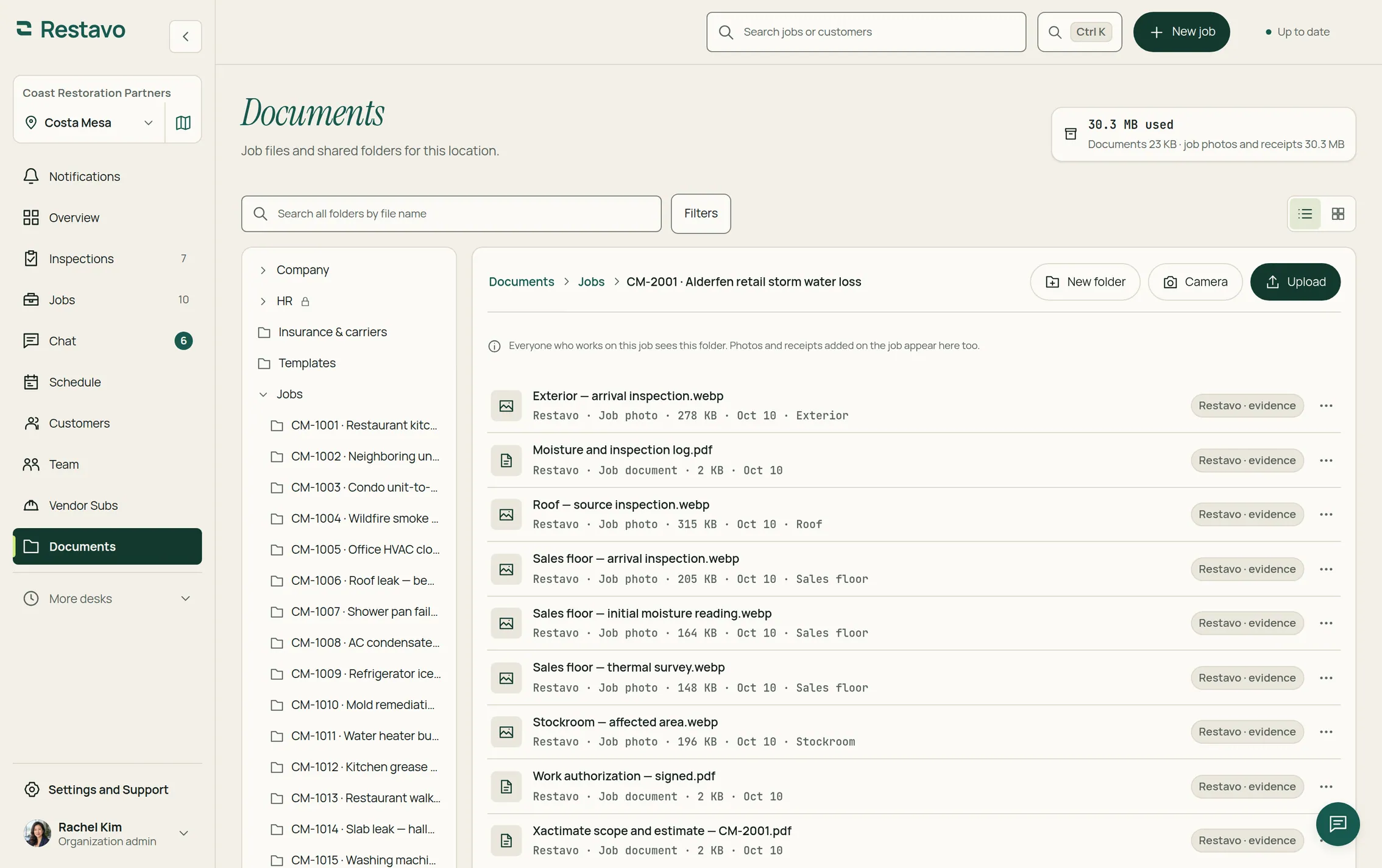
CM-2001 · arrival photos, moisture log and signed authorization
04Locations
Separate records and access.
Always clear which location owns the work.
Switch to an authorized location to review its jobs. The boundary holds, however fast work comes in.
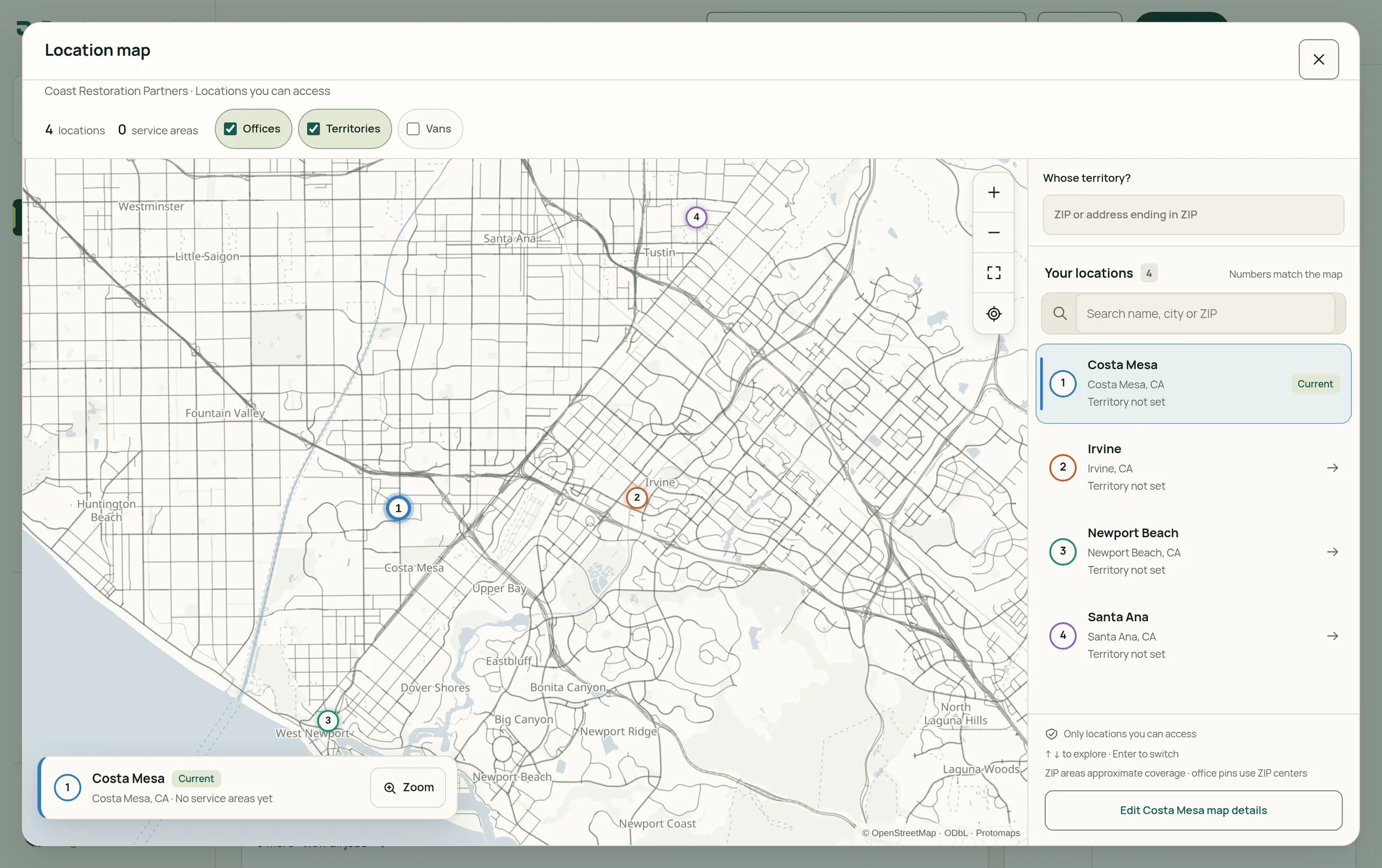
Coast Restoration · location map of Costa Mesa, Irvine, Newport Beach and Santa Ana
Who gets what
What each person gets from it.
- 01
The owner
A busy week sorted by what needs attention first, with each location's work kept clear.
- 02
The office
A day or week view that shows unassigned visits and double bookings while calls stack up.
- 03
The crew
The right property, the right job and somewhere to put the photos.
Questions owners ask
Storm, in short.
How do we keep jobs apart when calls stack up?
Every loss gets its own property, crew and job. Photos and documents are added to that job, so they are still in the right place after the busy week.
How do I decide where crews go next?
Review the day or week in Schedule. Unassigned visits and double bookings are shown, and the overview lists the jobs that need a follow-up.
We run several locations. Which one owns a storm job?
The location it was entered in. You switch to an authorized location to review its jobs, and the boundary holds however fast work comes in.

A walkthrough for your restoration business
See it with your work in mind.
Tell us about your locations, crews and the handoffs that take the most follow-up. We'll walk through the relevant jobs, visits and records in Restavo.
Book a demo Email us