

Subs
Sub work, tied to the job.
Requests and engagements in context.
The Requests view in Vendor Subs shows job-linked work and where it stands. The trade and the job reference travel together.
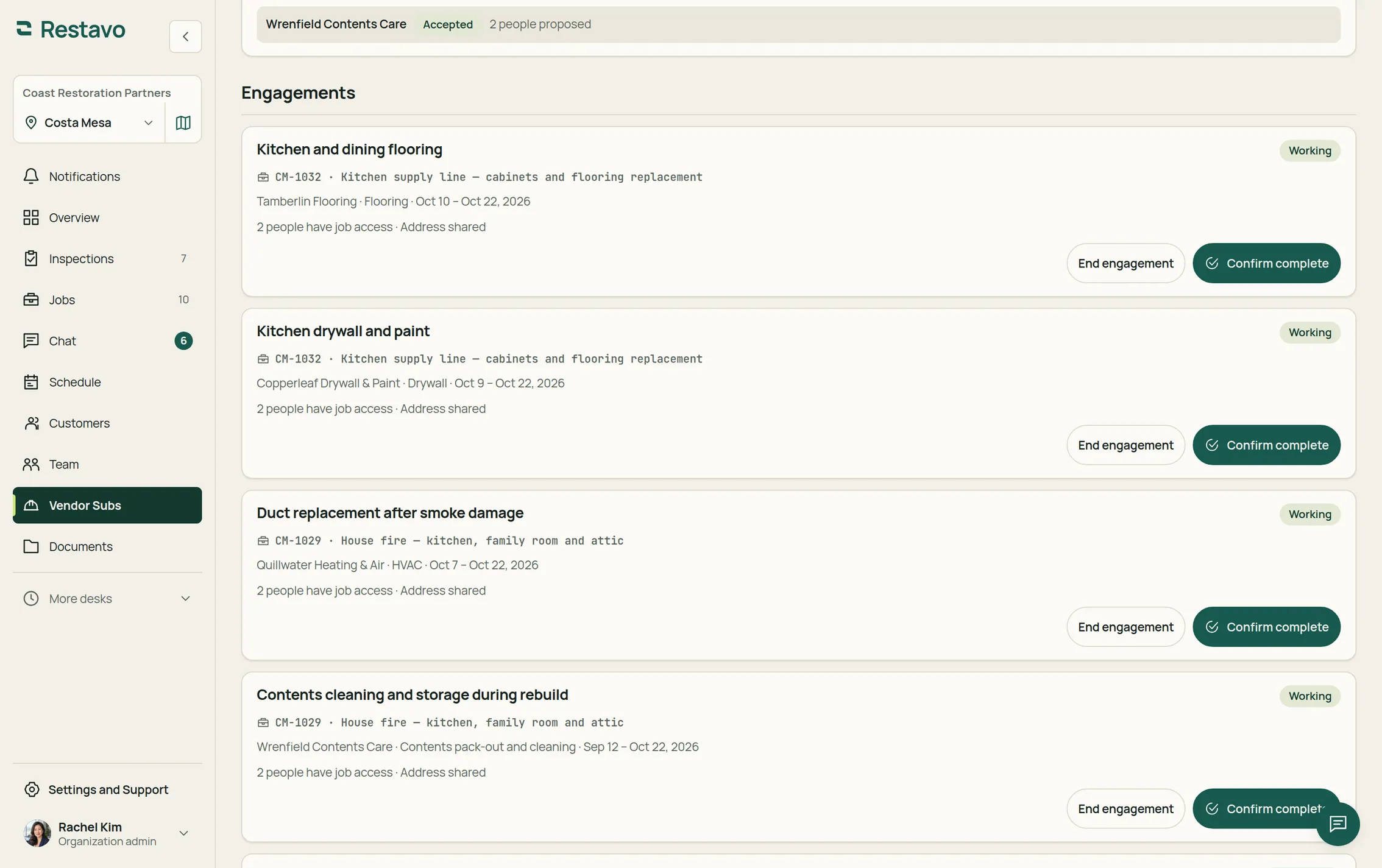
Coast Restoration · active and completed vendor work
01Requests
Check before you chase.
See where every request stands.
Review the request, who it went to and how they responded. Open it from the job to see exactly which work it covers.
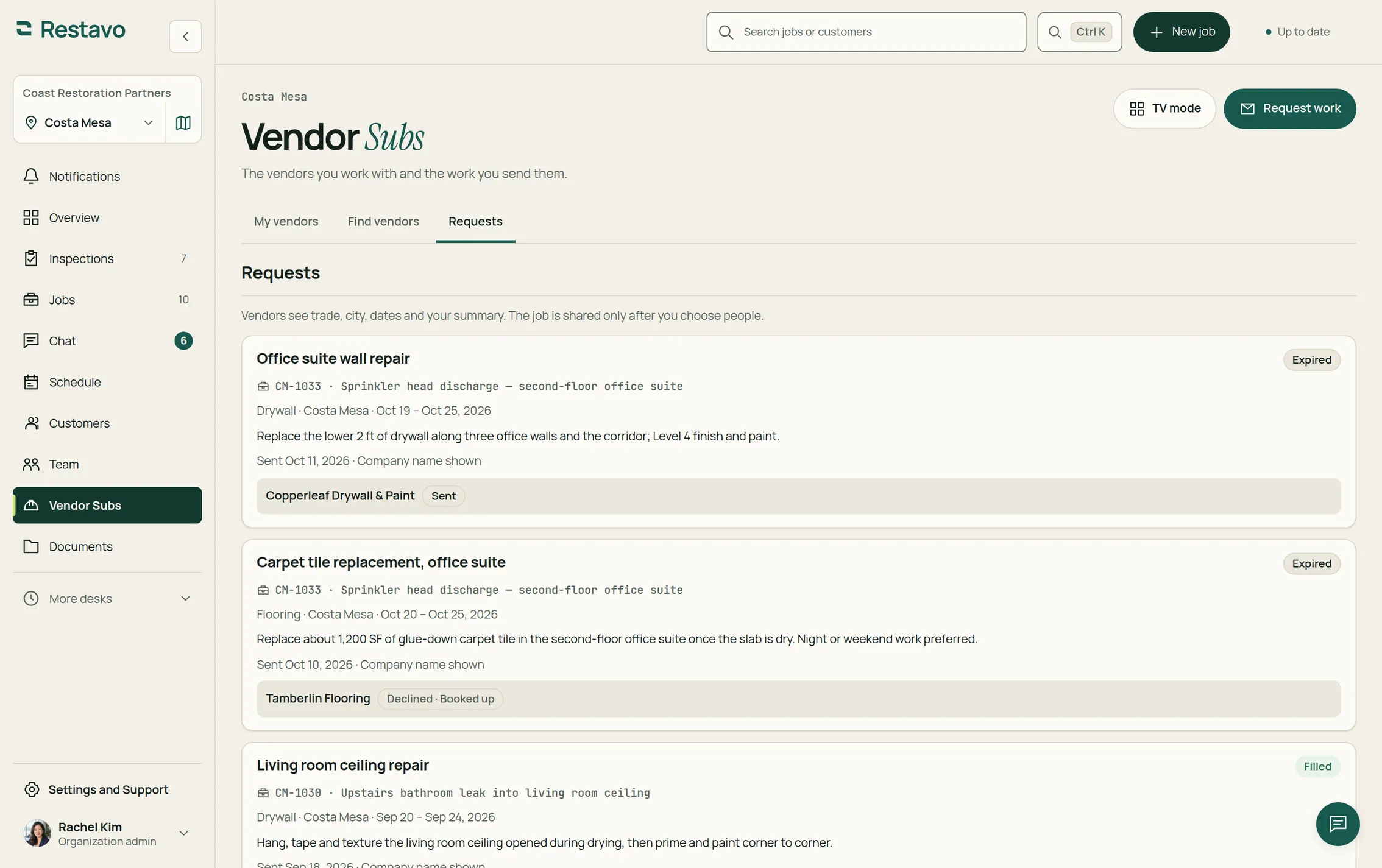
Coast Restoration · job-linked subcontractor engagements
02Engagements
Engagements visible to the right people.
Follow the work after the yes.
Track active engagements and their recorded status. Authorized job managers mark completion when the work is done.
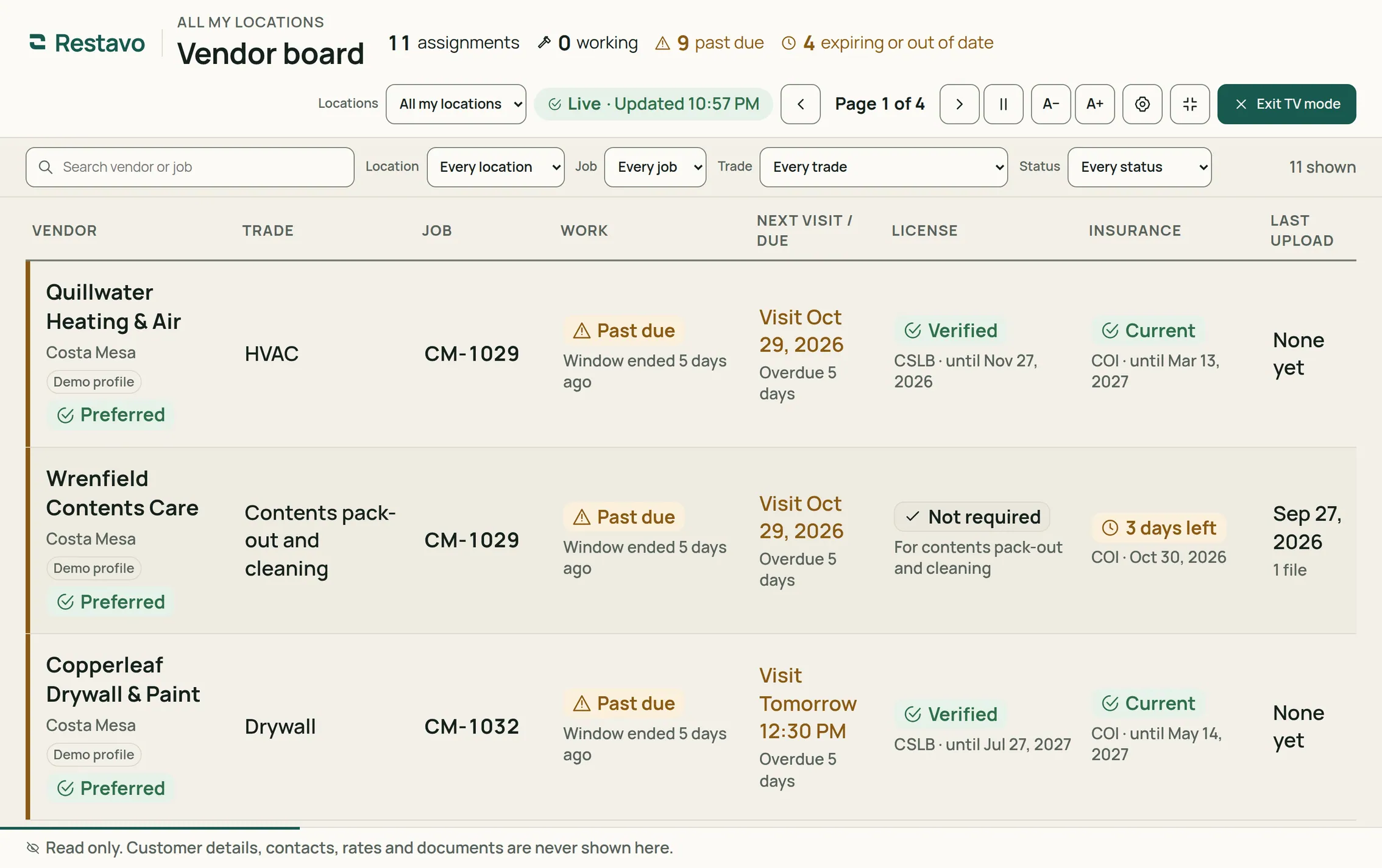
Coast Restoration · live Vendor TV board, all locations
03Job context
The sub record isn't the whole job.
Go back to the work behind it.
The job holds the photos, documents, visits and team notes.
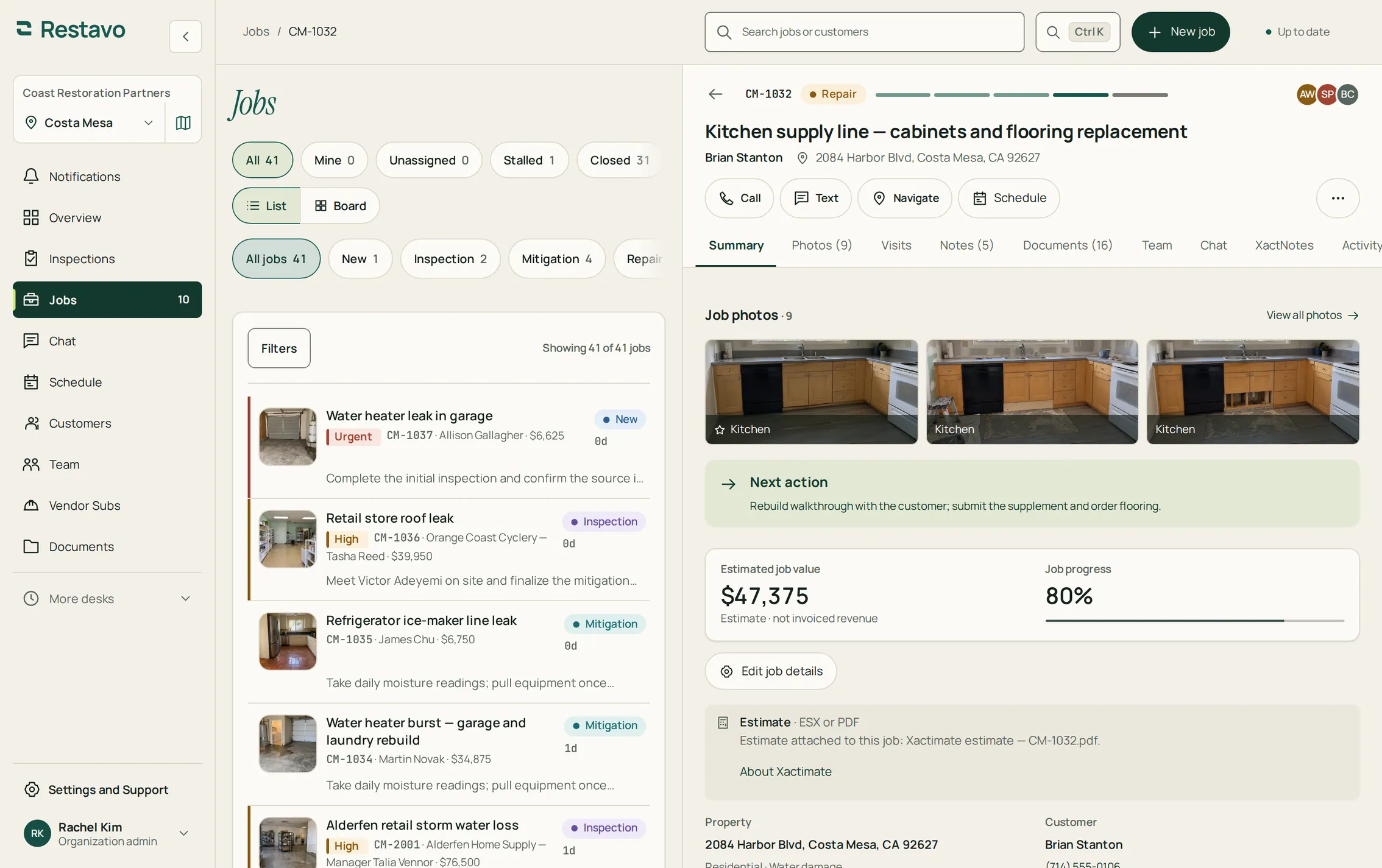
CM-1032 · Kitchen supply line, cabinets and flooring · Repair
Who gets what
What each person gets from it.
- 01
The owner
Subcontracted work you can follow from the job, without chasing each trade for an update.
- 02
The office
Every request, who it went to and how they responded, with engagements tracked after the yes.
- 03
The crew
The trade and the job reference together, so the sub and the crew talk about the same work.
Questions owners ask
Subs, in short.
Where do I see a sub request?
In the Requests view in Vendor Subs, and from the job it covers. You can see who it went to and how they responded.
Who marks sub work complete?
Authorized job managers mark completion when the work is done.
Does app access let someone hire a sub?
No. App access alone does not authorize a hire. Administrators and operations managers coordinate location work, and assigned account managers manage vendors on authorized jobs.

A walkthrough for your restoration business
See it with your work in mind.
Tell us about your locations, crews and the handoffs that take the most follow-up. We'll walk through the relevant jobs, visits and records in Restavo.
Book a demo Email us