

Mobile
Open the job where the work is.
One Restavo on every device your crew carries.
Install it from the browser on iPhone, Android, Mac and Windows: no app store, no separate login. Check visits and add photos or notes on site, then pick up the same job at your desk.
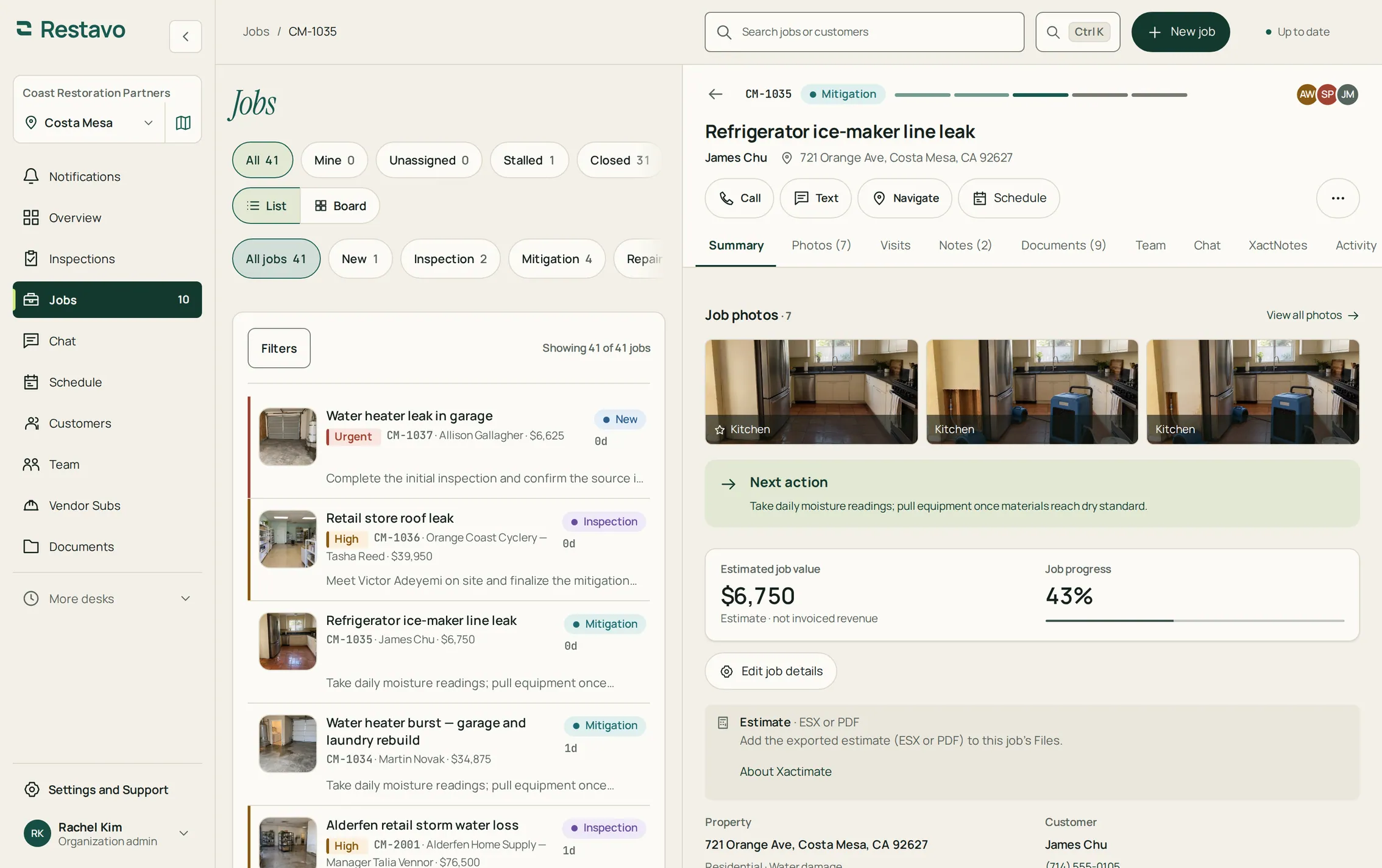
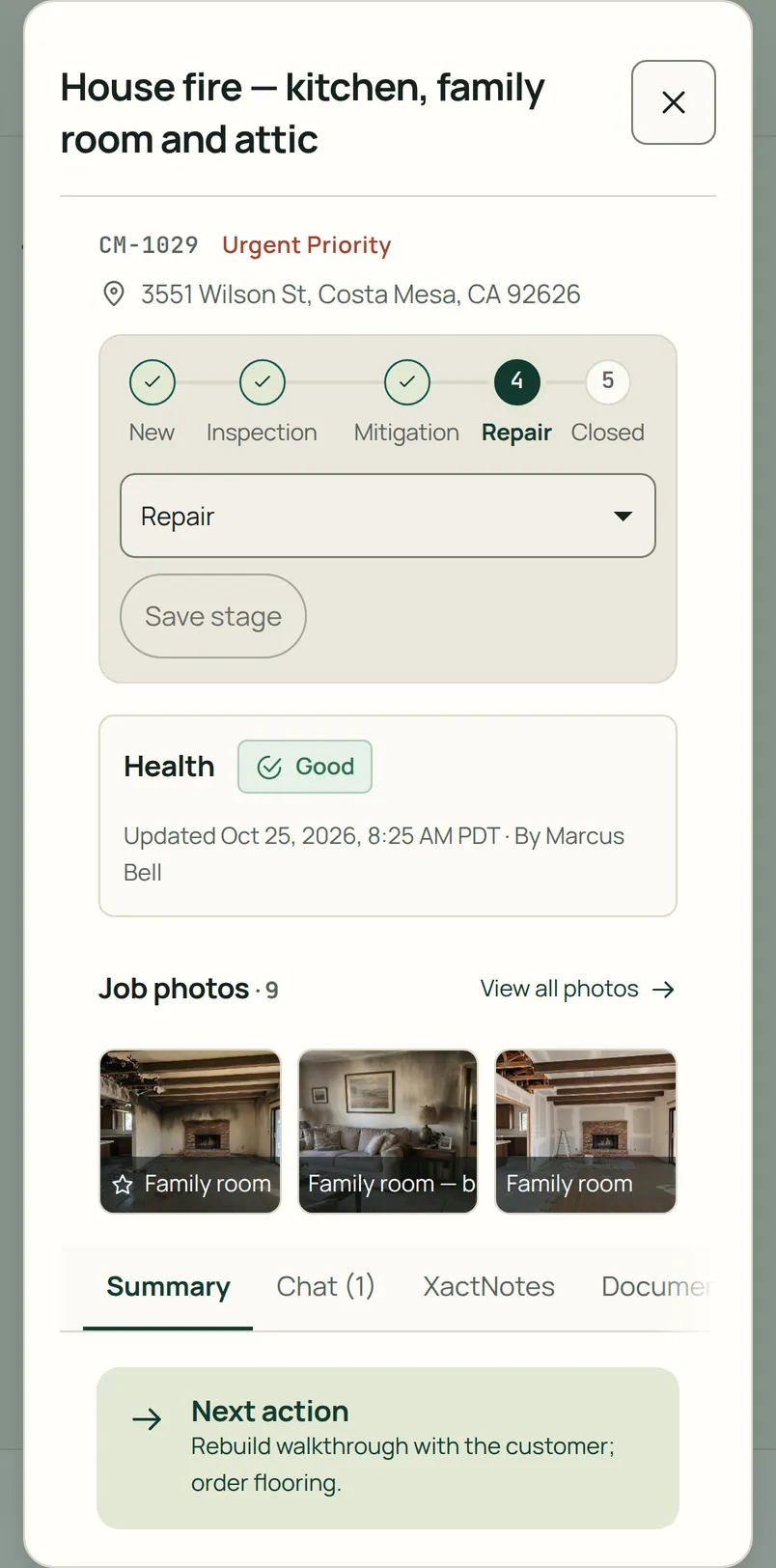
The same account on a MacBook Pro and an iPhone · installed from the browser
The plan and job details, in your pocket.
Check the visit before you pull up.
Open your schedule and the assigned job. Review the saved notes and photos before you knock.
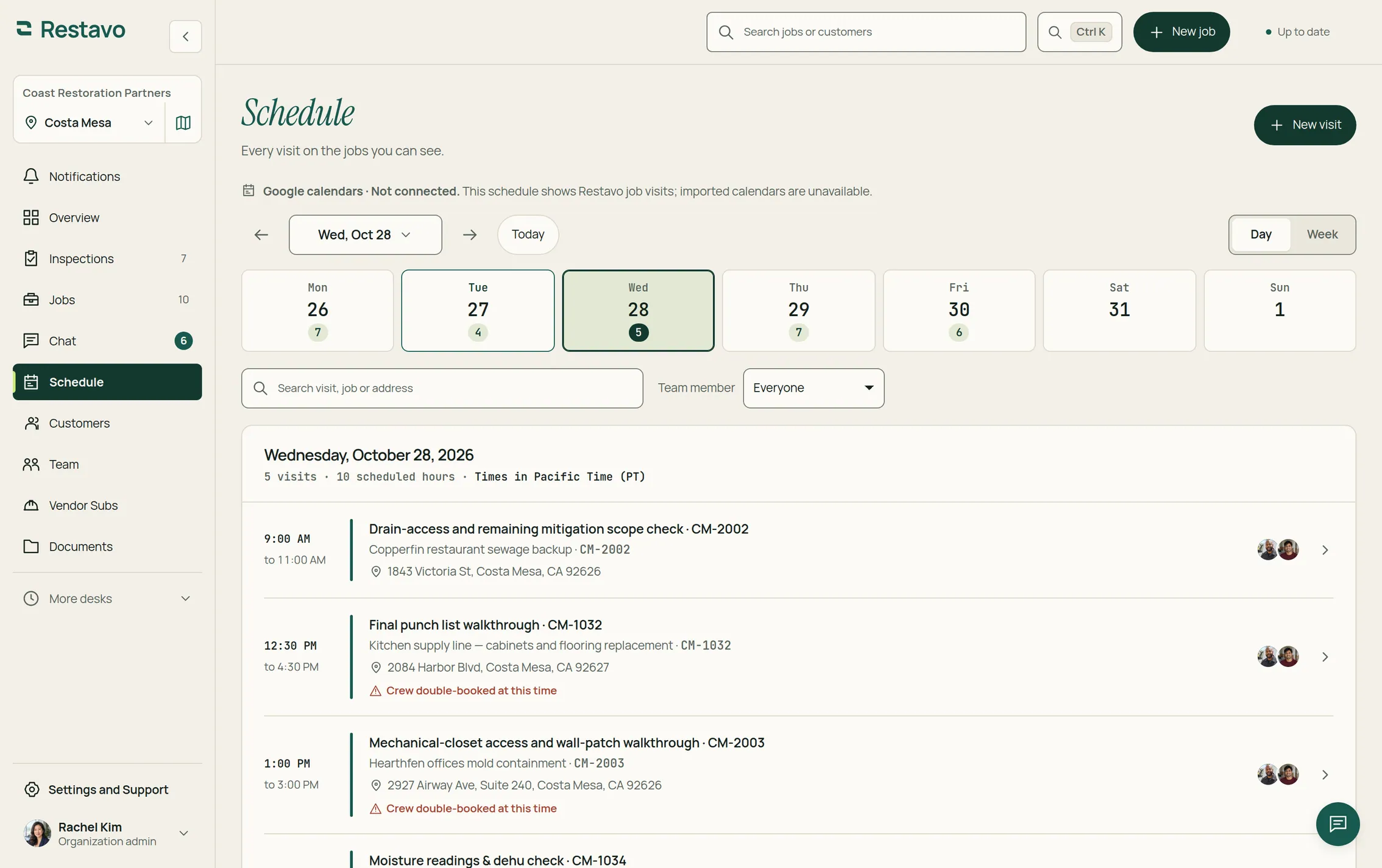
Coast Restoration · Wednesday's visits and crews
Photos and notes stay with the work.
Add photos and notes on site.
Authorized team members add job photos and notes from their phone. The job conversation keeps the office in the loop.
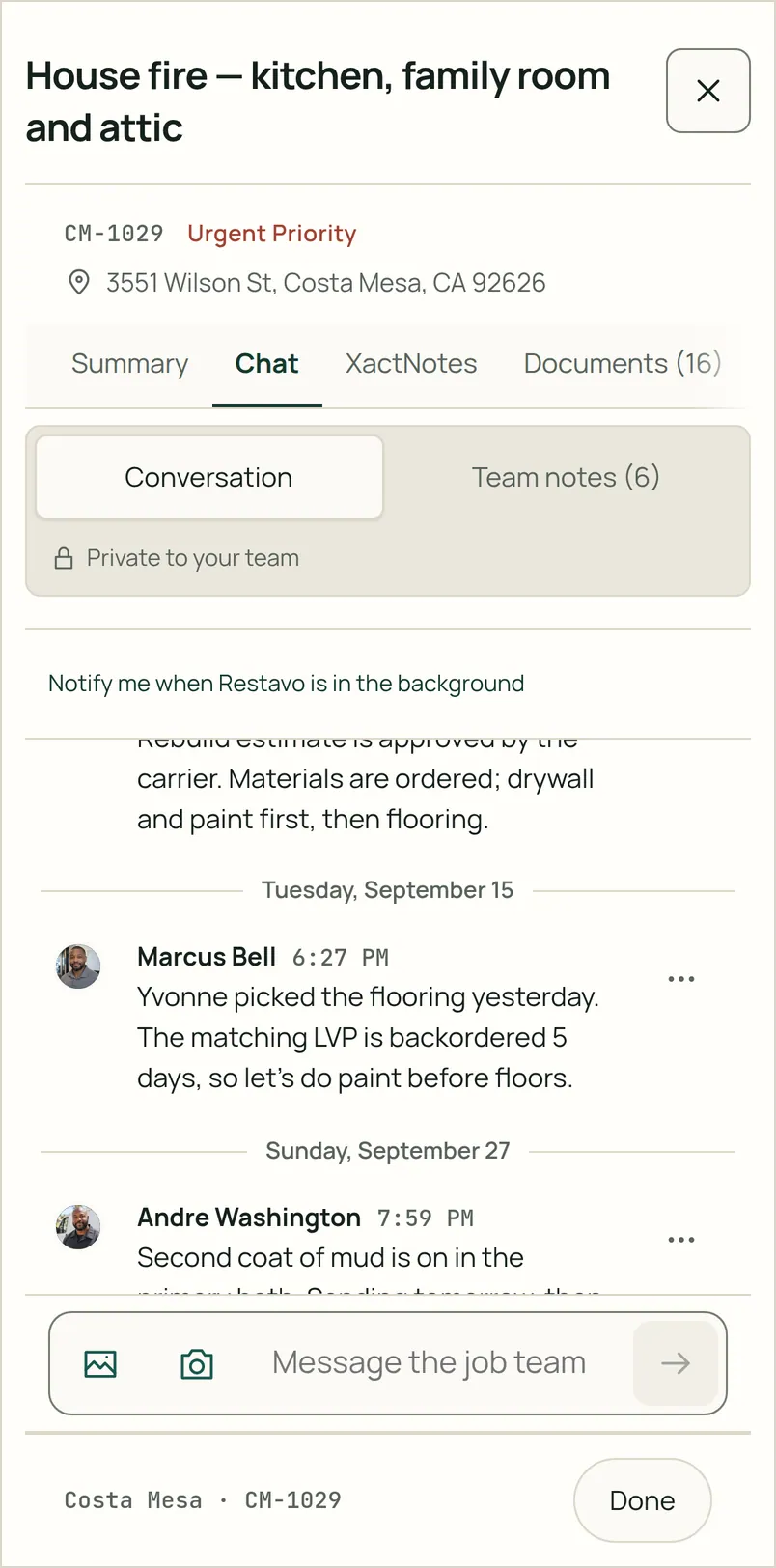
CM-1029 · conversation with the rebuild crew
Same account. Same location. Same permissions.
Pick up the same job at the desk.
Open the job's documents, schedule and conversations on a larger screen, in the browser or installed on your Mac or Windows PC.
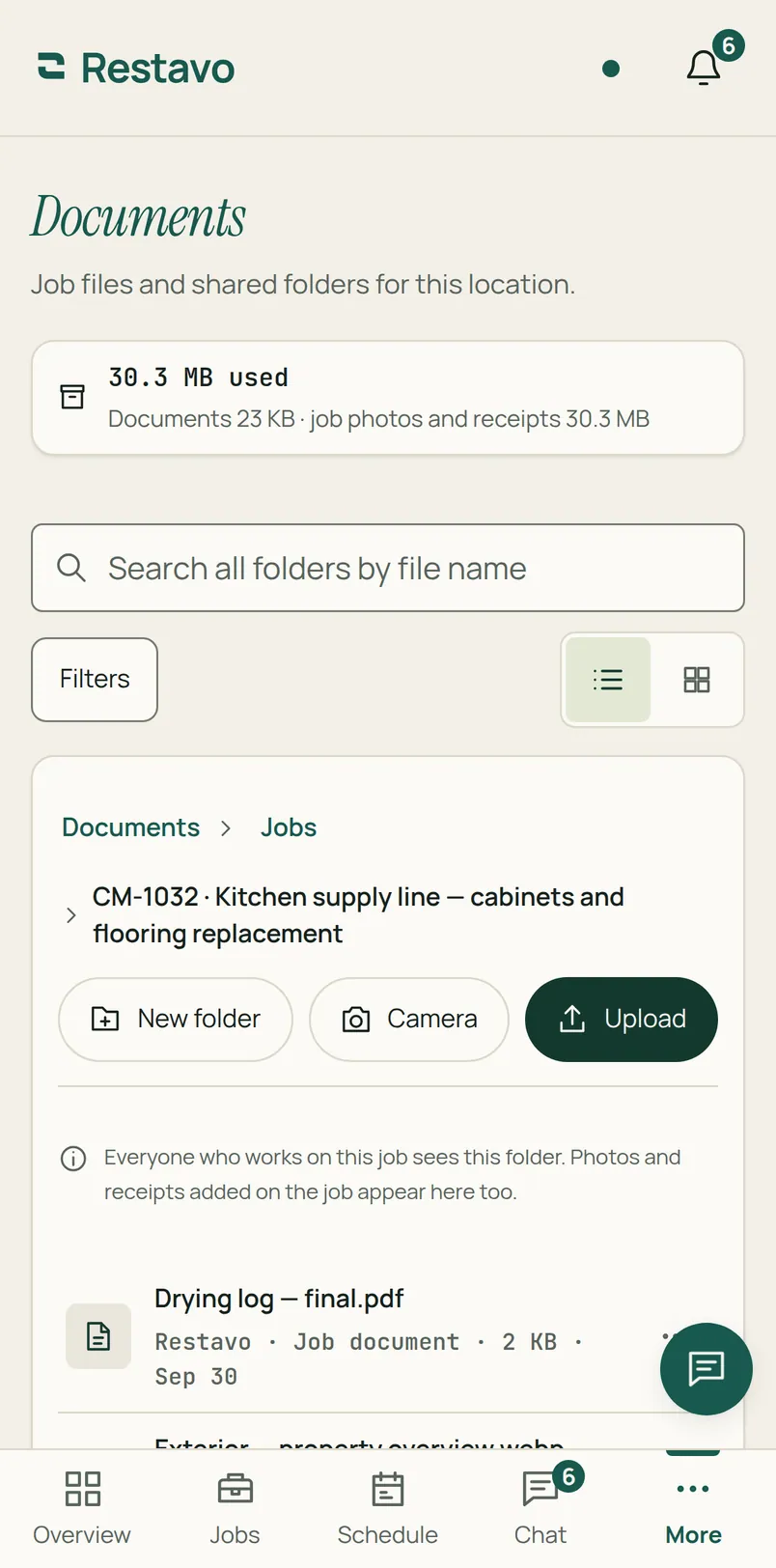
CM-1032 · repair job photos and documents
Works on iPhone, Android, Mac and Windows.
Install it in under a minute.
Open app.restavo.ai, sign in and add Restavo to your home screen or dock. It opens full screen like any other app, and updates itself.
- iPhone & iPadSafari → Share → Add to Home Screen
- AndroidChrome → Install app
- MacChrome, Edge or Safari → Install / Add to Dock
- WindowsEdge or Chrome → Install Restavo
- Any browserOpen app.restavo.ai and sign in
We'll show both in your walkthrough.
See a job on the phone and at the desk.
Tell us how your office and crews work together.