

Mold
Remediation jobs, ready for the next person.
Findings, visits and documents together.
Record the inspection, keep site photos with the job and put a name on every next action.
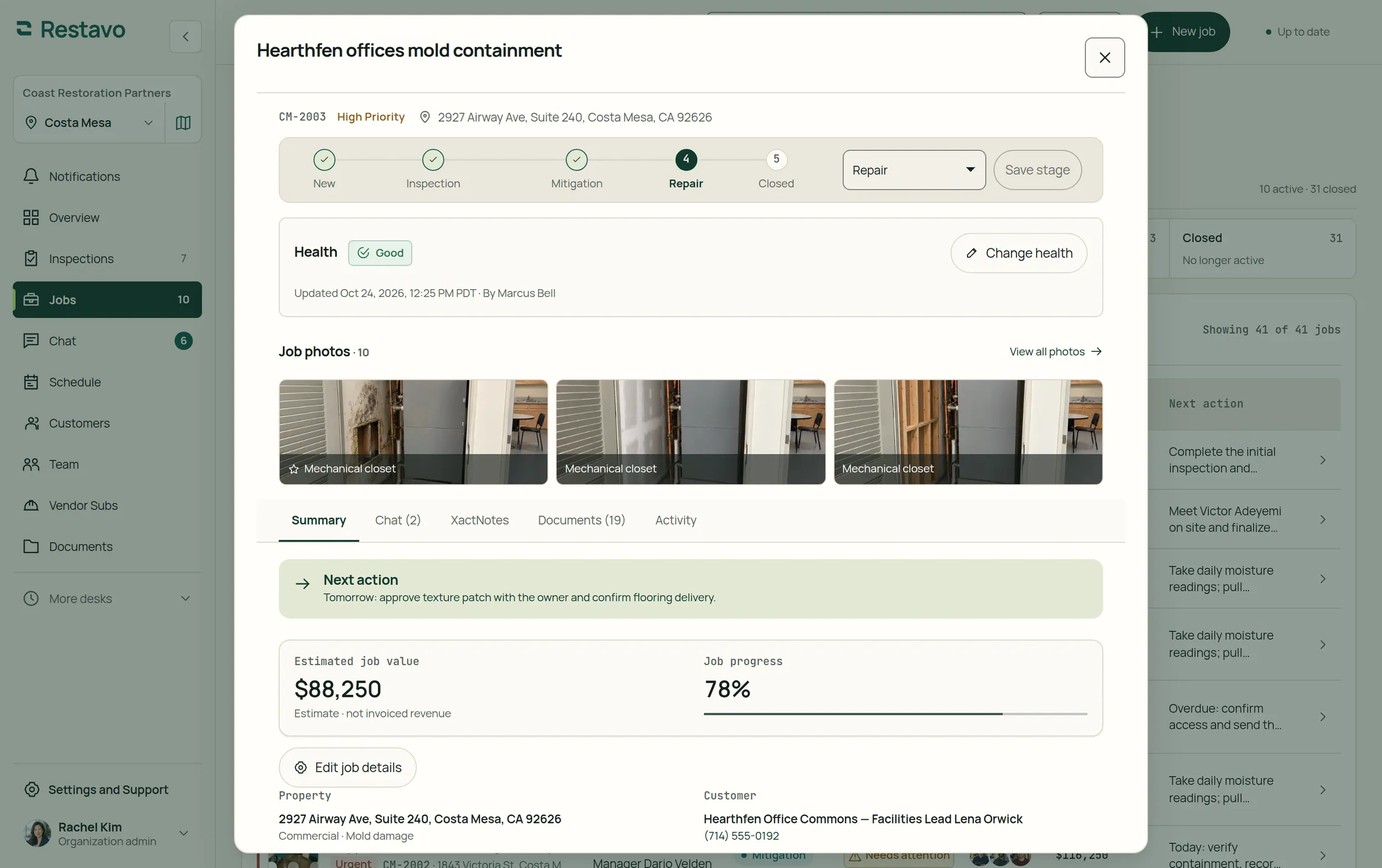
CM-2003 · Hearthfen offices mold containment · Repair
01Findings
A baseline to come back to.
Keep the starting conditions with the work.
Store inspection findings and photos. A won inspection stays linked to its job.
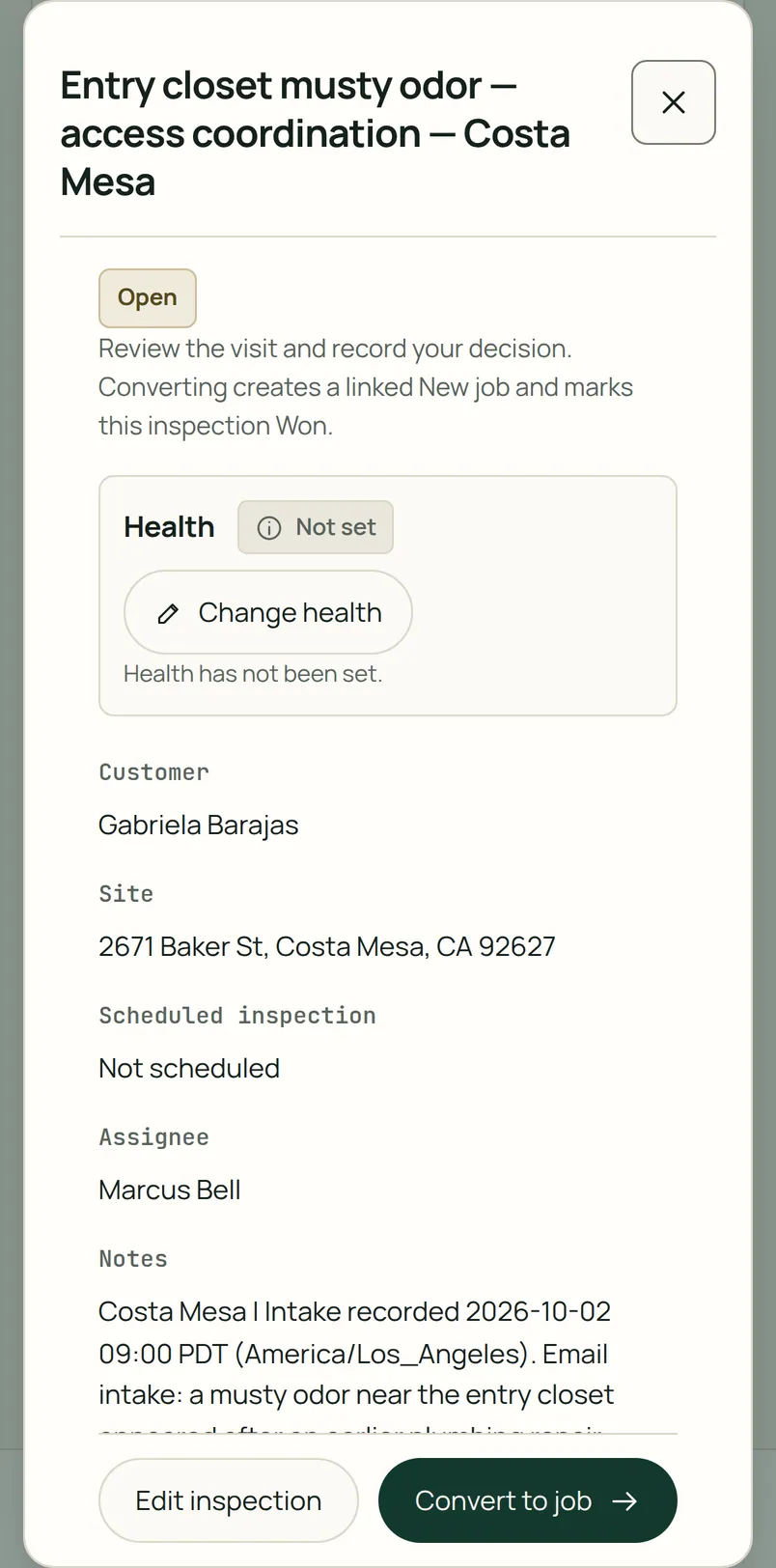
Entry closet musty odor inspection · access coordination
02Visits
Assigned crews and dates.
Know who's going back, and when.
Plan crew visits in Schedule. Check the job's stage and notes before the team returns to site.
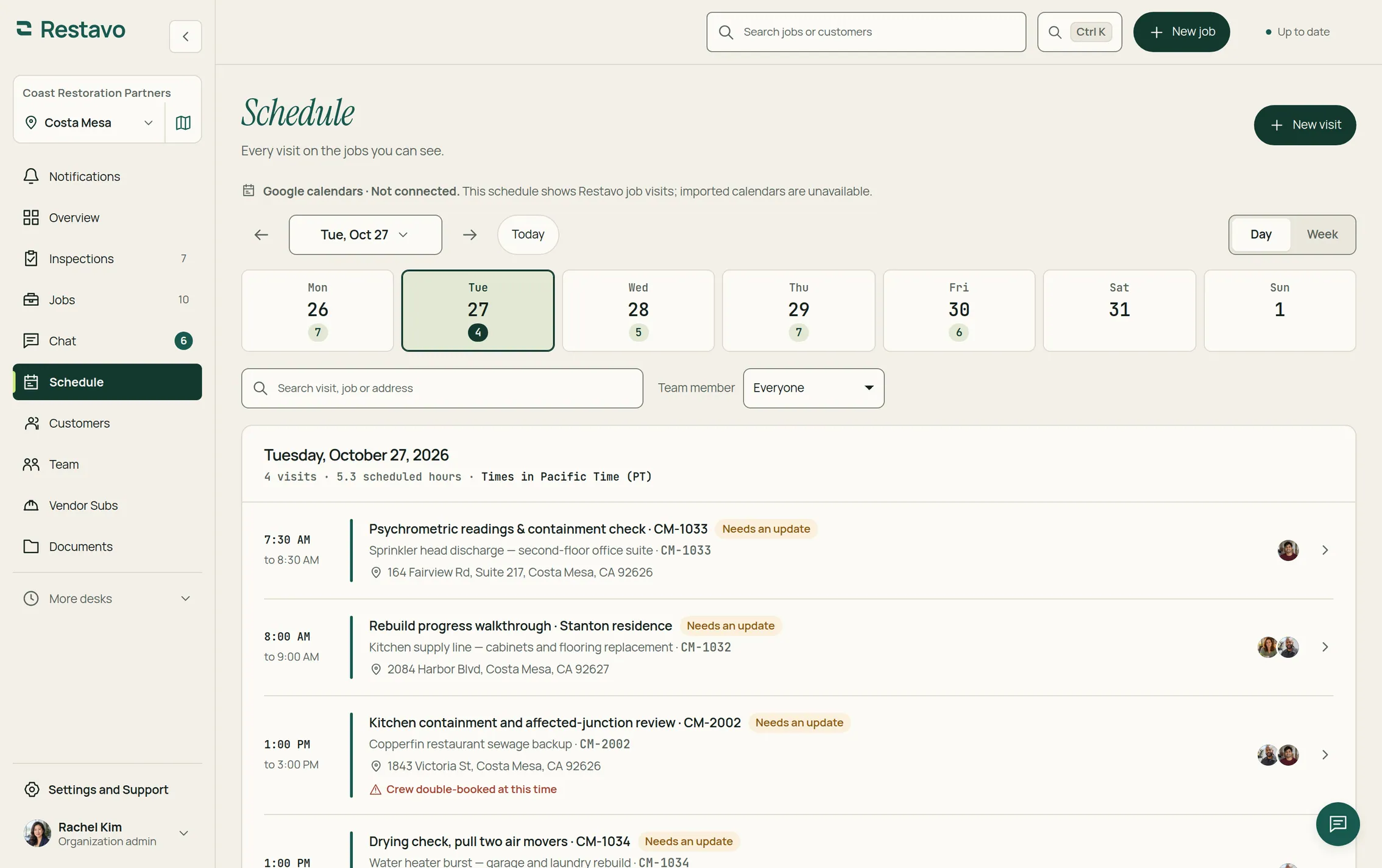
Coast Restoration · today's visits and assigned crews
03Reports
Open the file from the job.
Keep the report, not the email about it.
Upload the reports your team receives as job documents, and preview the PDF next to the rest of the job.
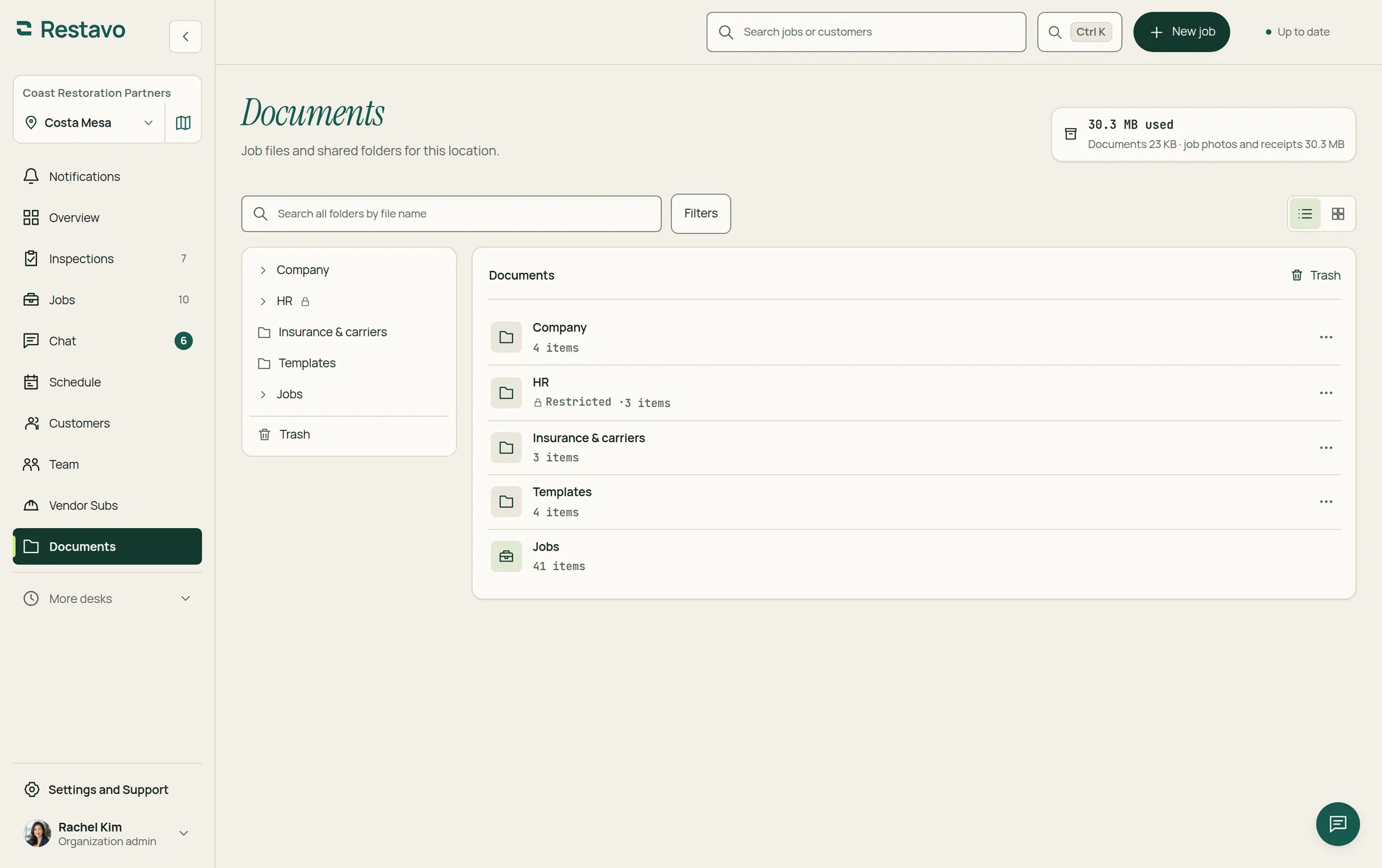
Coast Restoration · location document folders
04Follow-up
A reason, a person and a next action.
Name what's holding the job up.
A Health review makes the issue explicit, and the job's activity keeps it in the history.
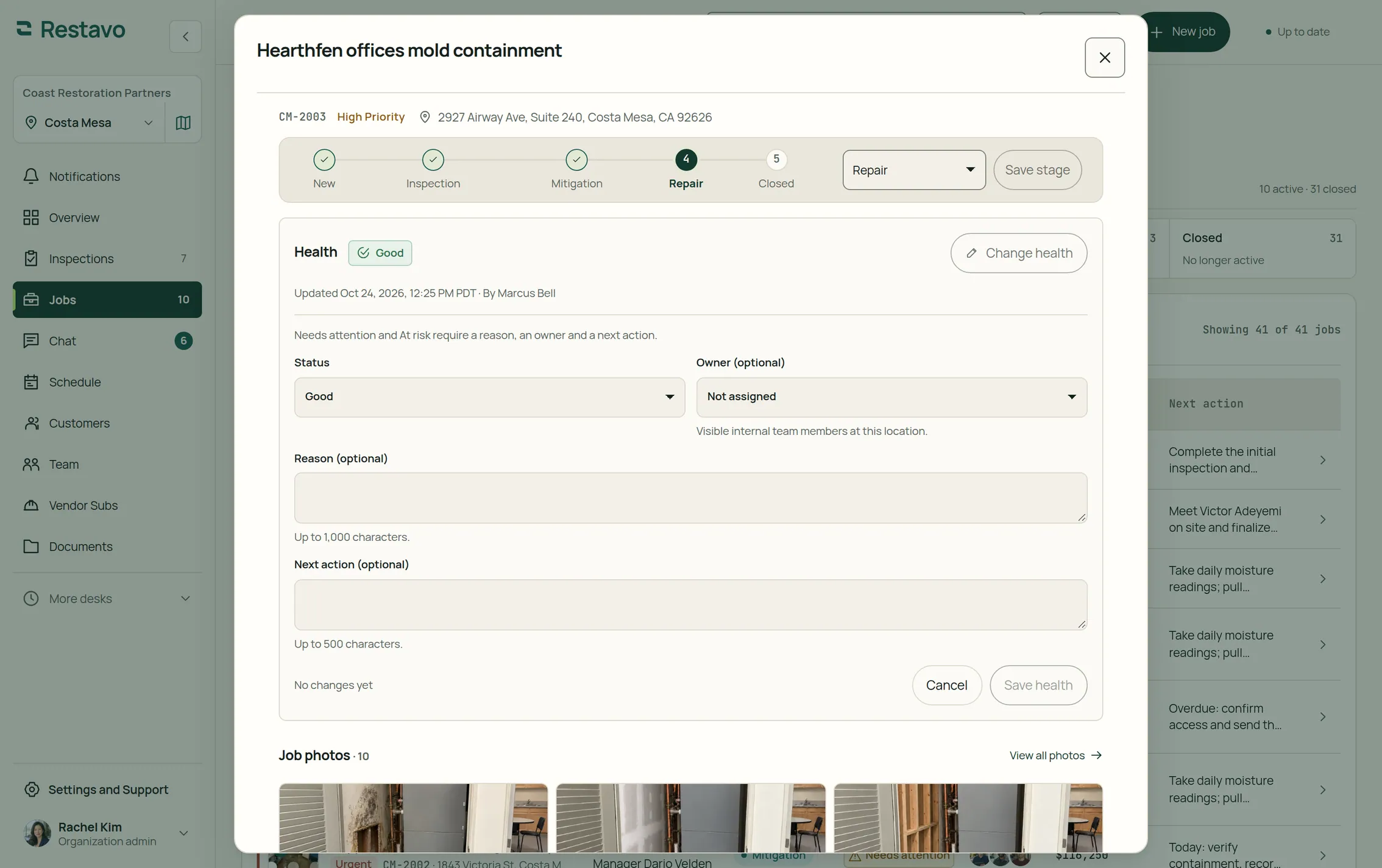
CM-2003 · Health review with status, owner and next action
Who gets what
What each person gets from it.
- 01
The owner
Remediation jobs with a name on every next action.
- 02
The office
The starting conditions, the reports you receive and the crew visits on one job.
- 03
The crew
The job's stage and notes before the team returns to site.
Questions owners ask
Mold, in short.
Where do the reports we receive go?
Upload the reports your team receives as job documents, and preview the PDF next to the rest of the job.
How do I keep the starting conditions?
Store the inspection findings and photos. A won inspection stays linked to its job, so there is a baseline to come back to.
What if access to the property holds the job up?
Record it in a Health review with a reason, a person and a next action. The job's activity keeps it in the history.

A walkthrough for your restoration business
See it with your work in mind.
Tell us about your locations, crews and the handoffs that take the most follow-up. We'll walk through the relevant jobs, visits and records in Restavo.
Book a demo Email us