


01 / New
The first call.
A property, a person and a place to start. Keep the next action with the Cedar Glen job.Keep the next action with the job.

Every loss. Every handoff. One working record.
Keep the crew, visits, photos, documents and notes with the job, from first inspection through mitigation and repair.
Book a demo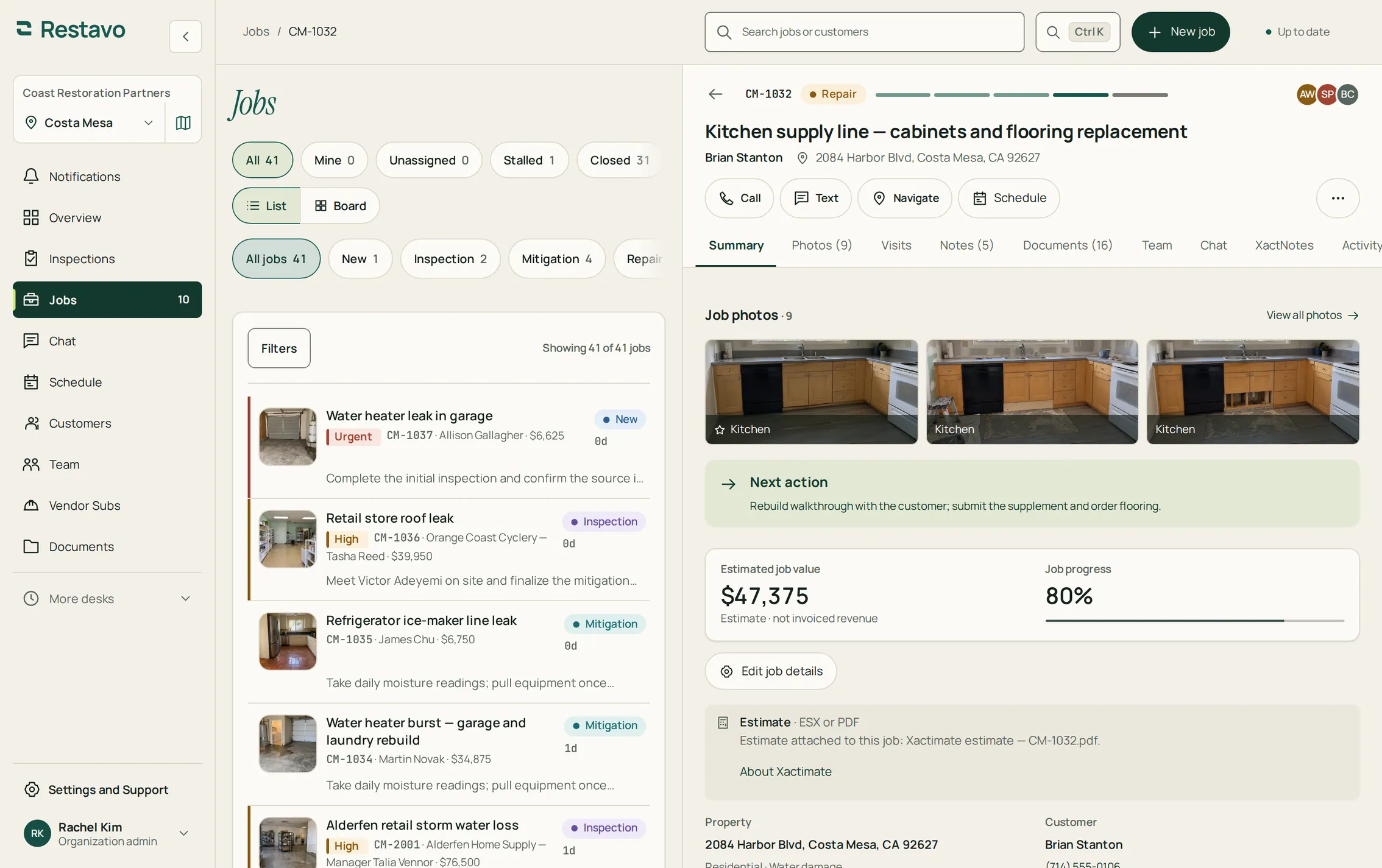
One loss. Five chapters.
The room dries out. The work comes together.
Cedar Glen · CM-2041

01 / New
A property, a person and a place to start. Keep the next action with the Cedar Glen job.Keep the next action with the job.
02 / inspection
The kitchen inspection stays linked to CM-2041, with the findings the next person needs.Carry the findings into the job.

03 / mitigation
Review the stage, the crew’s notes and the next visit while drying continues.Track the crew and the next visit.

04 / repair
The same job moves into Repair. The context stays with it.Move into Repair with the same record.

05 / closed
Record the final stage and return to the job’s history whenever you need it.The job closes. Its history stays.

The work in progress
New. Inspection. Mitigation. Repair. Closed. Review the job list by stage and Health, then open the job for the people on it and the next step.


The next action
A Needs attention or At risk review puts a reason, an owner and a next action behind the concern. Keep that review with the loss so the next person knows what needs doing.


The adjuster’s next question
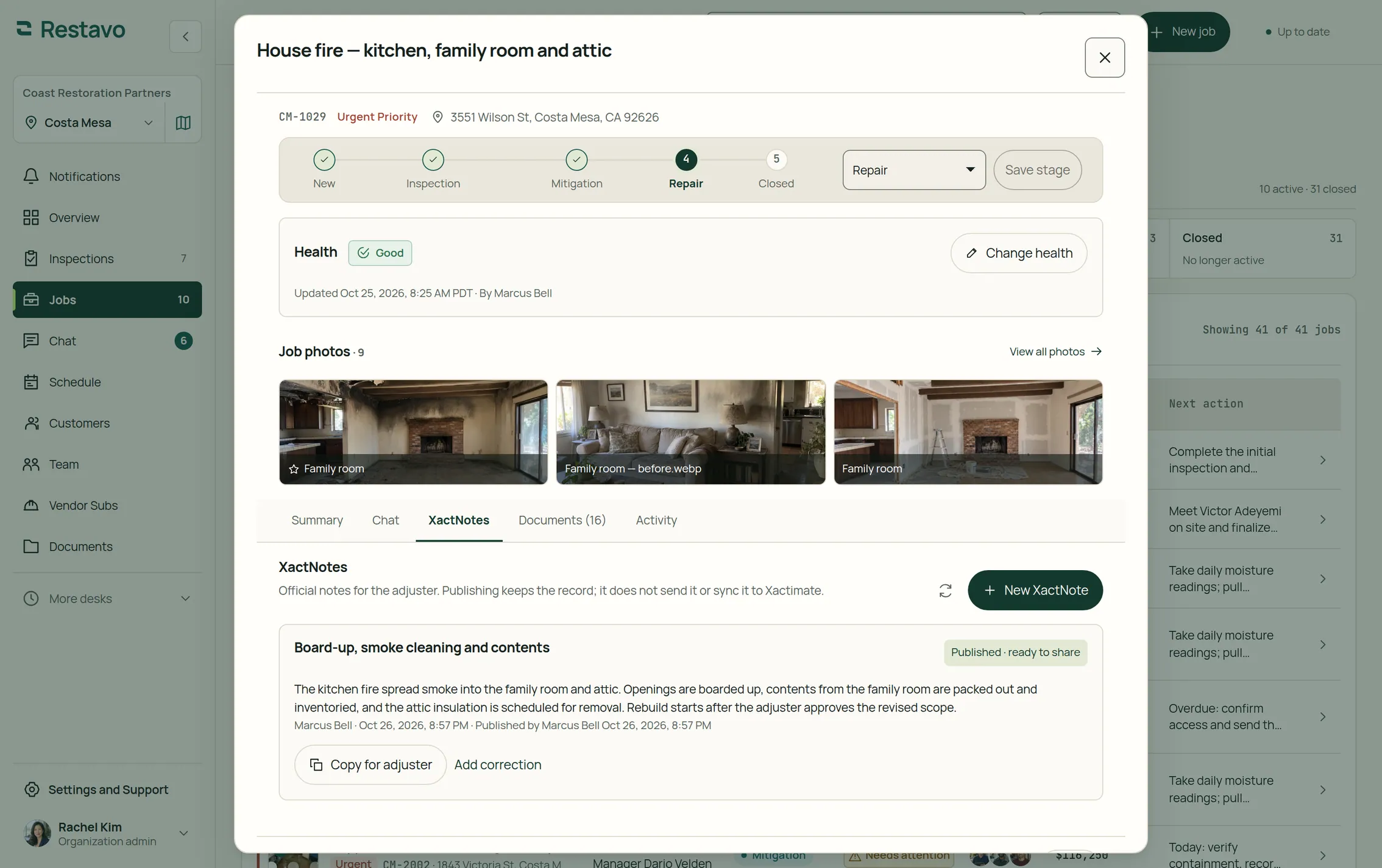
Keep photos, uploaded drying logs and documents with the loss. Review and publish an XactNote, then copy the approved wording to share with the adjuster or carrier.
The story so far
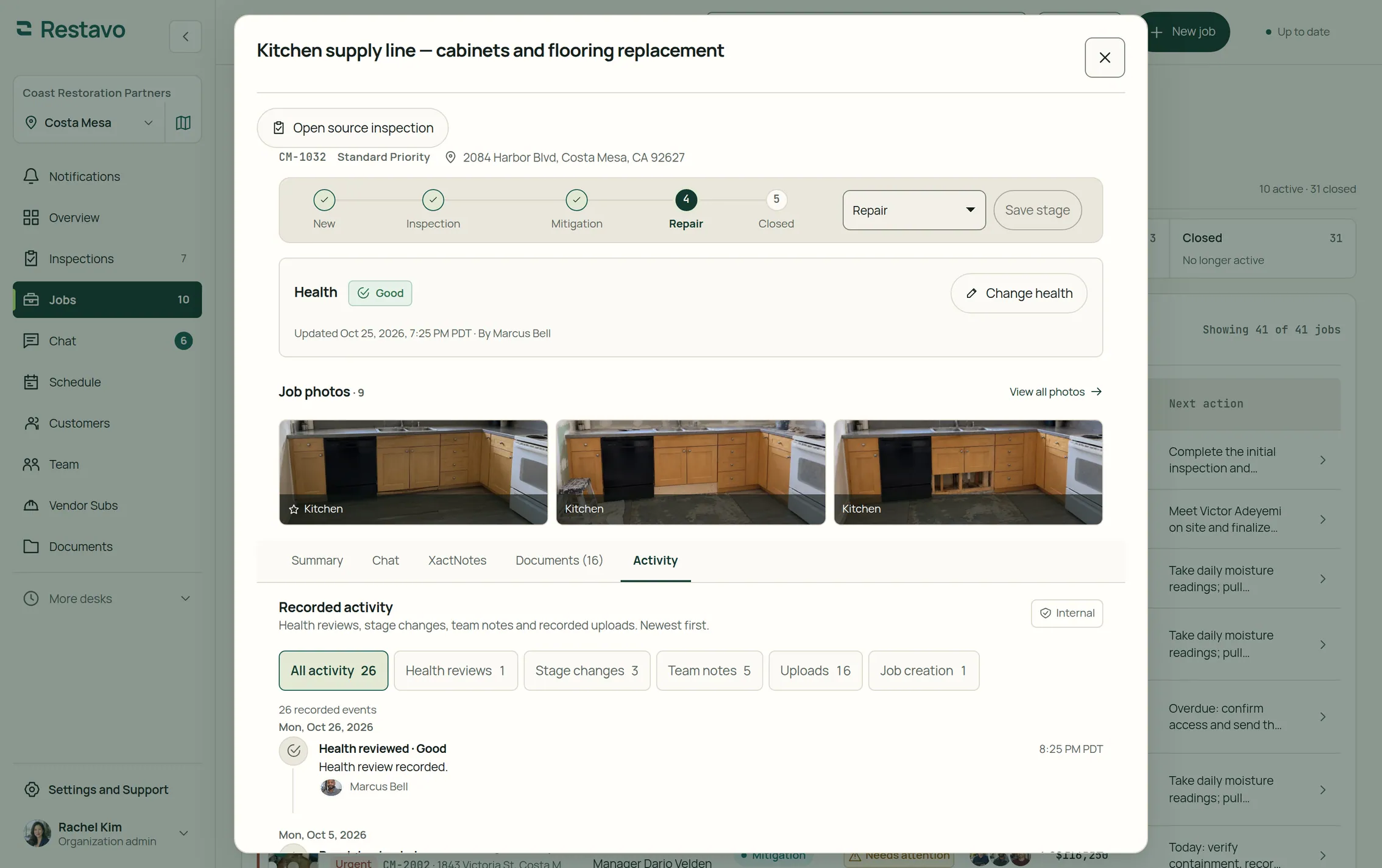
Activity keeps recorded changes, notes, document additions and Health reviews with the job. Your office and crew can return to the record as the work moves forward.
Office and field, working together
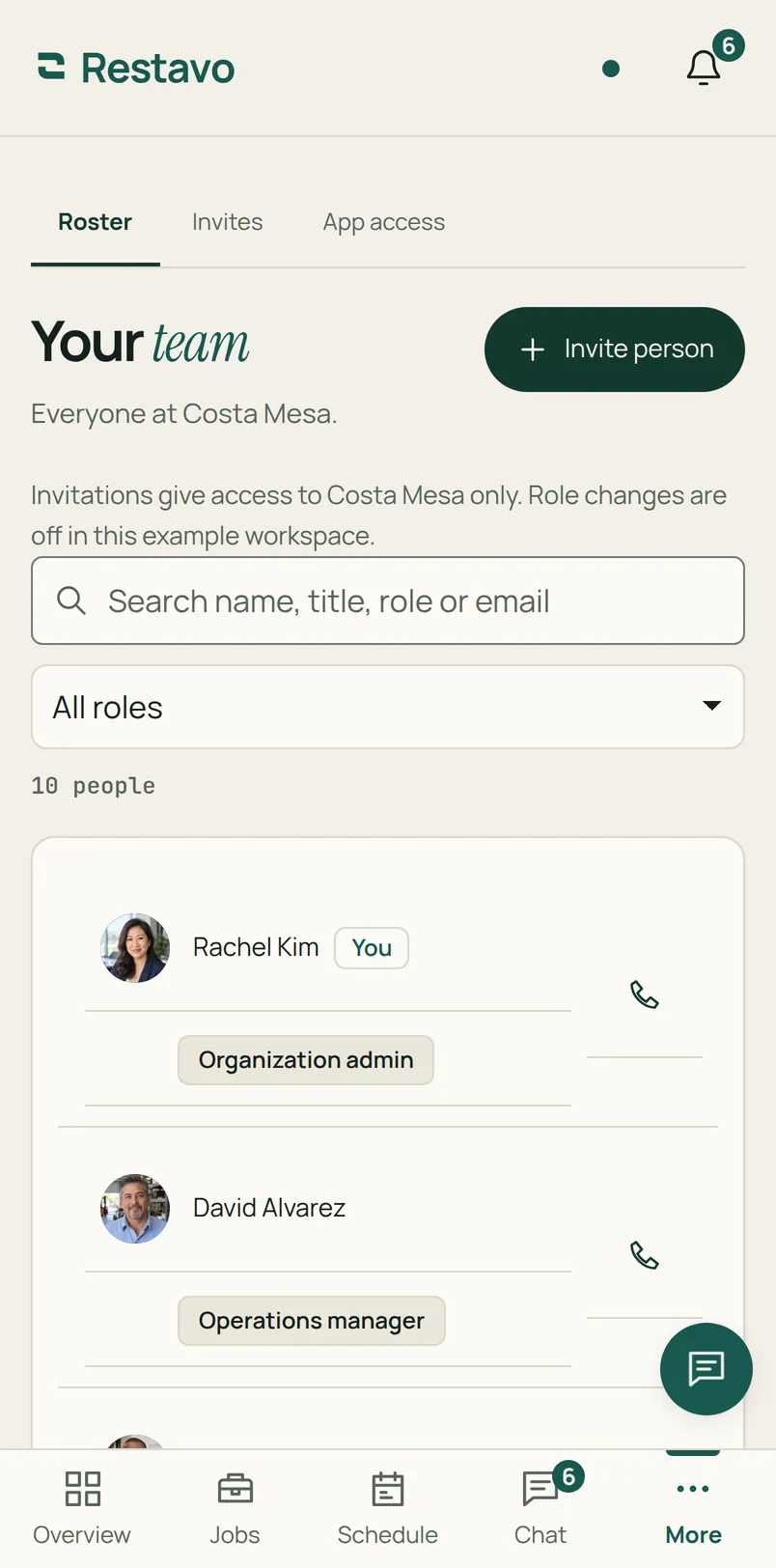
Administrators and operations managers manage location work. Assigned staff work within their roles; finance and sales managers can read every job in their location.
Who gets what
Where each job stands by stage and Health, without calling around for the update.
Photos, uploaded drying logs and documents kept with the loss, ready when the adjuster calls.
The job they are assigned to, with its notes and the next step, from first inspection through repair.
Questions owners ask
New, Inspection, Mitigation, Repair and Closed. You review the job list by stage and Health, then open a job for the people on it and the next step.
A Needs attention or At risk review puts a reason, an owner and a next action behind a concern. It stays with the loss, so the next person knows what needs doing.
Administrators and operations managers manage location work. Assigned staff work within their roles, and finance and sales managers can read every job in their location.
A walkthrough for your restoration business
Tell us about your locations, crews and the handoffs that take the most follow-up. We'll walk through the relevant jobs, visits and records in Restavo.
Book a demo Email us