

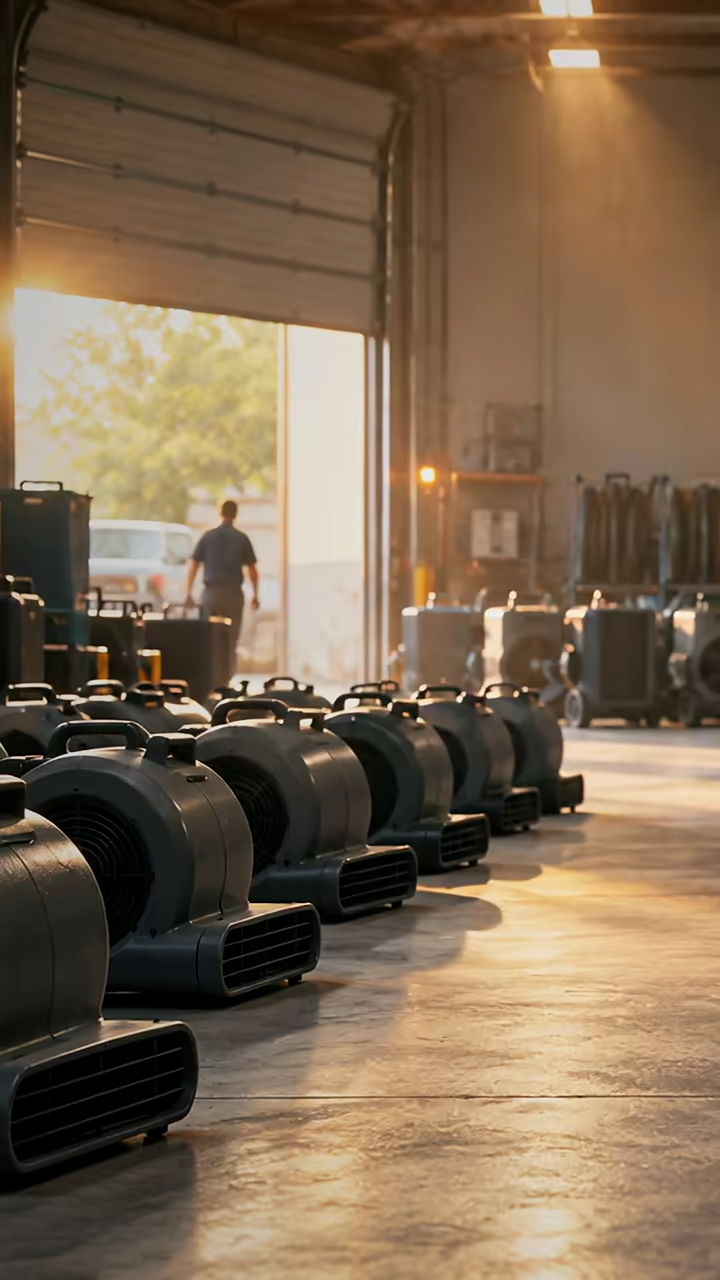

The owner
Run the day before it runs you.
Active losses, today's crews and the job that needs your decision, in one view.
For ownersThe operating system for restoration owners.
Every job, crew and location, from the first call to the final walkthrough.
Coast Restoration · Costa Mesa workspace


Estimates, accounting, email, cloud and AI, all working from the same job record.
See integrationsPartners
Works with
Built for the whole company
Restoration is a relay. Restavo keeps the handoff with the job, so nobody calls around for the update.
The owner
Active losses, today's crews and the job that needs your decision, in one view.
For owners
The office
Customers, inspections and the schedule stay with the loss, so the next question has an answer.
Explore Schedule
The crew
Assigned work, photos and the next note from the property, on the record the office already has open.
Explore mobileThe work
Fire, water, mold or storm: every loss moves from the first call through mitigation and repair. Restavo keeps one job file the whole way.
Explore Jobs


One loss. Five chapters.
The room dries out. The work comes together.
Cedar Glen · CM-2041

01 / New
A property, a person and a place to start. Keep the next action with the Cedar Glen job.Keep the next action with the job.

02 / inspection
The kitchen inspection stays linked to CM-2041, with the findings the next person needs.Carry the findings into the job.

03 / mitigation
Review the stage, the crew’s notes and the next visit while drying continues.Track the crew and the next visit.

04 / repair
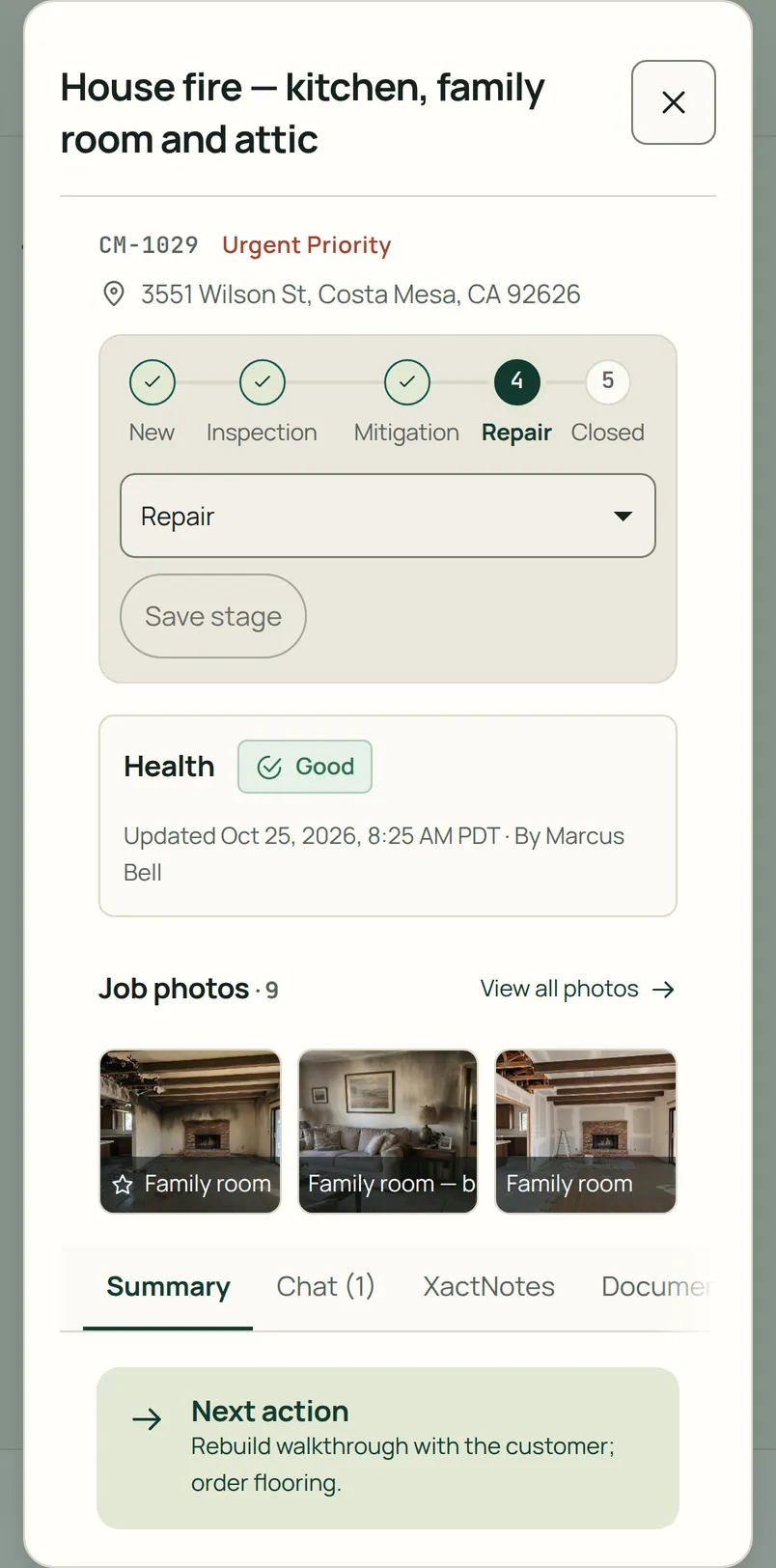
The same job moves into Repair. The context stays with it.Move into Repair with the same record.

05 / closed
Record the final stage and return to the job’s history whenever you need it.The job closes. Its history stays.

Work, in motion
See the everyday handoffs inside the Coast workspace.
Move the Cedar Glen job from Mitigation into Repair.


A crew arrival photo joins the Cedar Glen job folder.


Record the Health review and the next action after the visit.


The crew and office catch up in the Cedar Glen conversation.


Built around your day
Follow the job, find the file and reach the right person.
Today's priorities
Active jobs, today’s visits and the work that needs attention.Every loss
The crew, the stage and the record behind the work.Visits and crews
Plan the next visit and see who is assigned.People and properties
Contact details and the jobs connected to each customer.First call to outcome
Record findings and turn won inspections into jobs.The job file
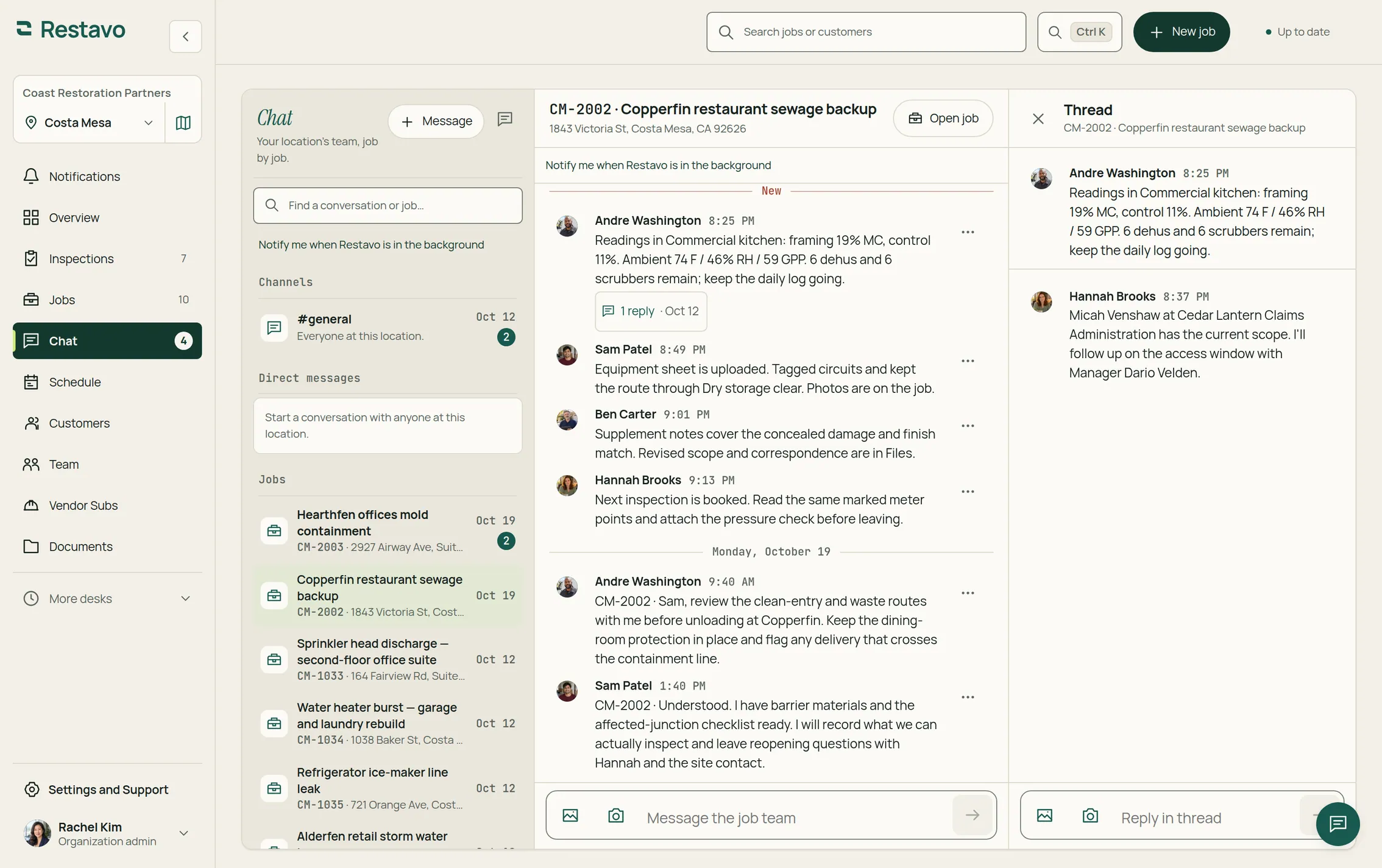
Job photos, uploaded drying logs and supporting documents.Office to field
Location channels and job conversations for the team.People and roles
Give each person access for their part of the work.Your subcontracted work
Vendor contacts, requests and job engagements.The next response
Unread conversations and mentions from your location.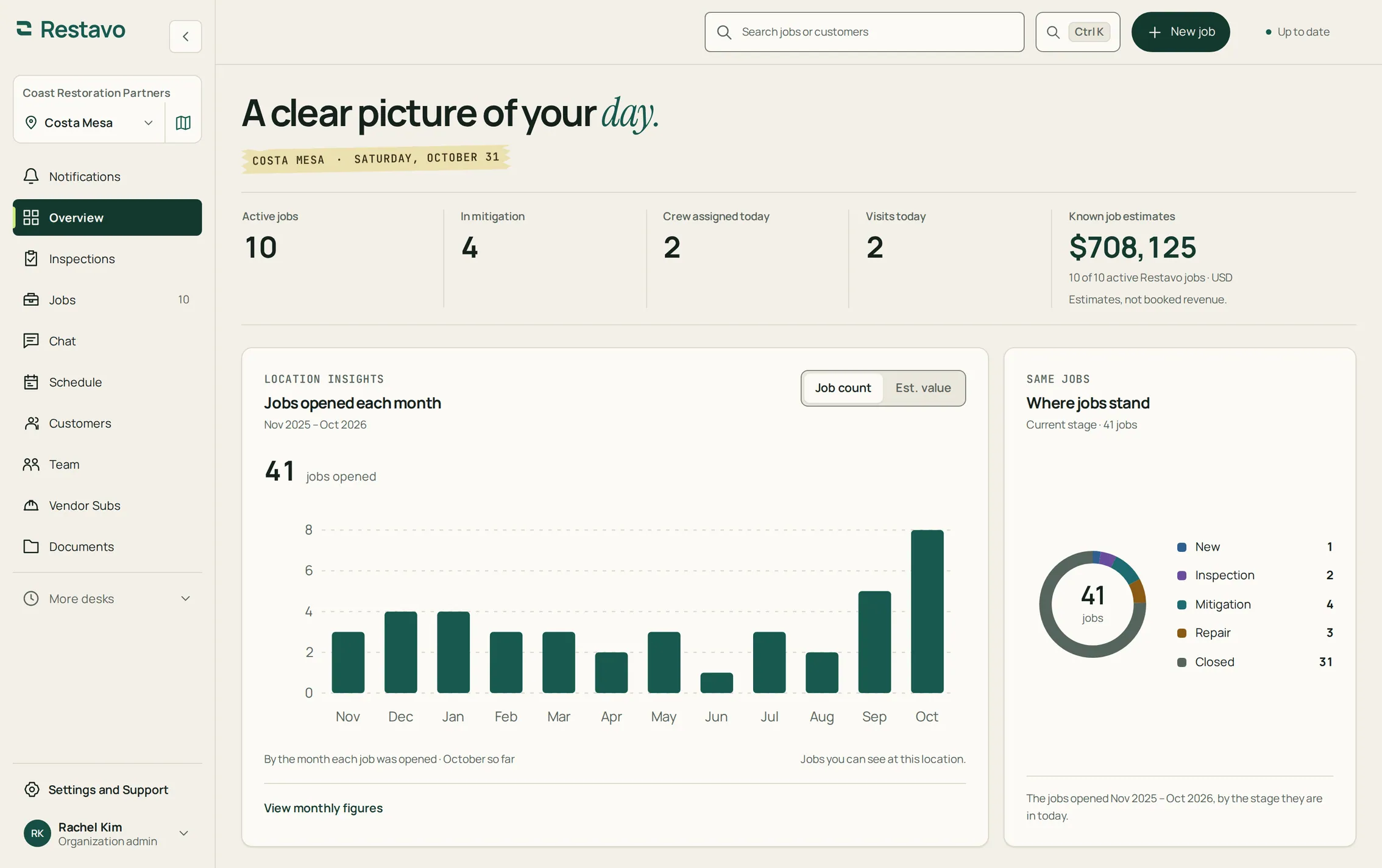
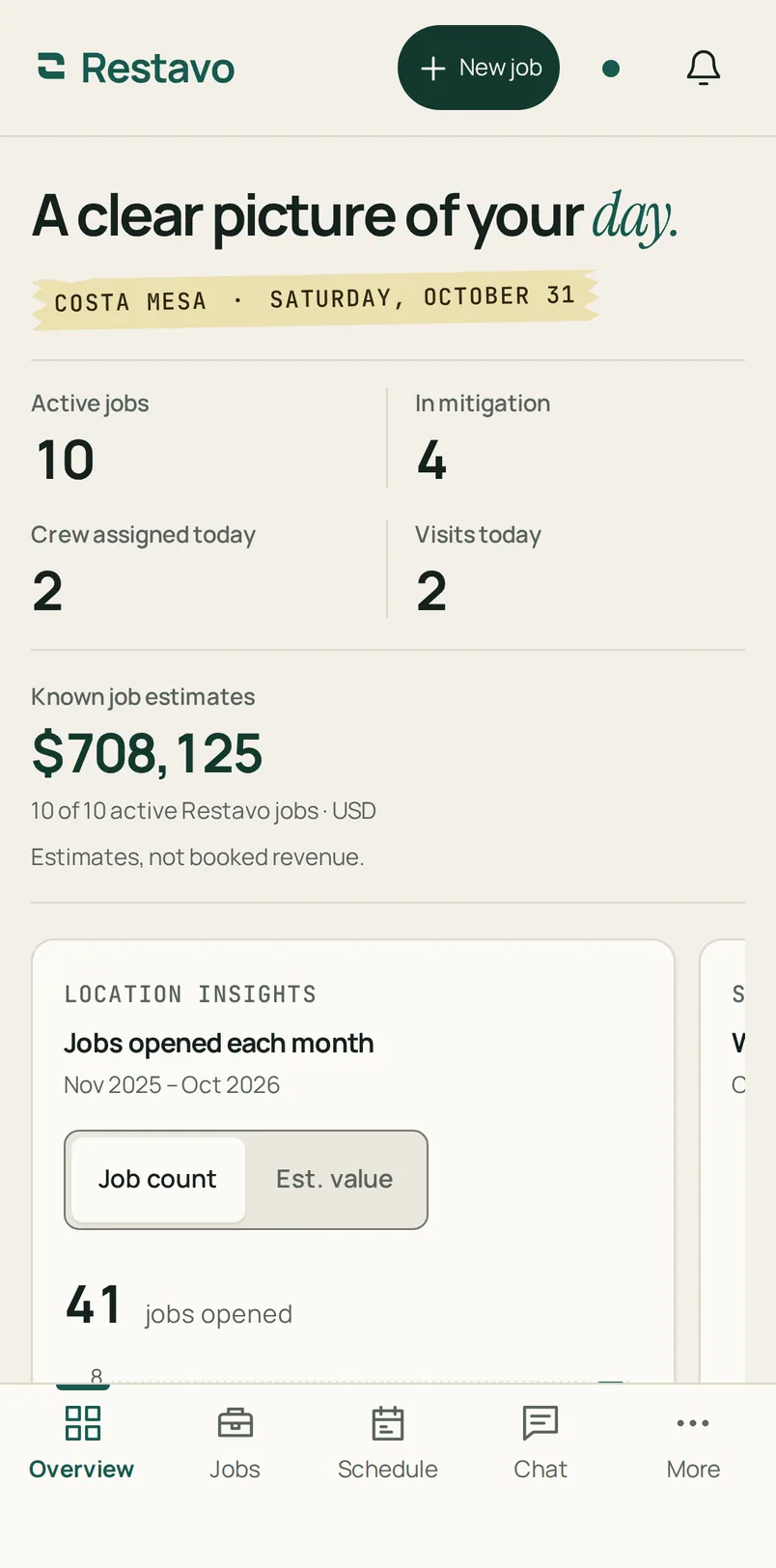
Overview · Coast Restoration
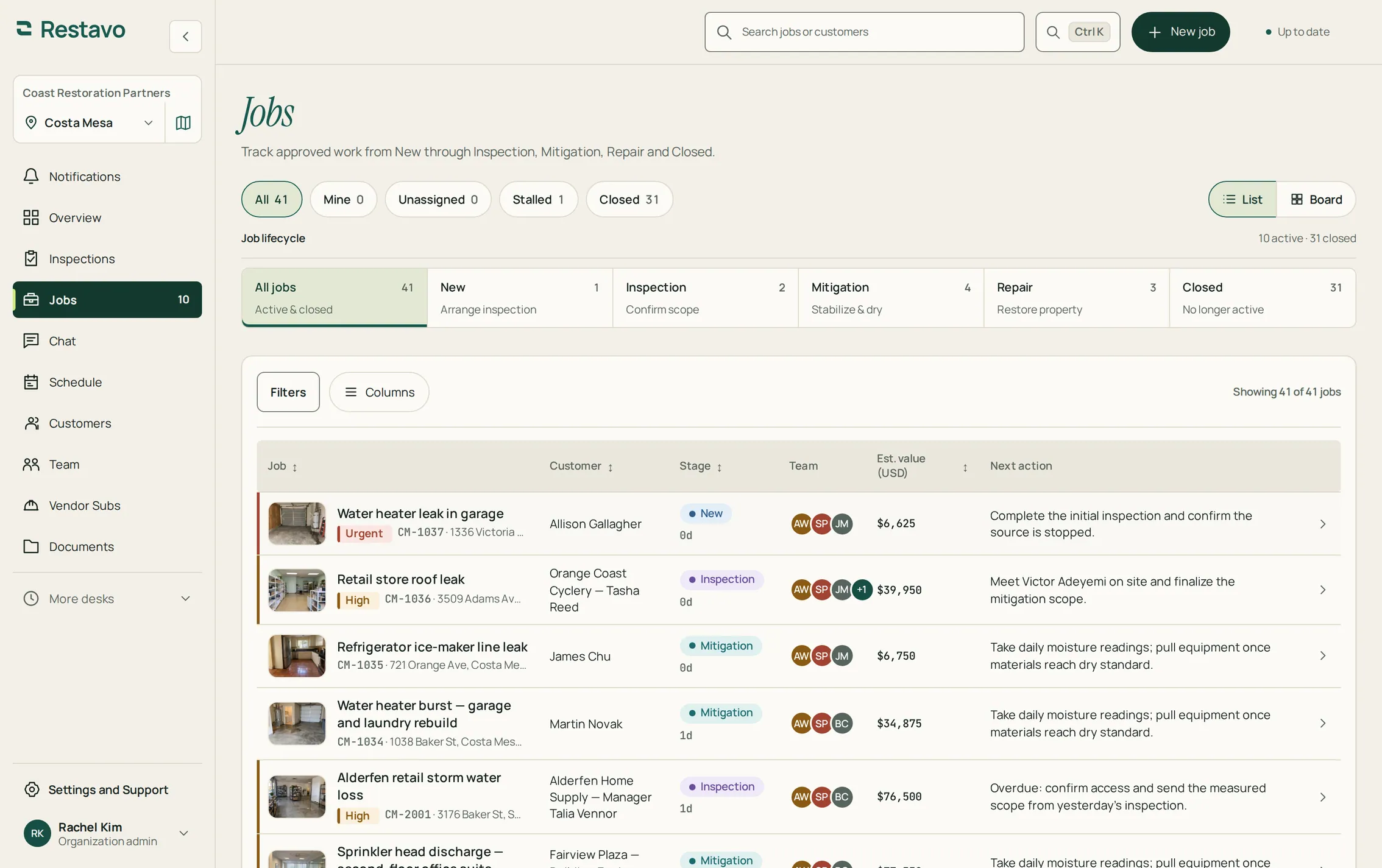
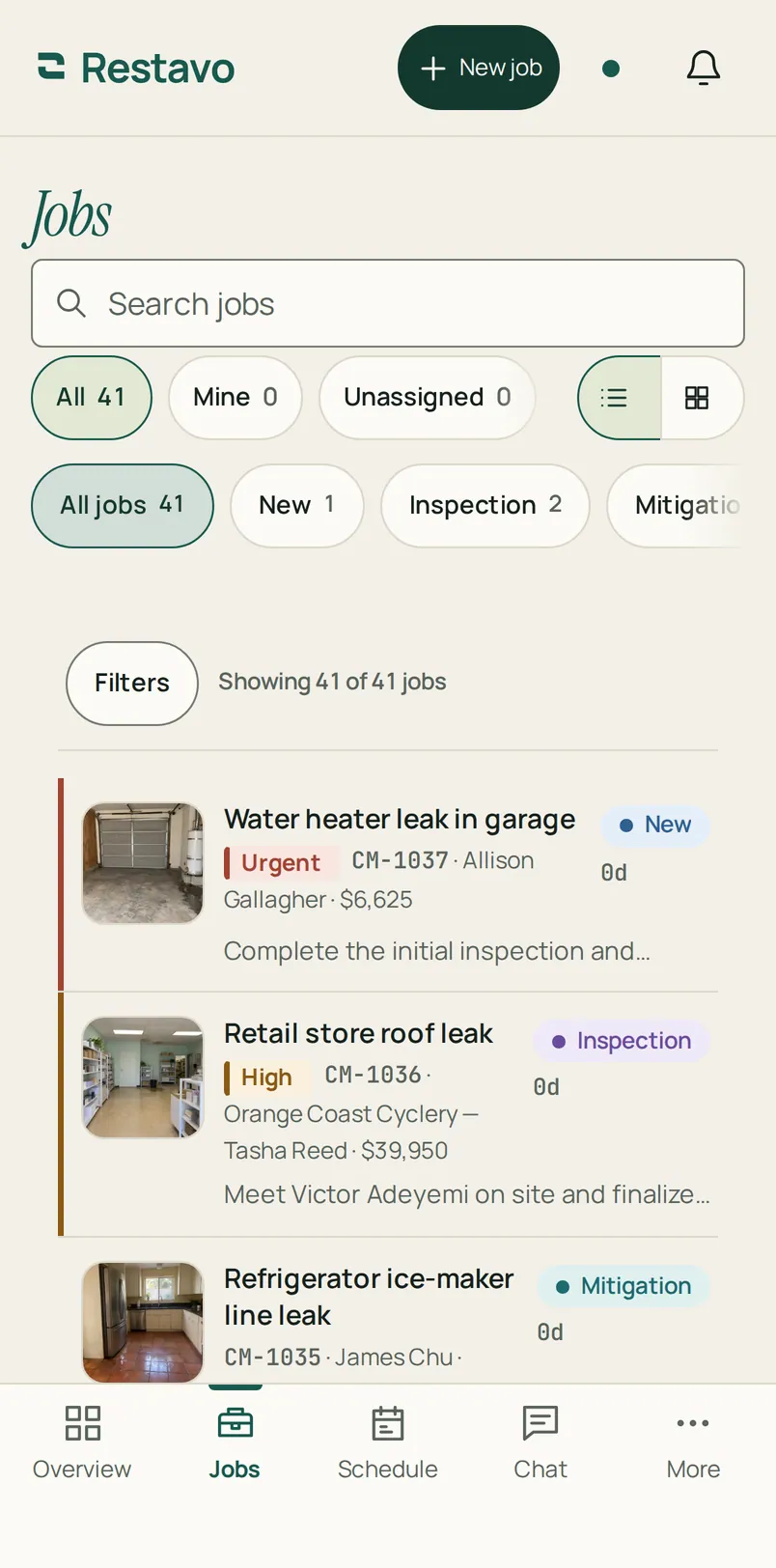
Jobs · Coast Restoration
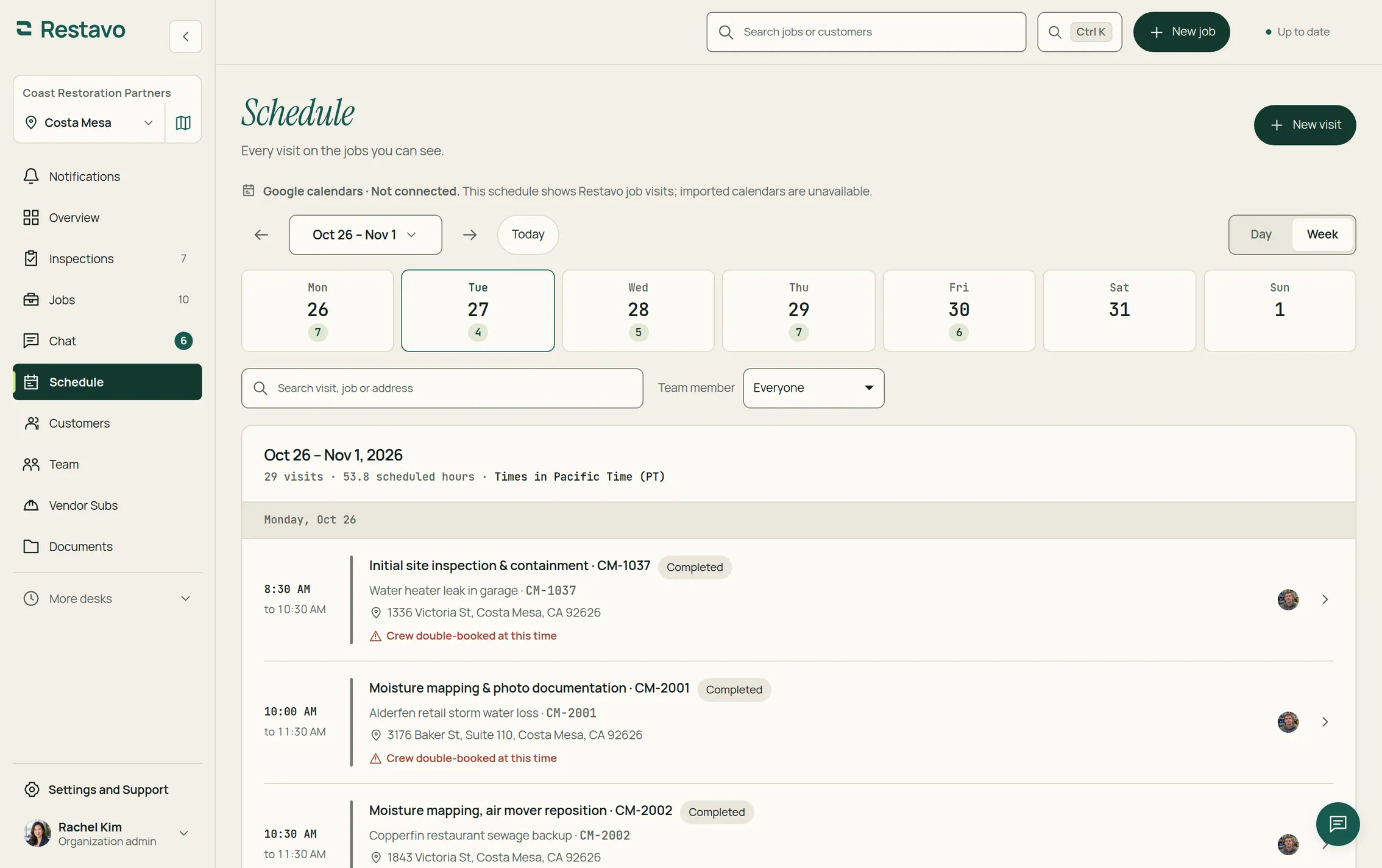
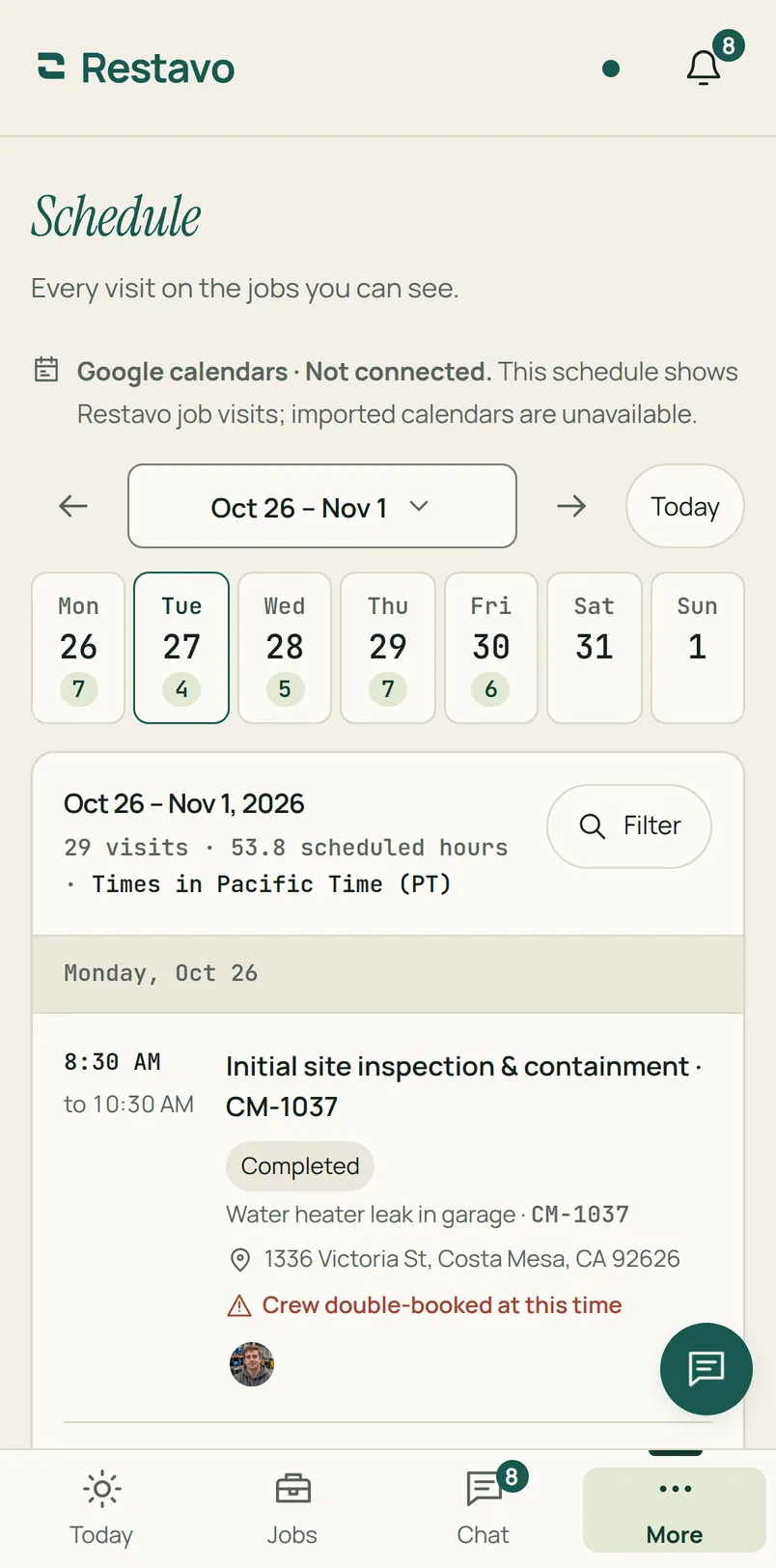
Schedule · Coast Restoration
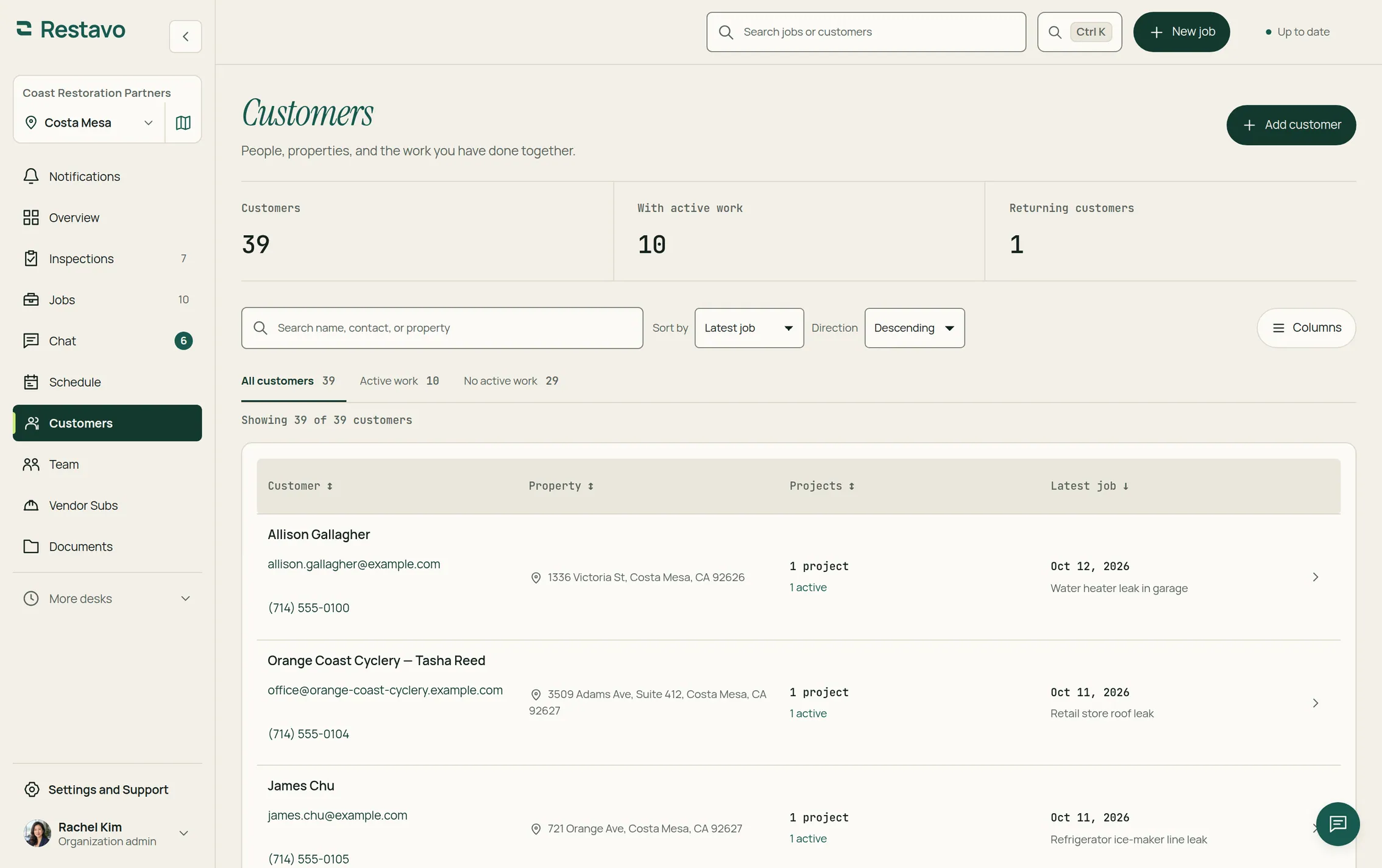
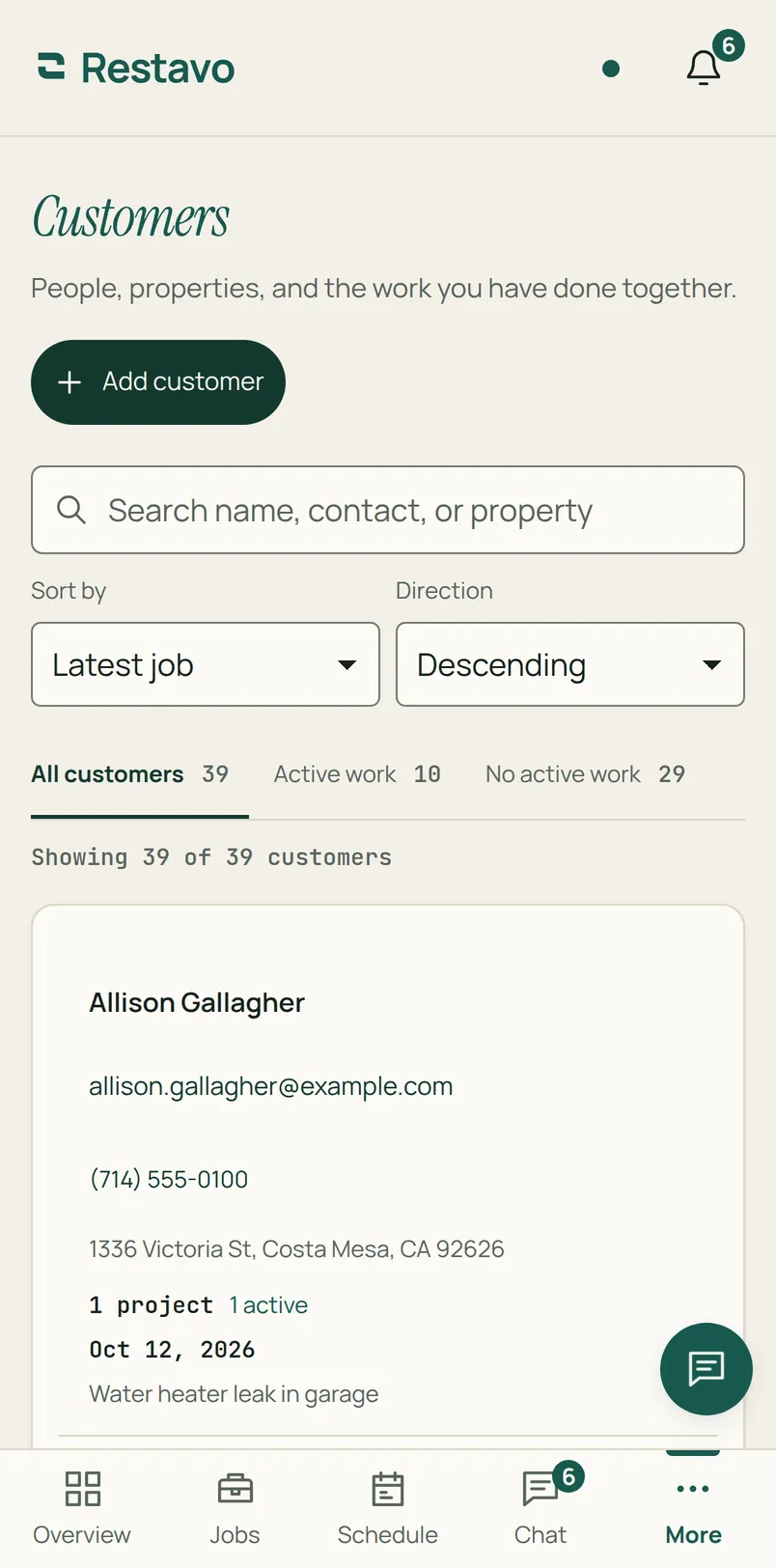
Customers · Coast Restoration
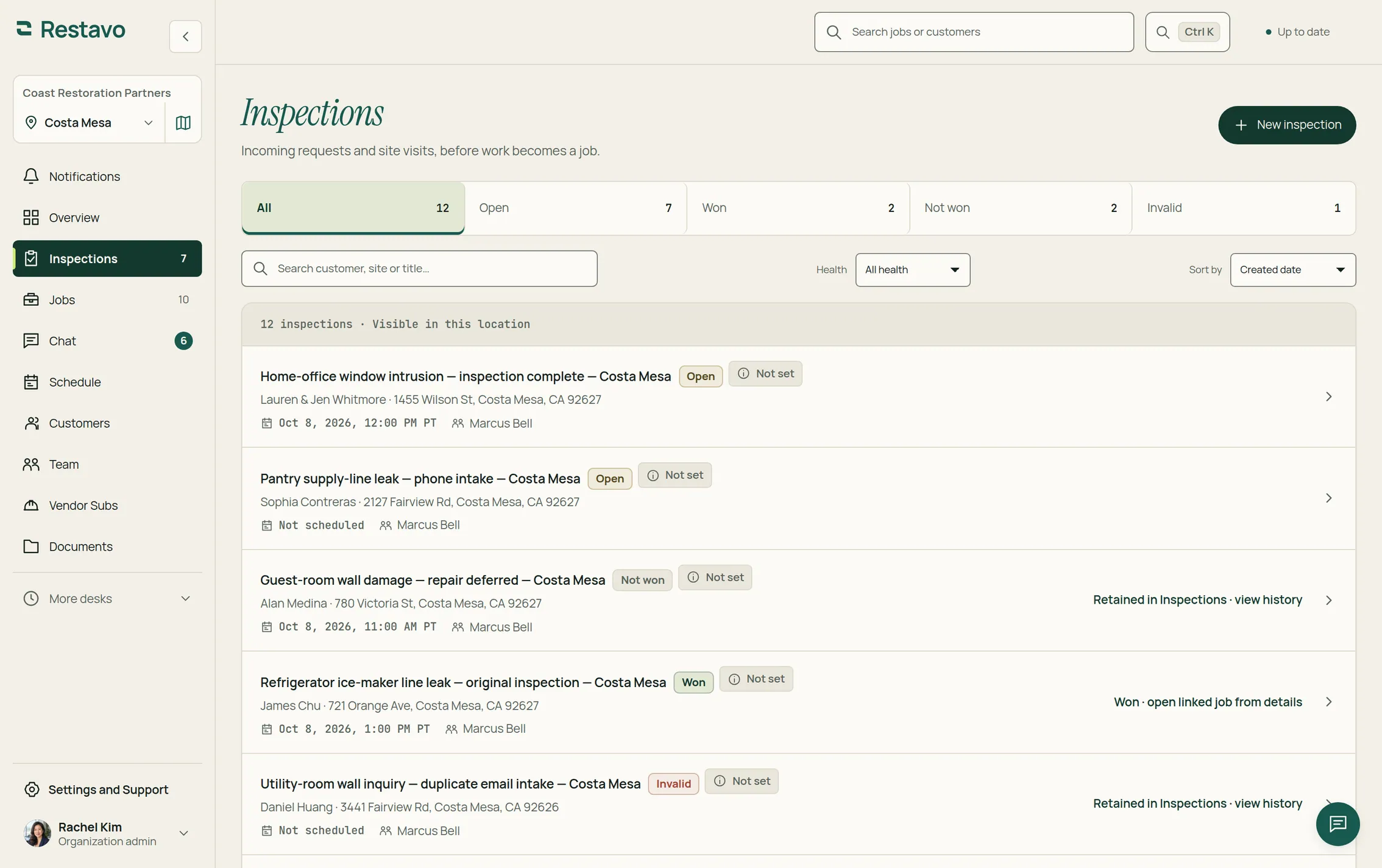
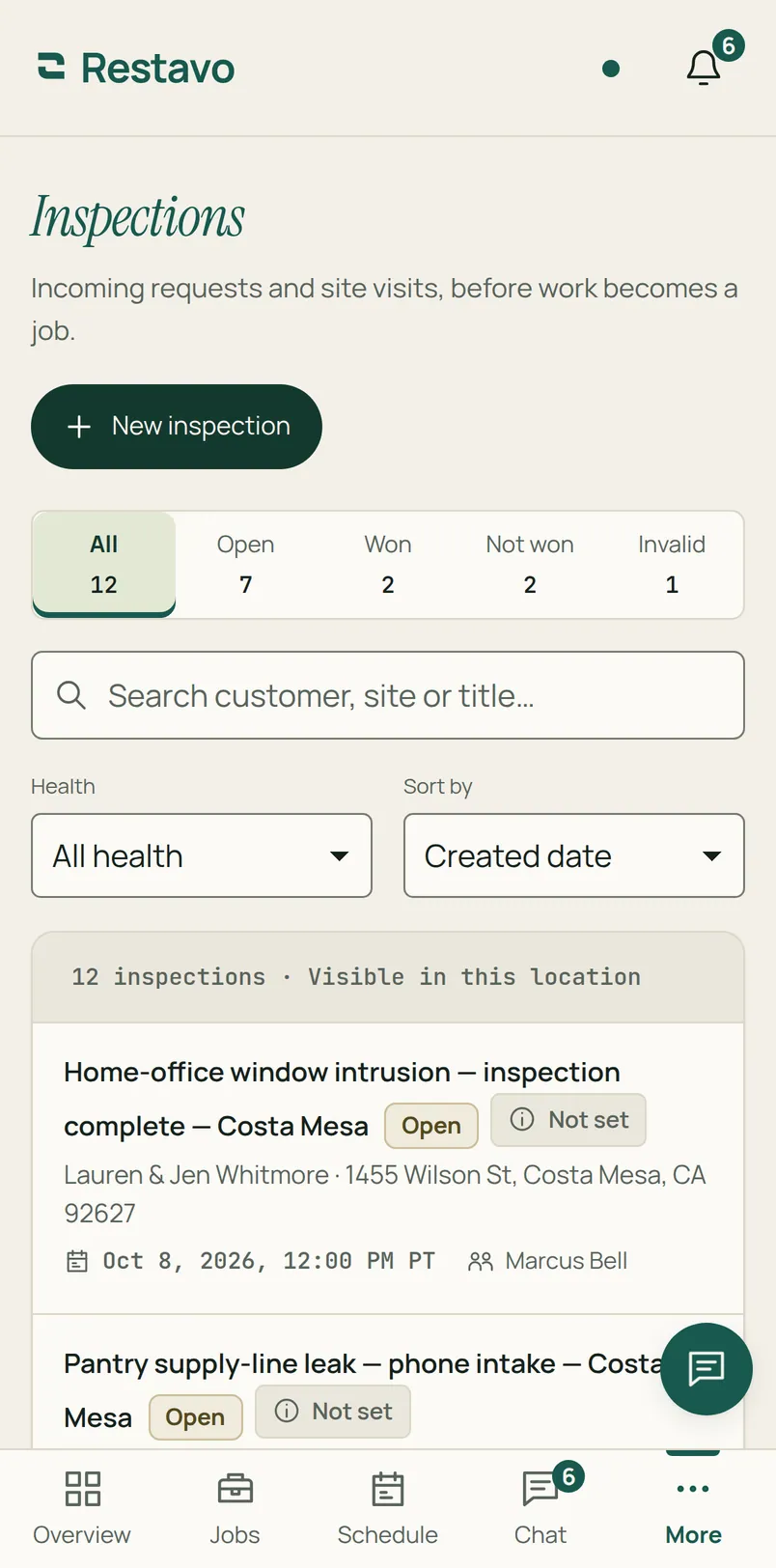
Inspections · Coast Restoration
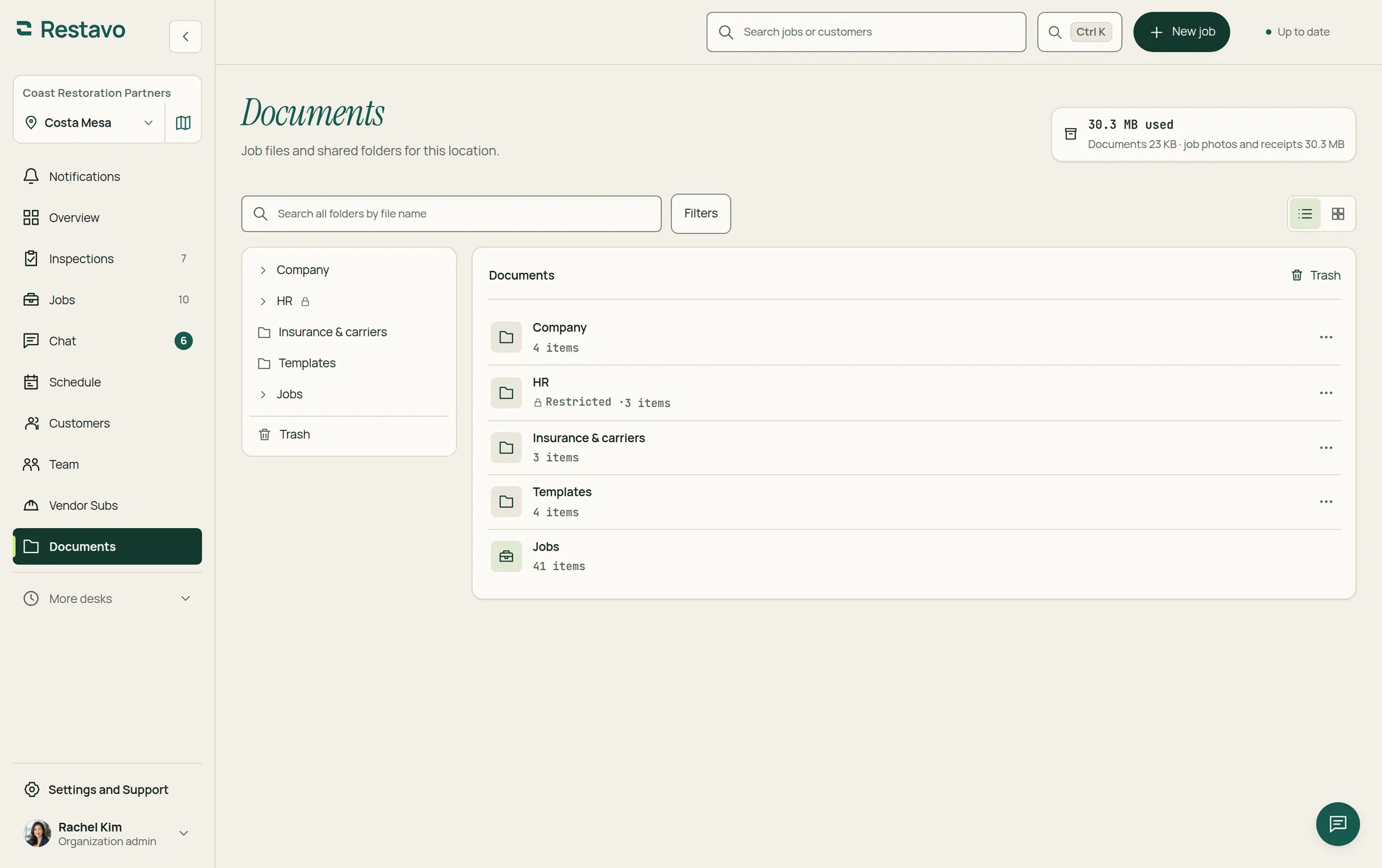
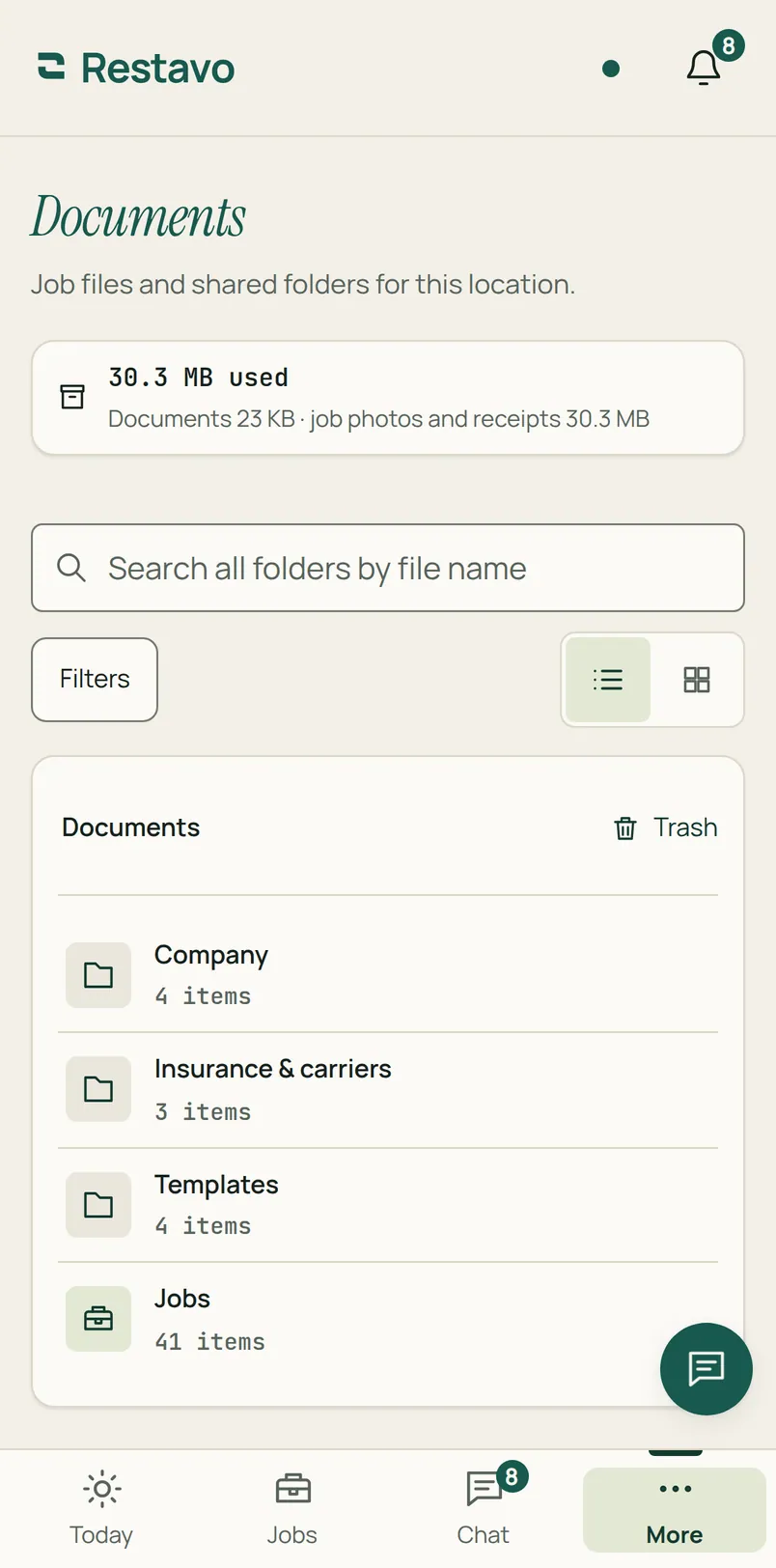
Documents · Coast Restoration
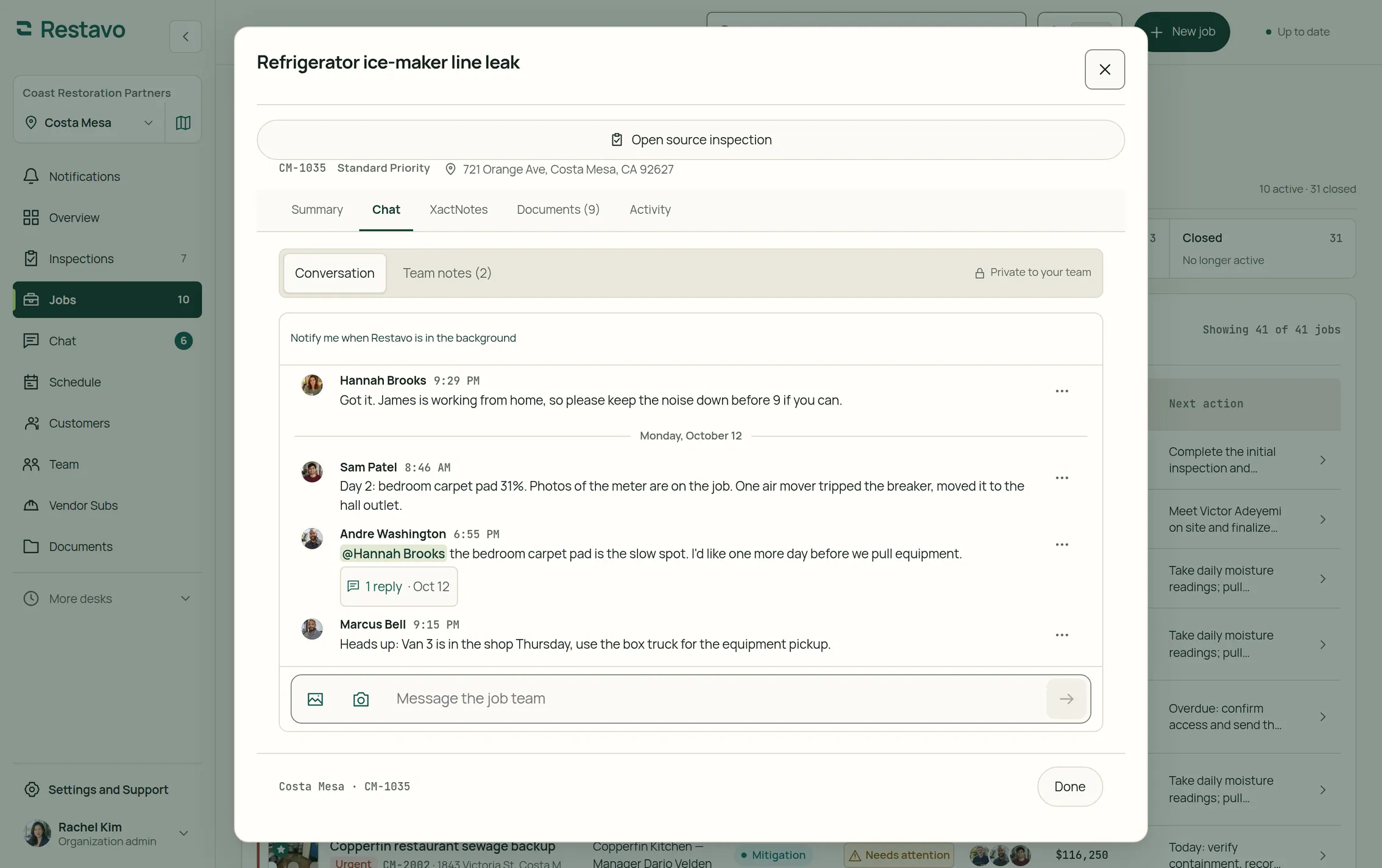
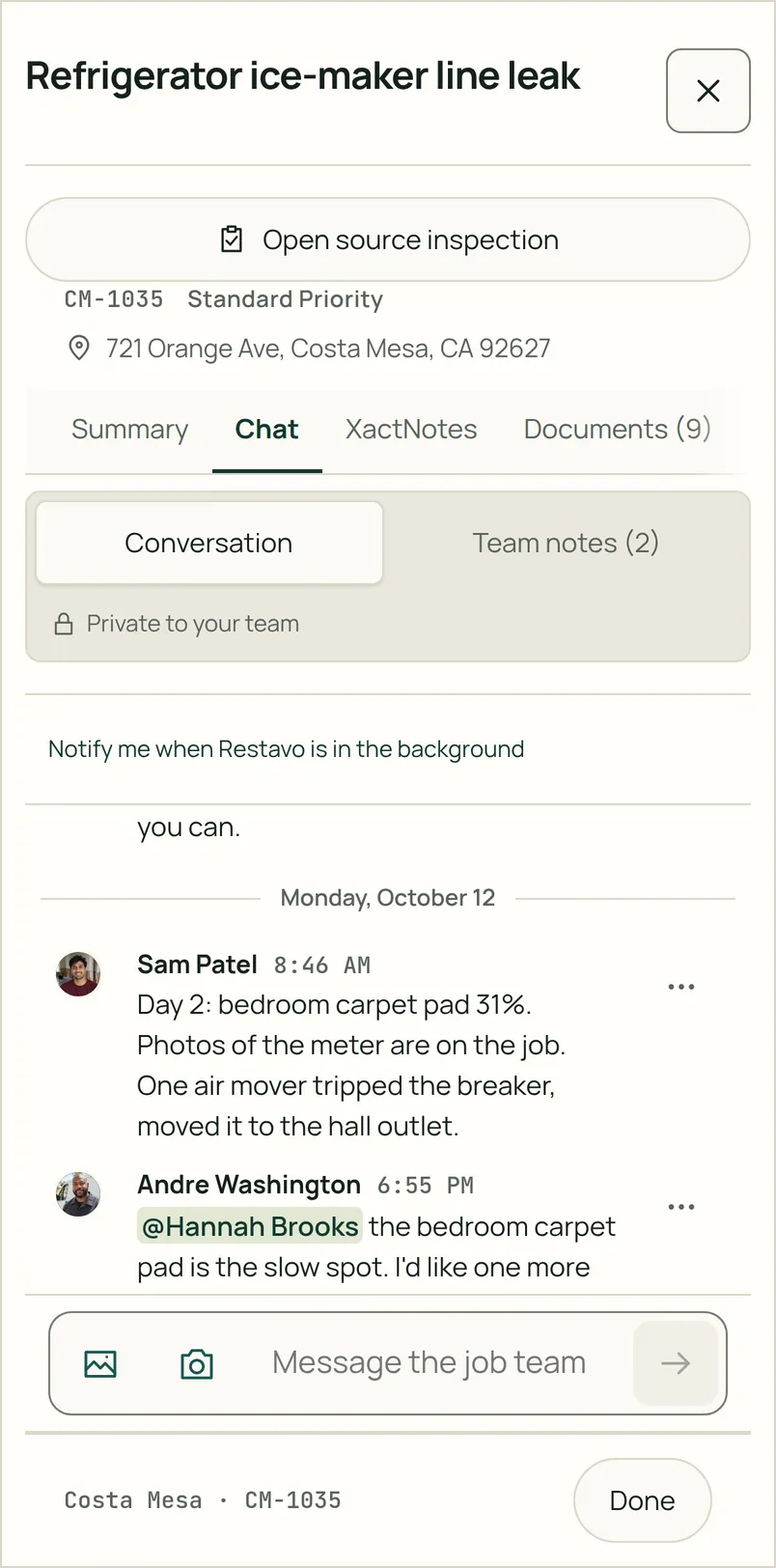
Chat · Coast Restoration
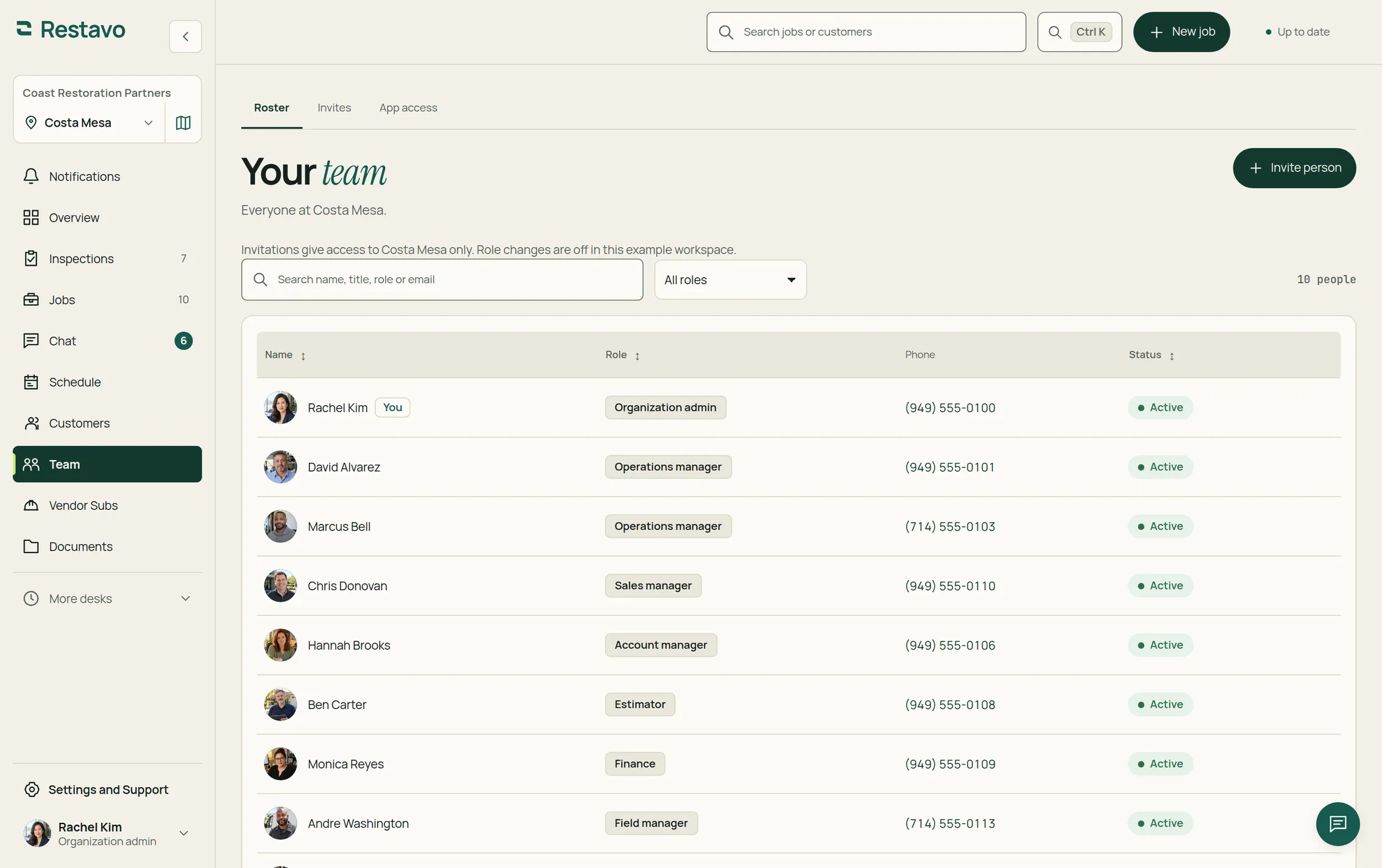
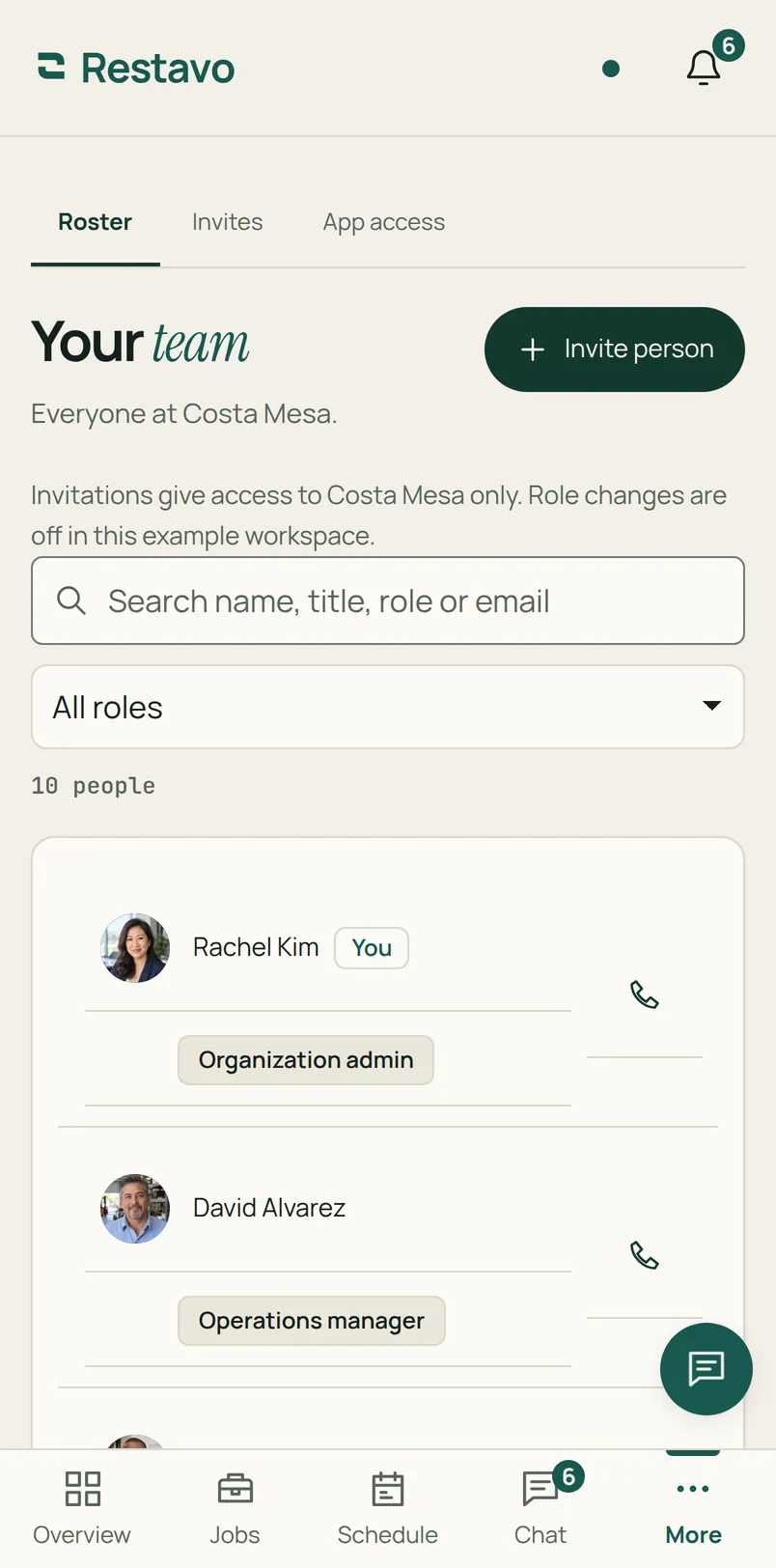
Team · Coast Restoration
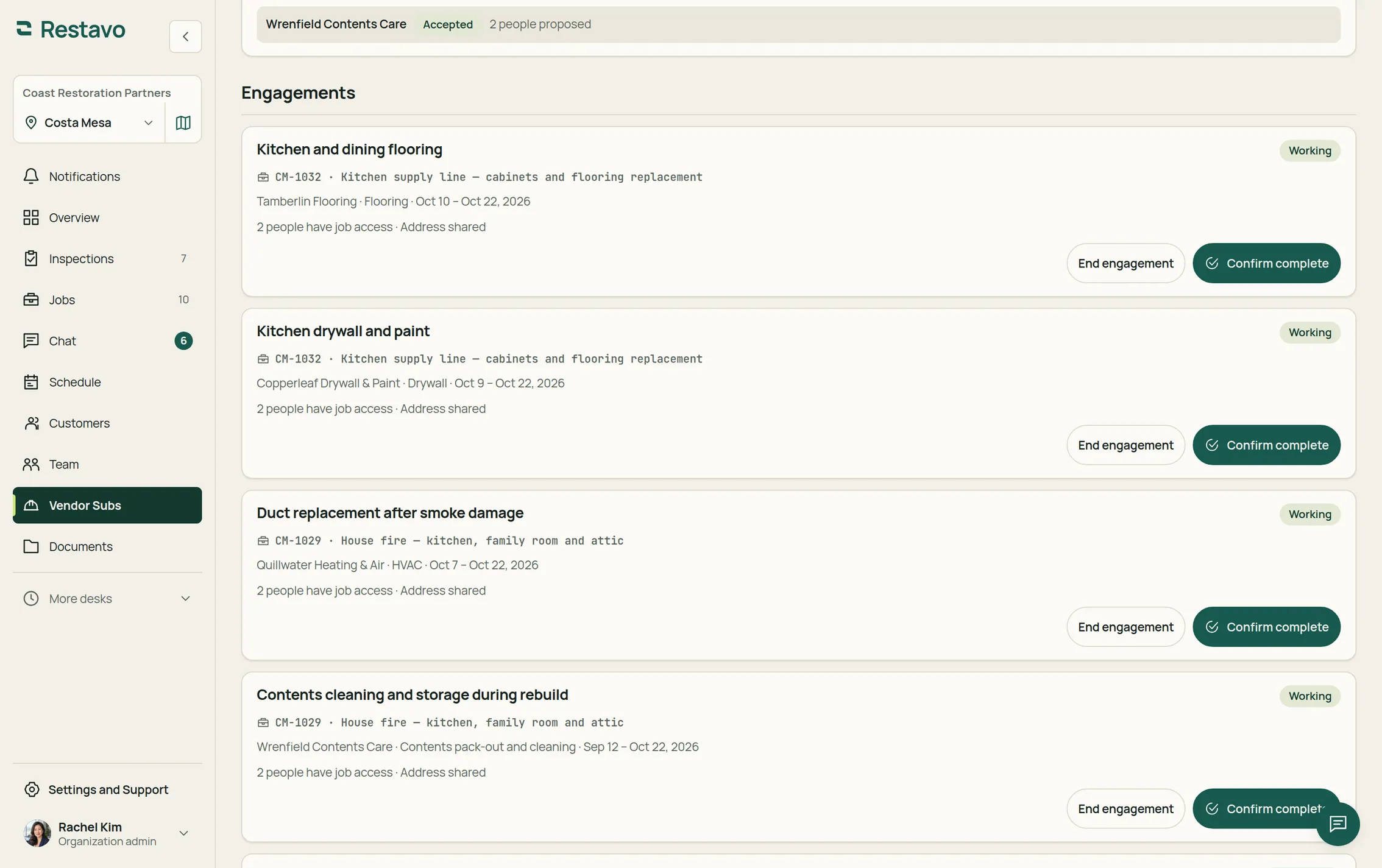
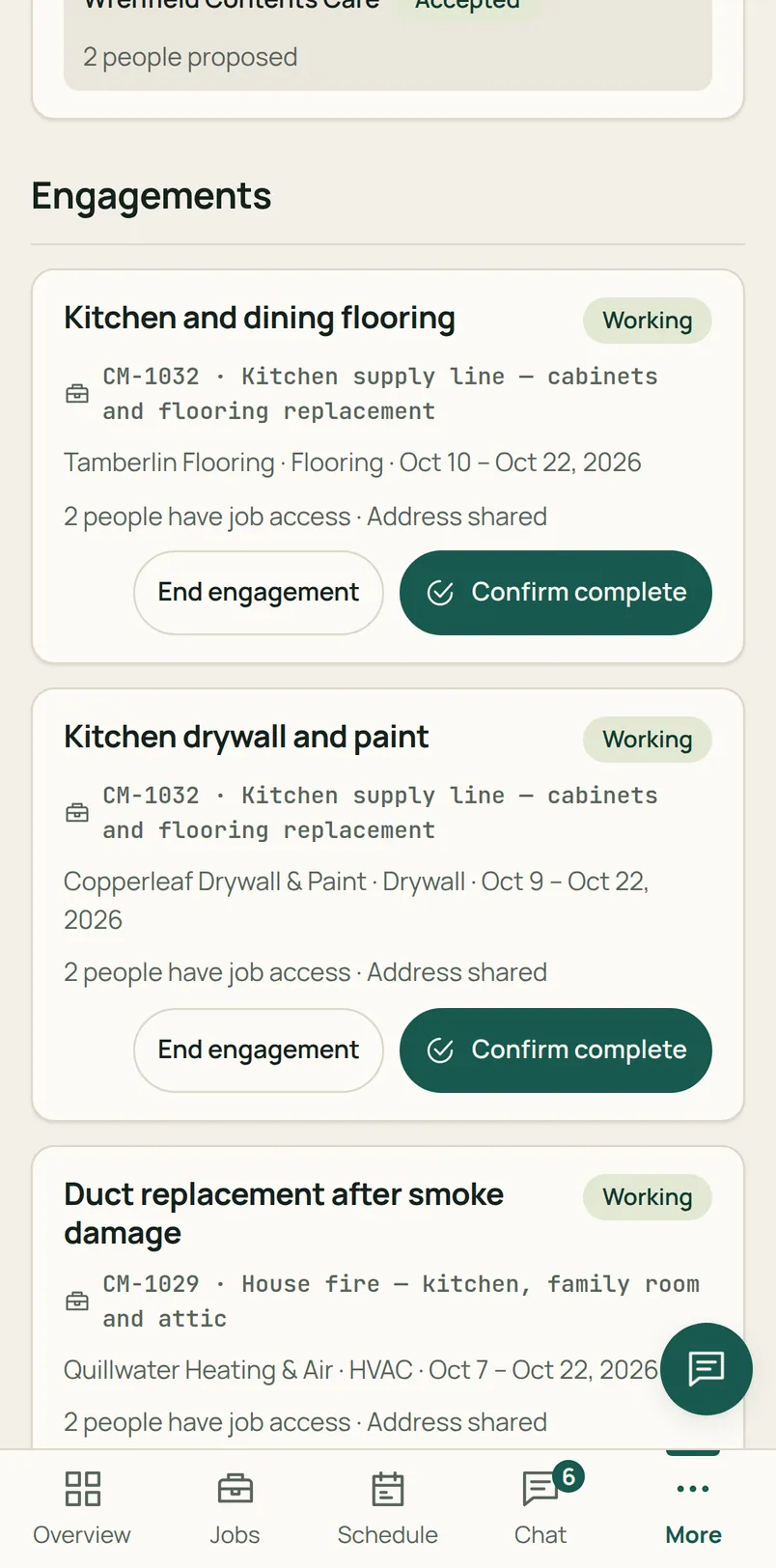
Vendor Subs · Coast Restoration
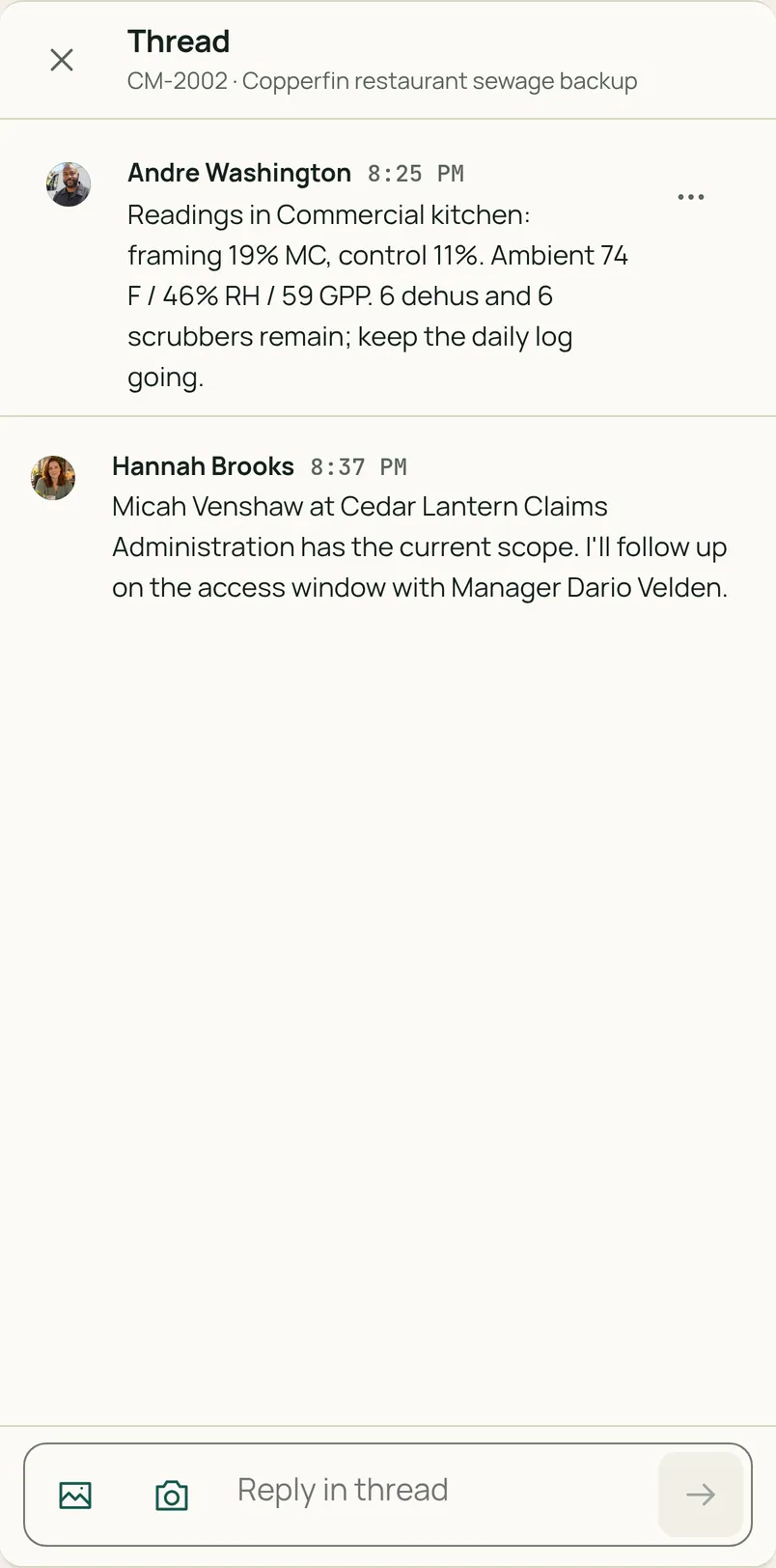
Notifications · Coast Restoration
Explore a desk to see it in the workspace.
New in Restavo
The newest desks share the same jobs, people and locations.
Job updates read aloud, with music for the office.
Every vendor job, its stage and the latest update.
Every unit, vendor bill and rebill on its job.
Google and Facebook ads, measured in jobs.
Every company and branch inbox, linked to jobs.
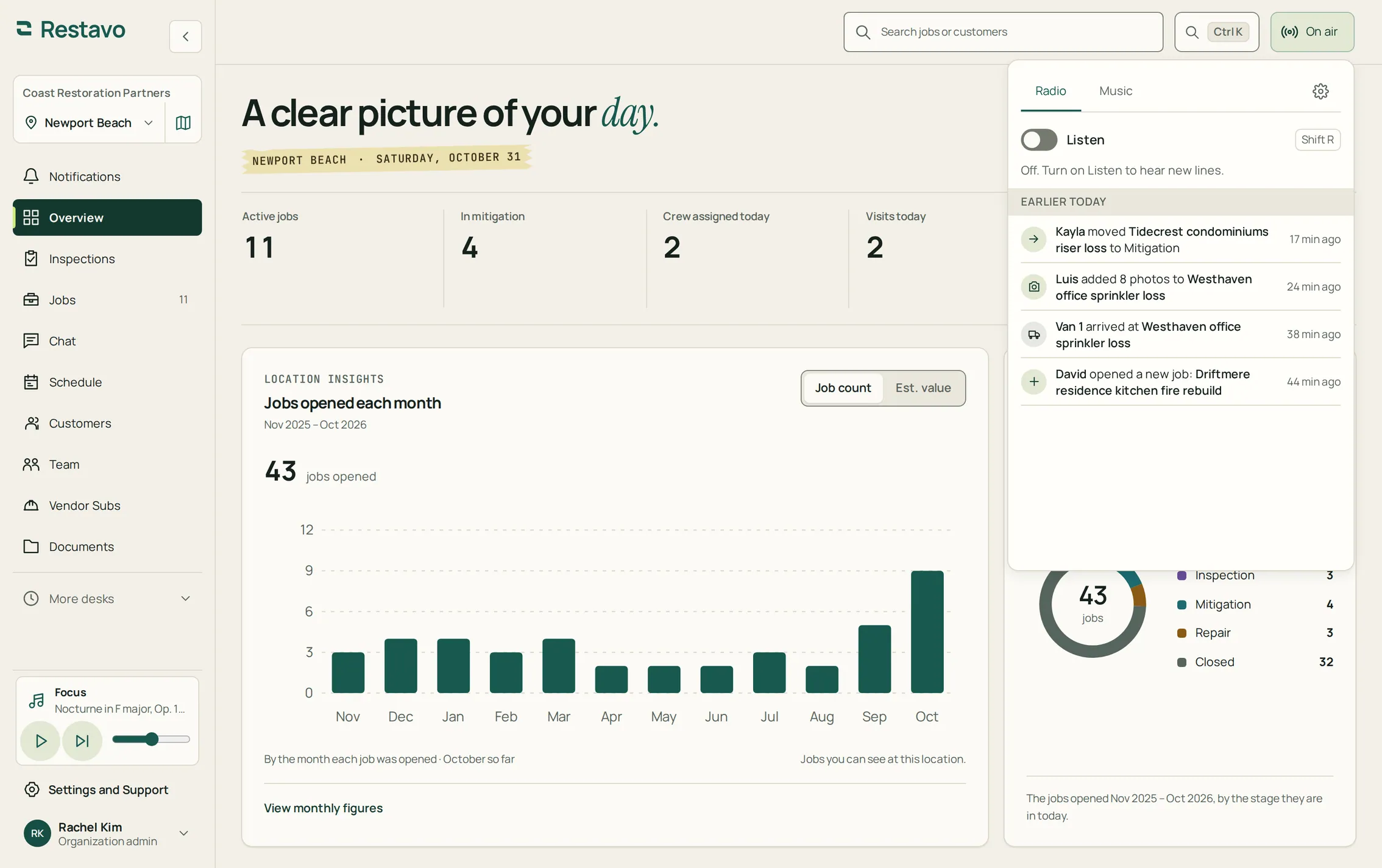
On air · Coast Restoration
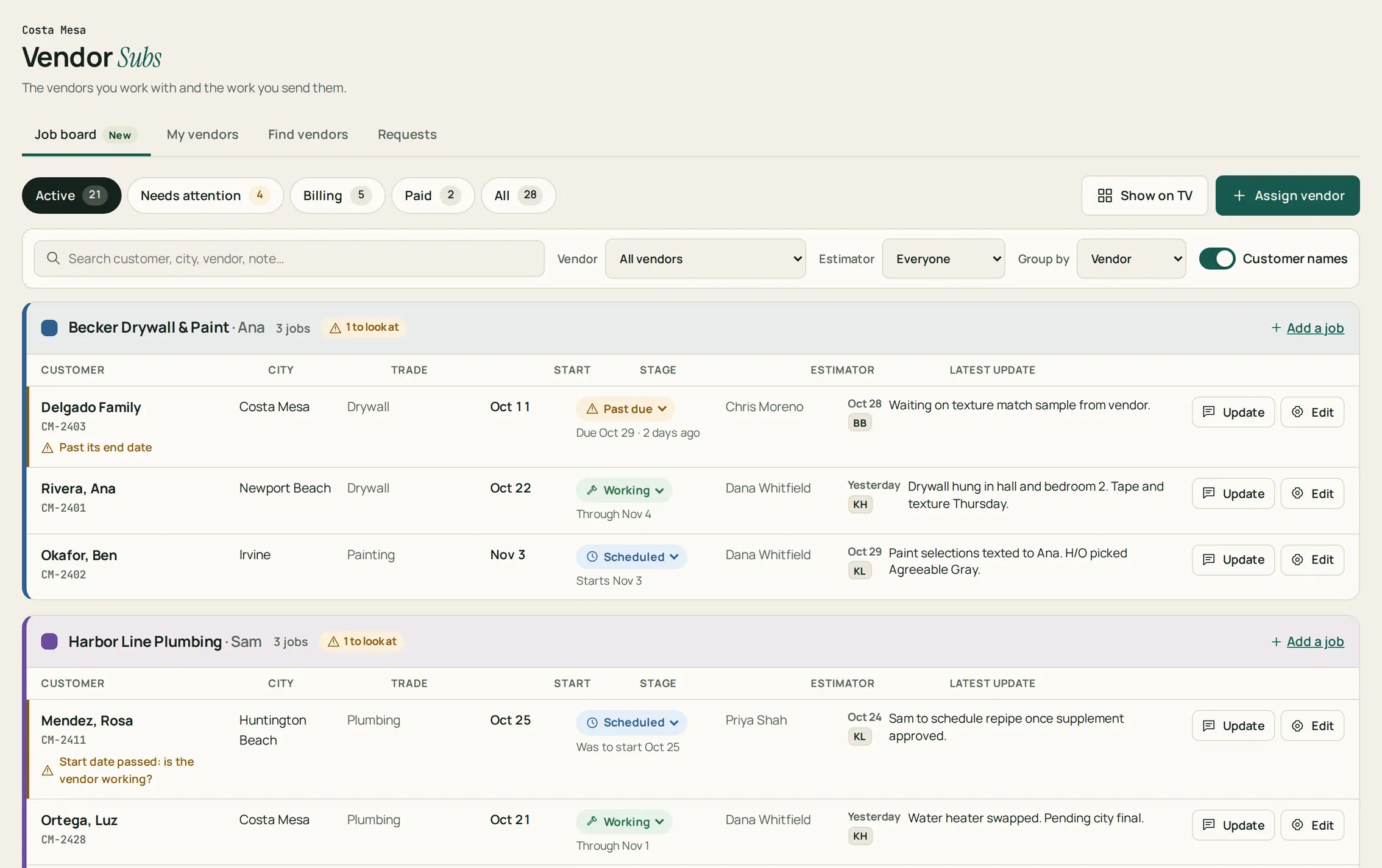
Job board · Coast Restoration
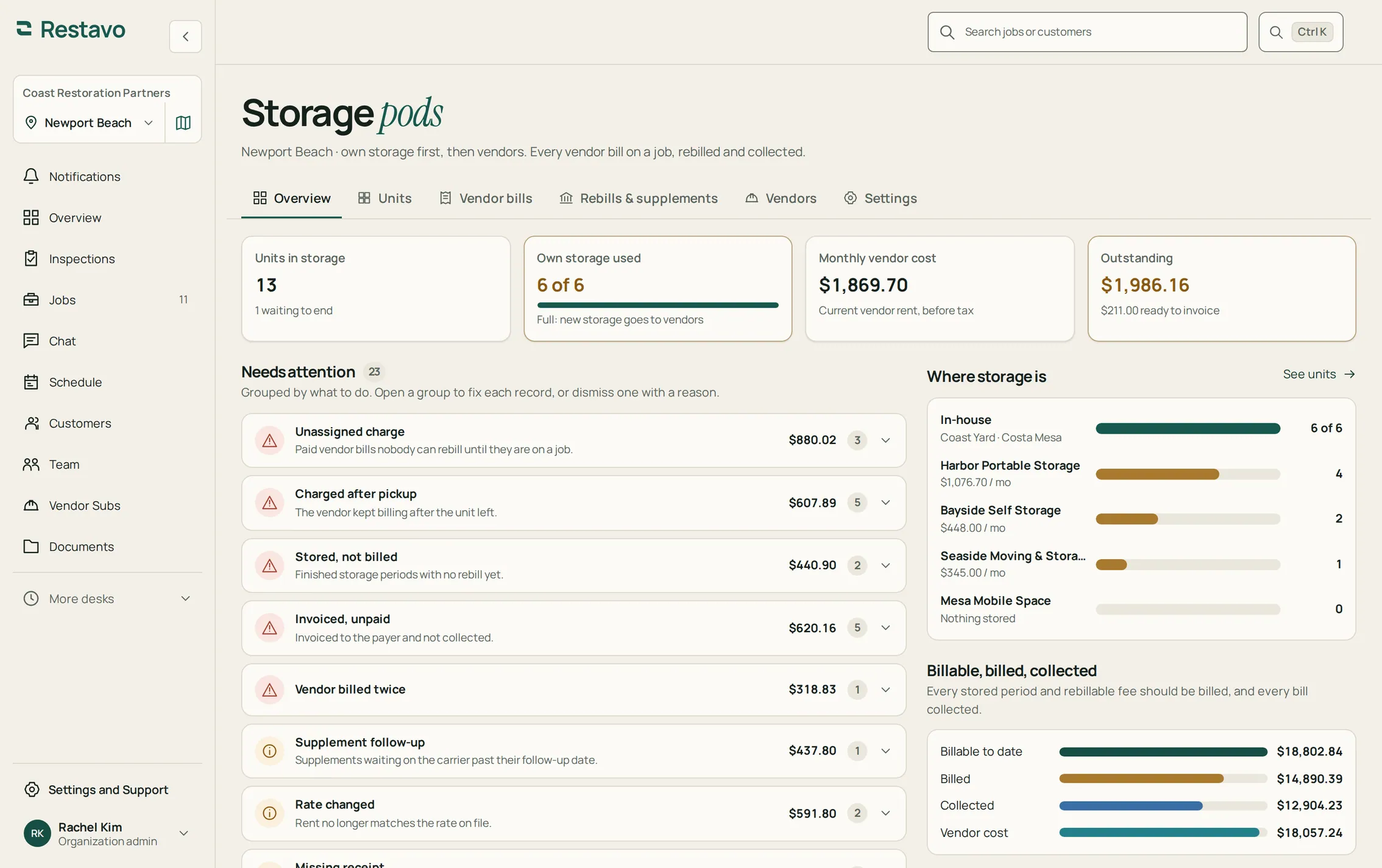
Storage Pods · Coast Restoration
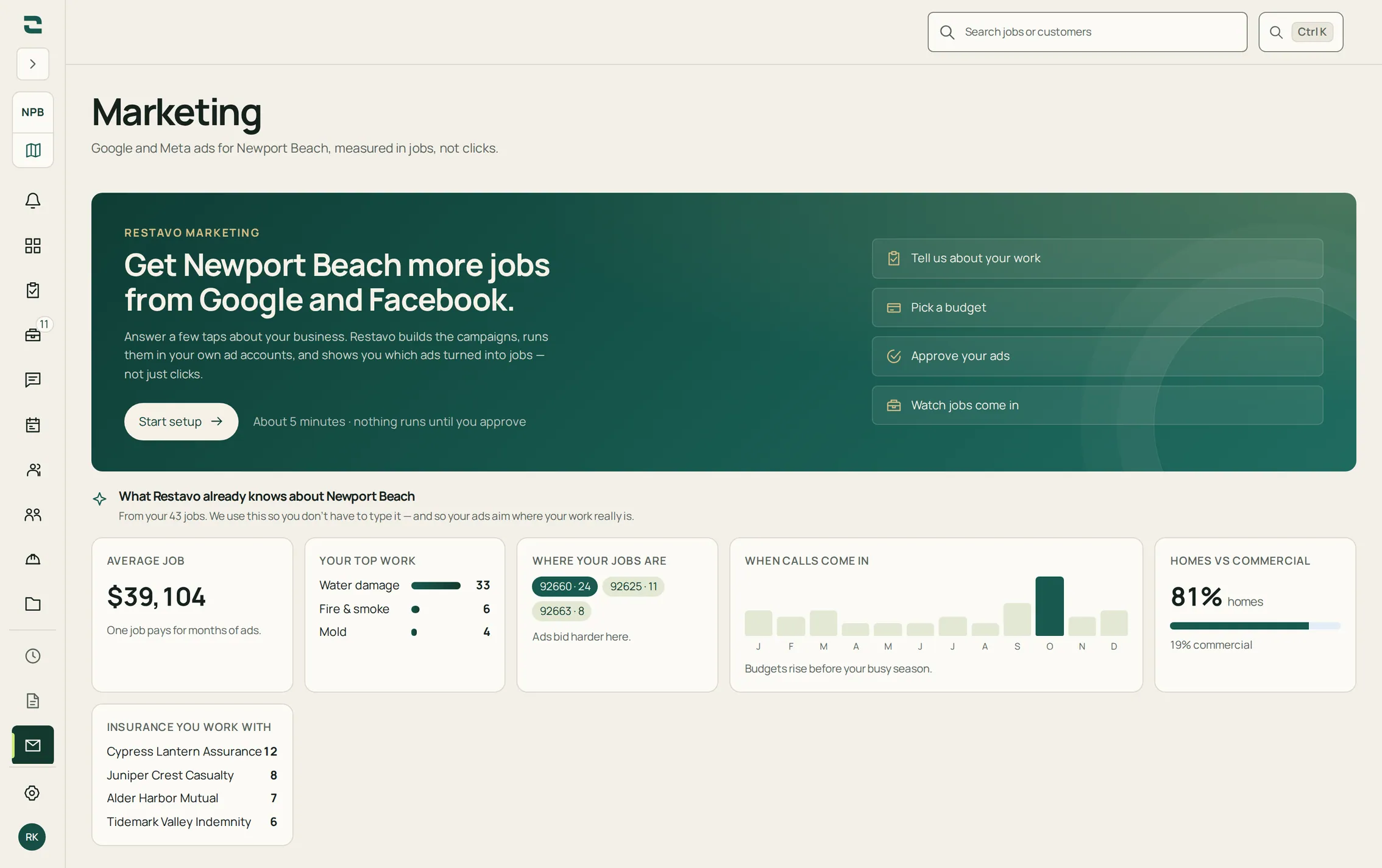
Marketing · Coast Restoration
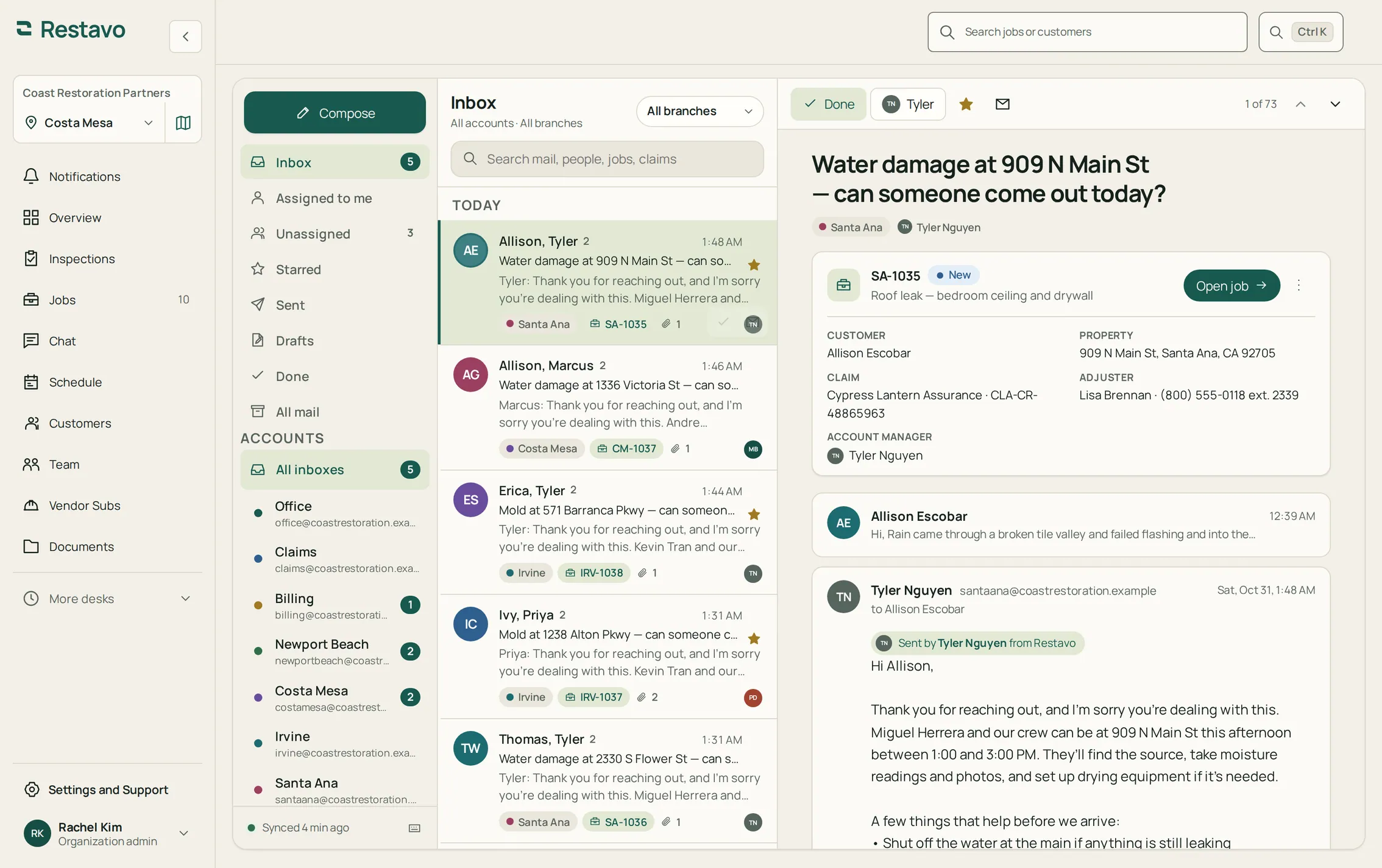
Mail · Coast Restoration
Explore a desk to see it in the workspace.
One location. Then the next.
Switch between your locations, with each one's jobs, people and files kept together.
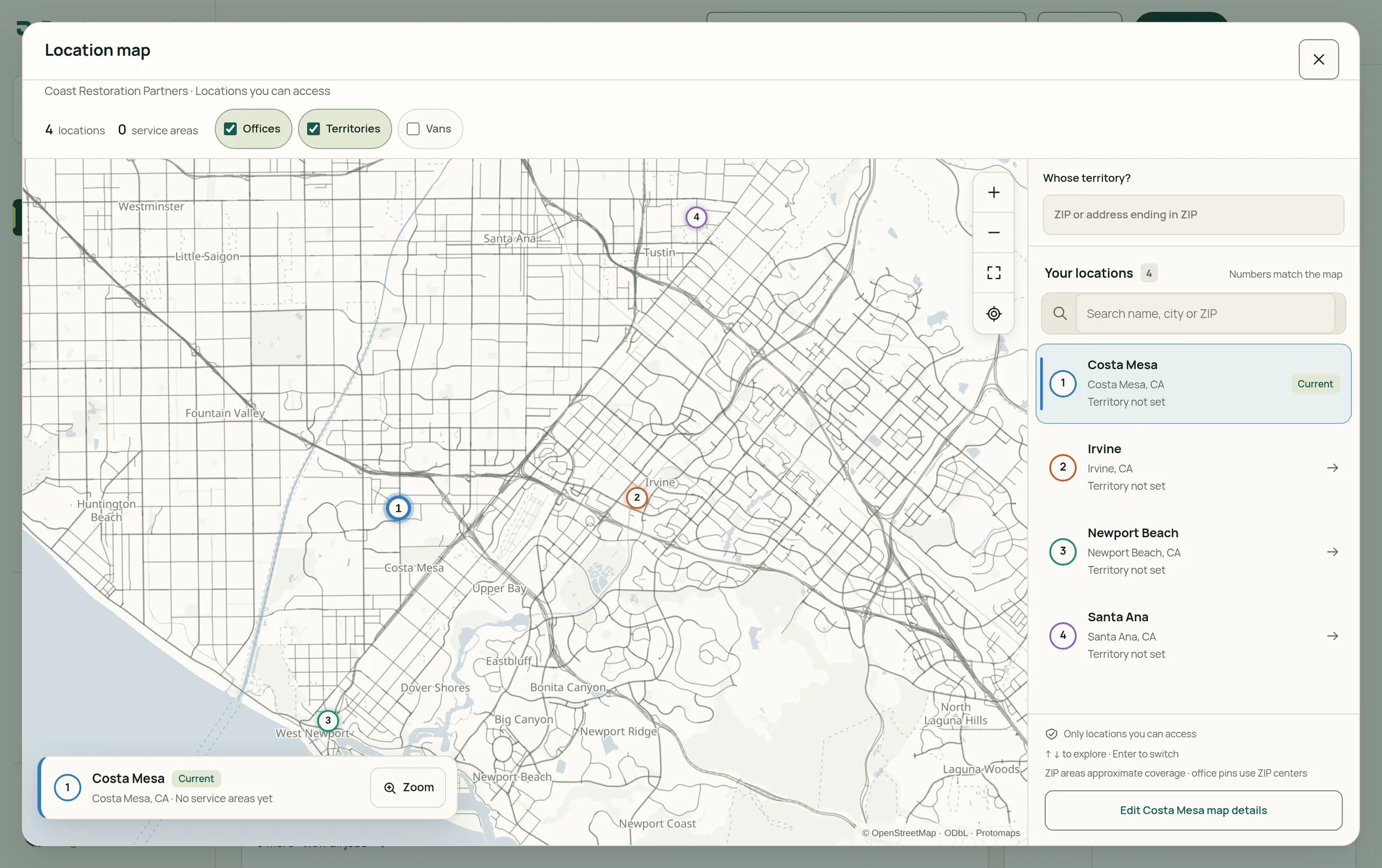
Franchise or independent
Restavo is built for restoration owners who run locations inside SERVPRO, ServiceMaster and Paul Davis, and for independent companies. Each location keeps its own jobs, people and files.
The office-wall board
See vendor engagements across the locations you can access, with the location and freshness of the work in view.
Live in every location
with the Vendors desk.

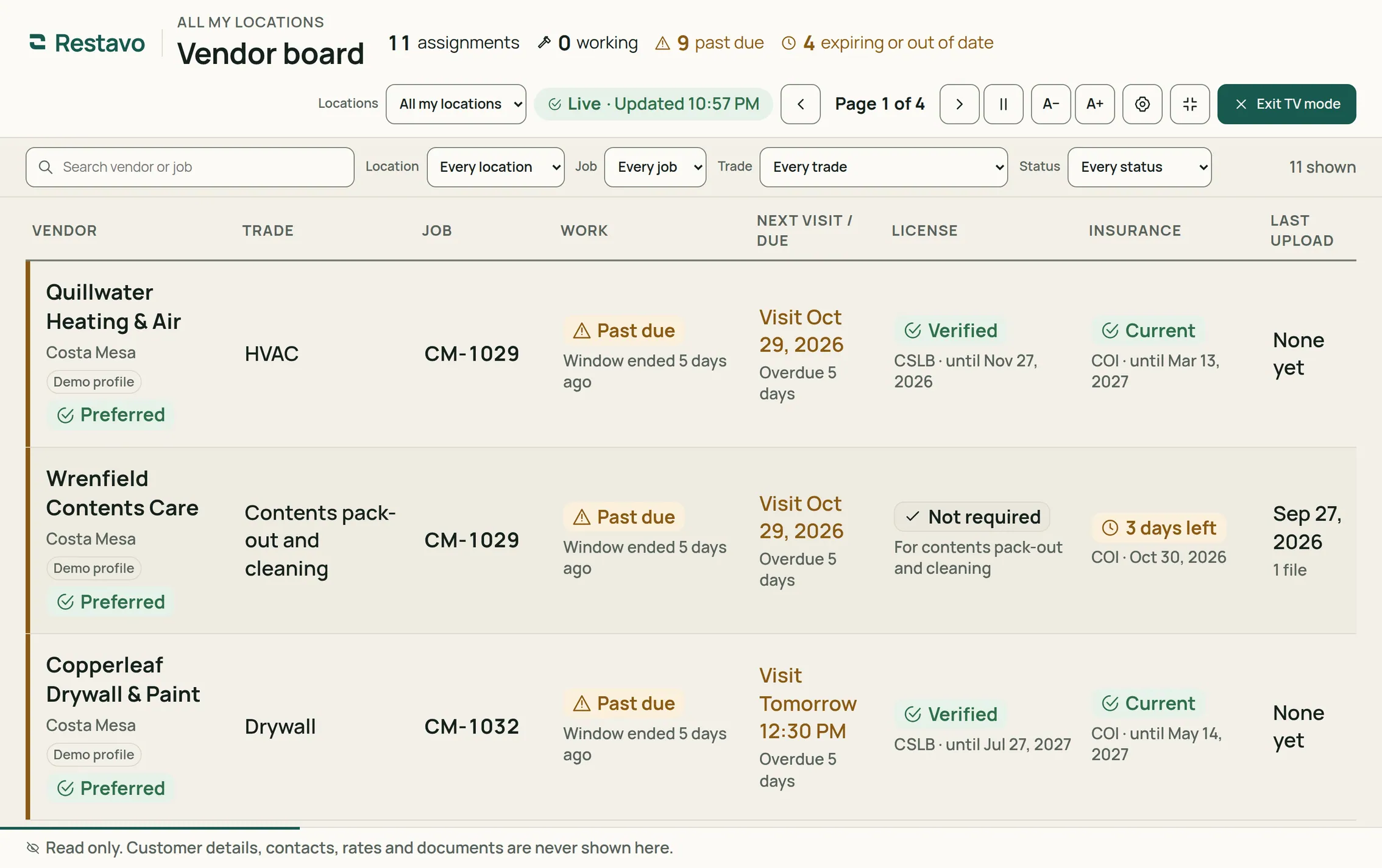
The Vendor TV board · A shared view of subcontracted work.
At the desk. At the property.
Check assigned work, add photos and leave the next note from site, then pick up the same job at the desk. Install it from the browser on any phone or computer.
iPhoneAndroidMacWindowsWeb
Explore mobile
Security & trust
What you can check for yourself before you book a demo.
Where it comes from
Built with restoration owners in Southern California.
Every screen on this page is the product itself, running a fictional demo company, Coast Restoration.
About RestavoLocations
A separate workspace for each location, with its own jobs, people and files.
Multi-locationRoles
Roles and job assignments decide access, and the server enforces them.
Security & trustFiles
Photos and documents are served only to people authorized on the job.
Explore DocumentsField crew
Add the whole crew, so nobody shares a password.
See pricingOperations
With backups, monitoring and a public status page you can check any time.
StatusSupport
Message Restavo Support from inside the app, or email support@restavo.ai.
Talk to our teamLet's walk through your kind of work
Bring the loss, the crew handoff or the adjuster's question that keeps pulling you back onto the truck.
Book a demo Email us