

Vendors
Your go-to trades, in one list.
Vendor contacts and what your office knows.
My vendors in Vendor Subs keeps contacts, private notes and documents together, ready for the next job.
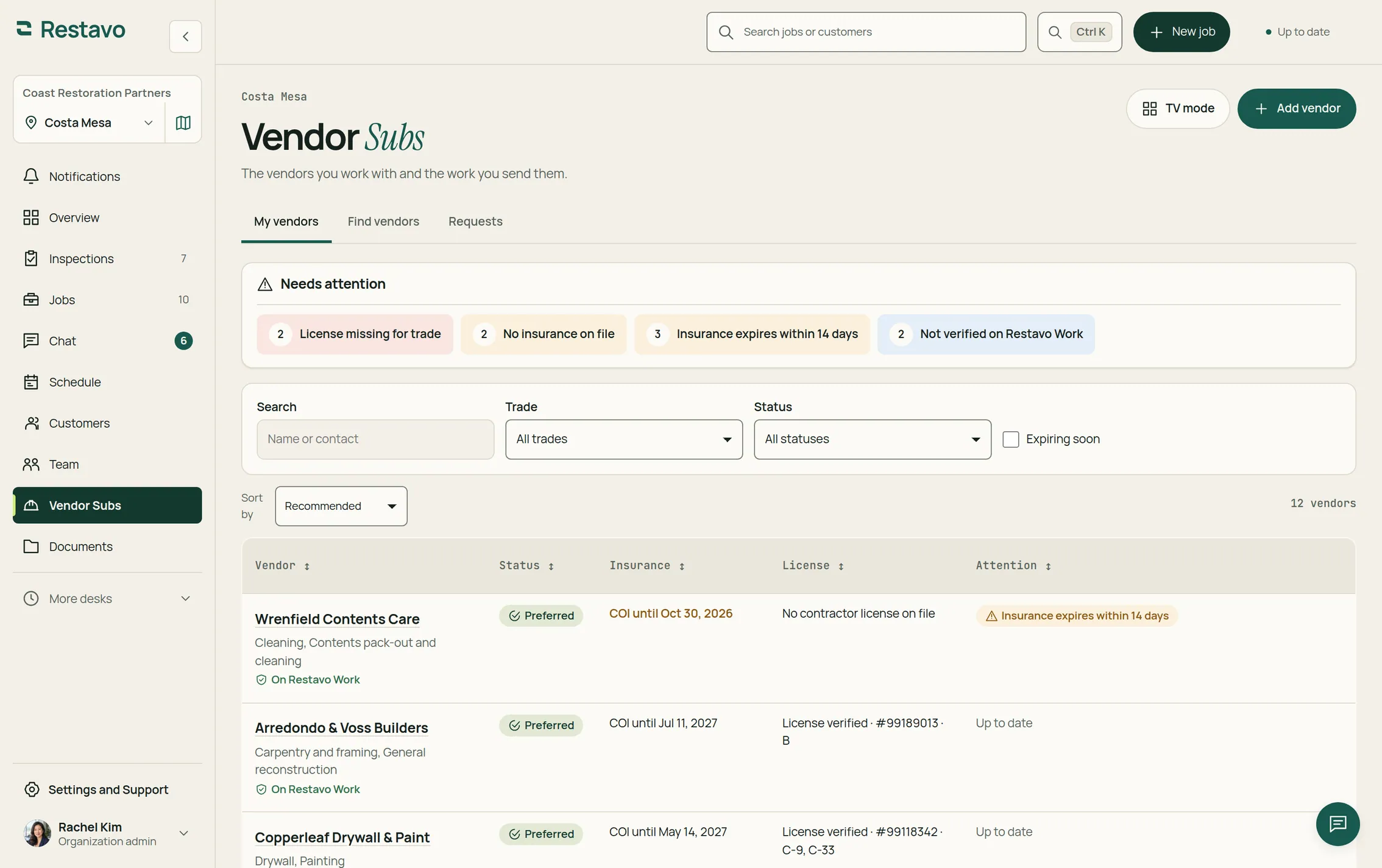
Coast Restoration · private vendor records
01Find
Your own vendor list.
Start with the trade you need.
Filter by trade and open the vendor's details before you pick up the phone.
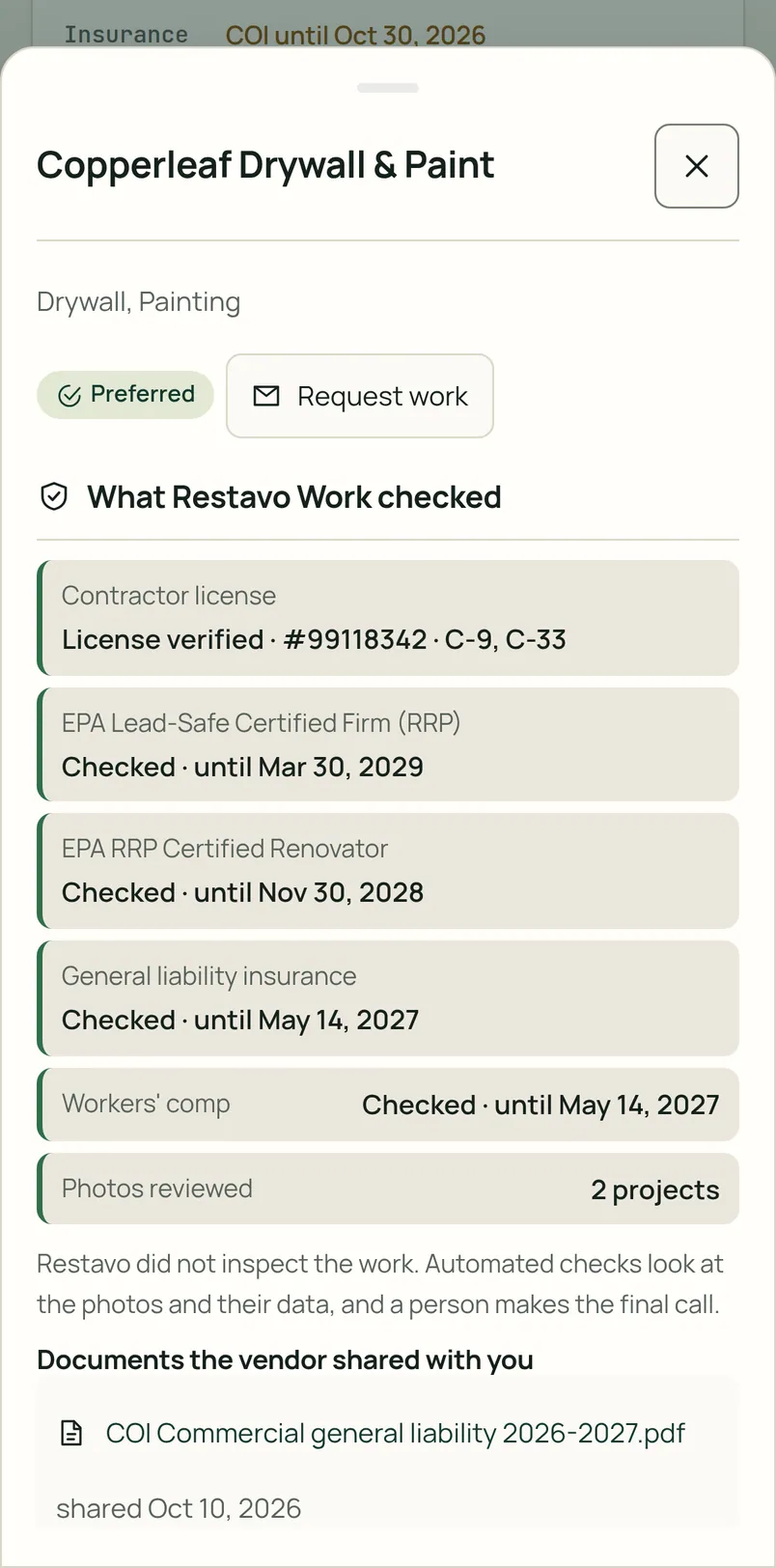
Copperleaf Drywall & Paint · checked license, insurance and private status
02Context
Private notes on your working relationship.
What your office knows, written down.
Authorized managers keep contact details and notes current. The next person reads the record instead of hunting for whoever has the number.
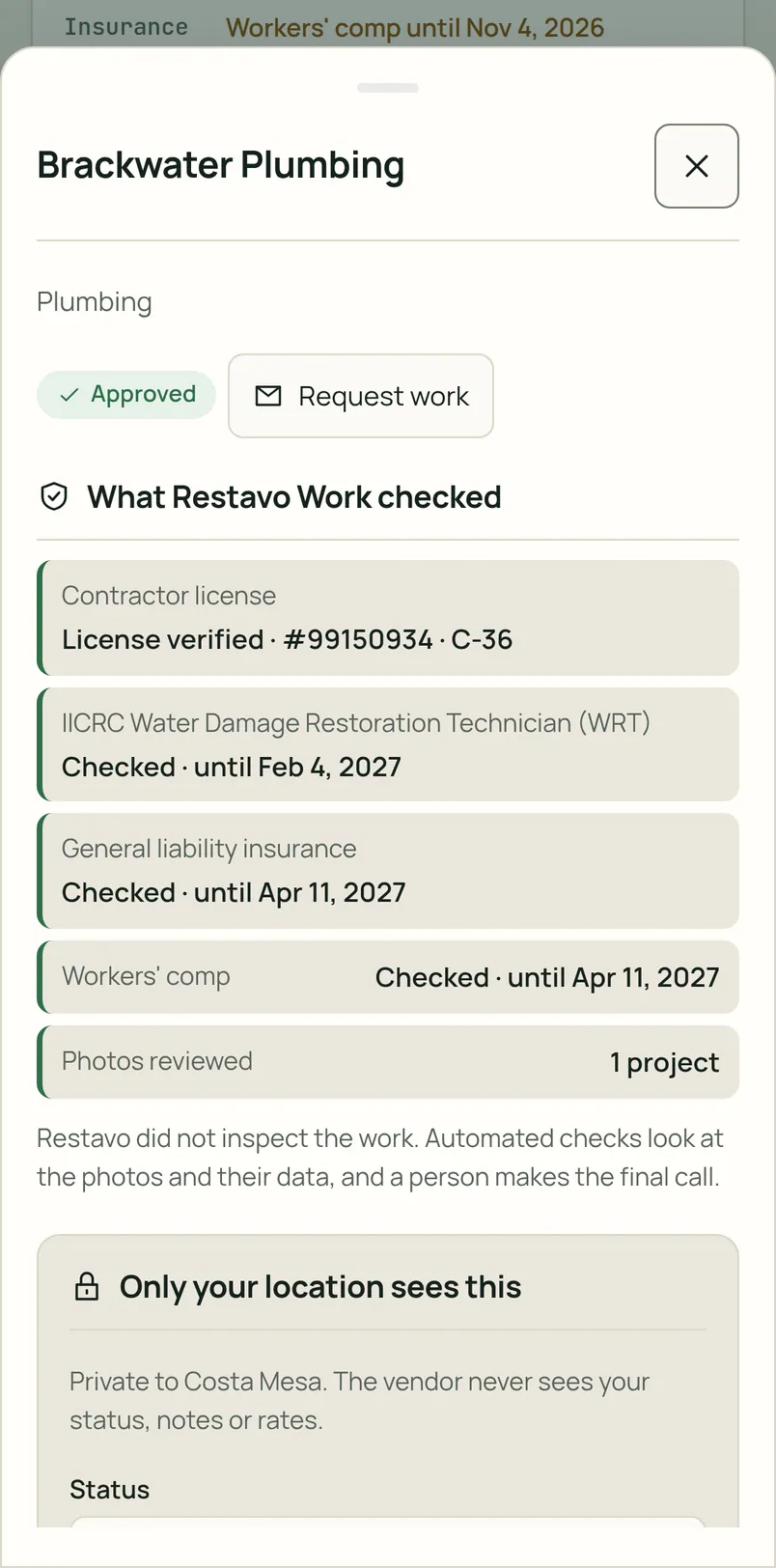
Brackwater Plumbing · checked license, insurance and private status
03Documents
Supporting documents in reach.
Check the paperwork, not just the status.
Review saved vendor documents and their recorded dates. A status in software never replaces checking that a document meets the job's requirements.
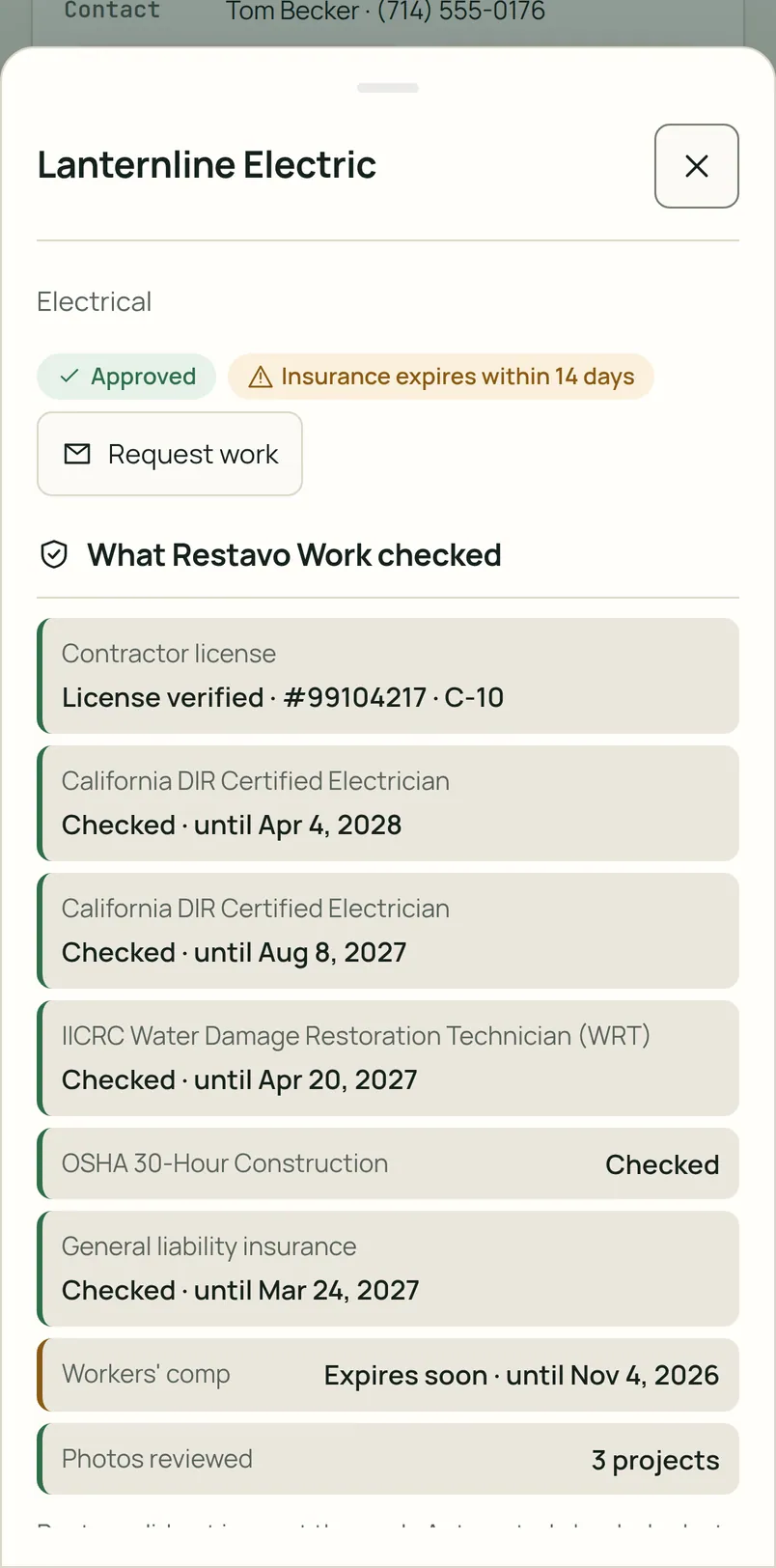
Lanternline Electric · checked license, insurance and certifications
Who gets what
What each person gets from it.
- 01
The owner
What your office knows about each trade written down, so it does not leave with one person.
- 02
The office
Vendor contacts, private notes and supporting documents in one list, filtered by trade.
- 03
The crew
The right contact for the trade the job needs, before picking up the phone.
Questions owners ask
Vendors, in short.
Are my vendor notes private?
Yes. Private notes record your own working relationship and are kept current by authorized managers.
Does a document status mean the vendor is cleared for the job?
No. You can review saved vendor documents and their recorded dates, but a status in software never replaces checking that a document meets the job's requirements.
Can anyone who sees the list change it?
No. A read-only grant does not include editing or hiring. Authorized managers maintain the list.

A walkthrough for your restoration business
See it with your work in mind.
Tell us about your locations, crews and the handoffs that take the most follow-up. We'll walk through the relevant jobs, visits and records in Restavo.
Book a demo Email us