

Schedule
Put tomorrow's crews in order today.
The job, the time and the crew on one schedule.
Plan visits by day or week. Every visit stays tied to its job, so nobody has to ask which loss it belongs to.
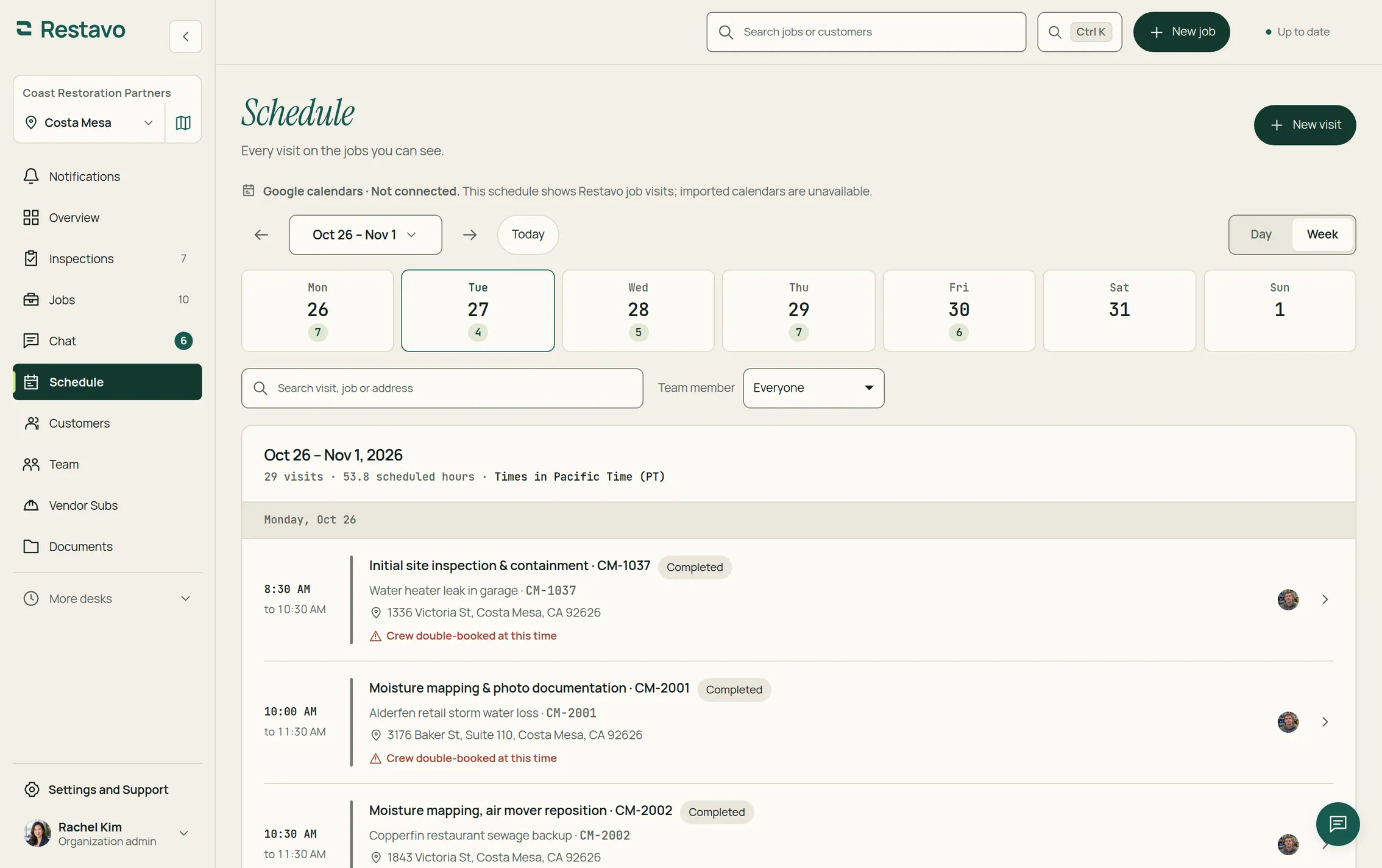
Coast Restoration · week of October 26, 2026
01Day
Today's visits.
Start the morning with a clear board.
See who's assigned and where each visit stands. Open the job when a tech needs the address or the latest note.
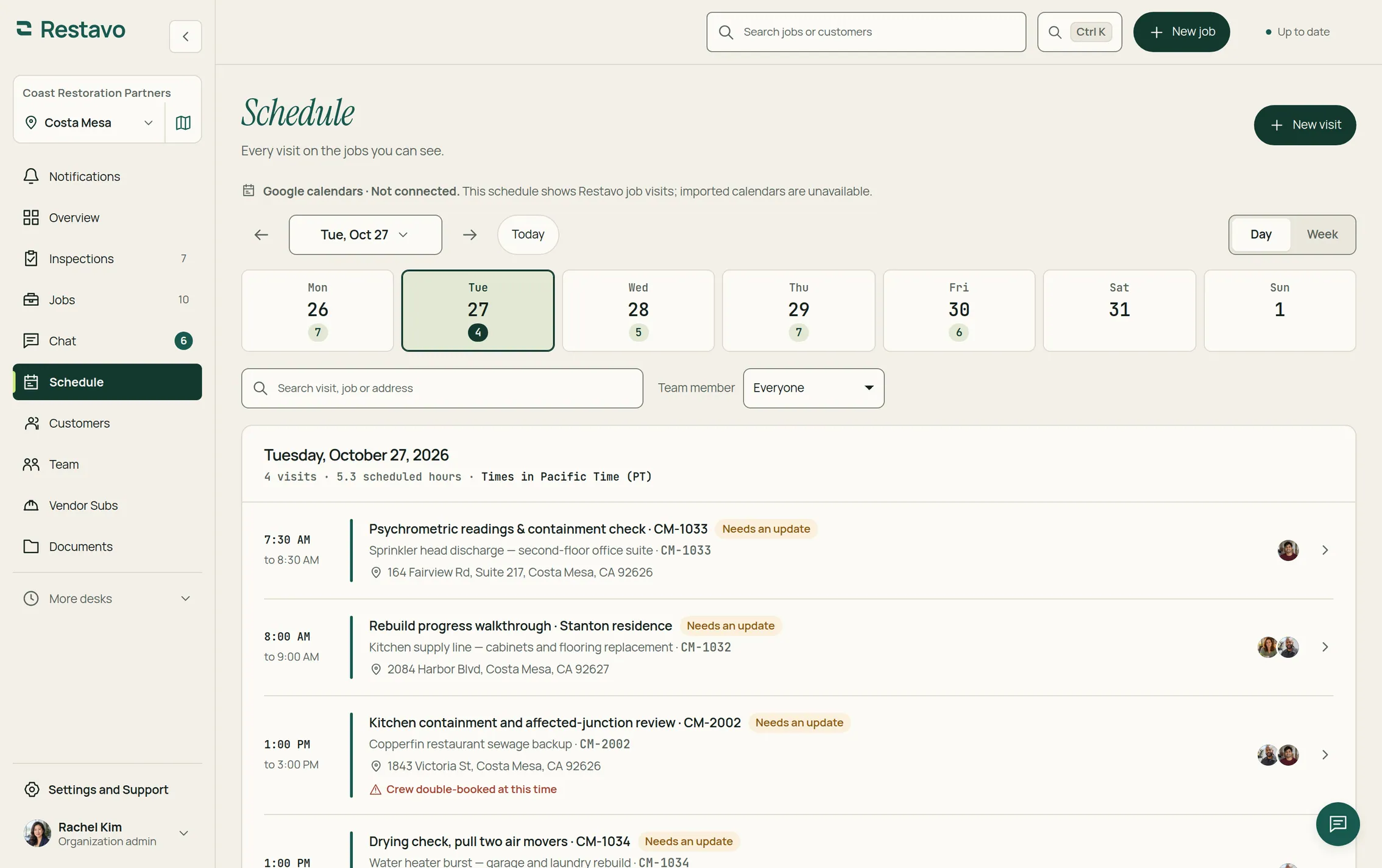
Coast Restoration · today's visits and assigned crews
02Staffing
Before the trucks leave.
Catch the visit with no crew.
Visits without a crew are flagged, and so are double bookings. Sort them out with the people doing the work before the day starts.
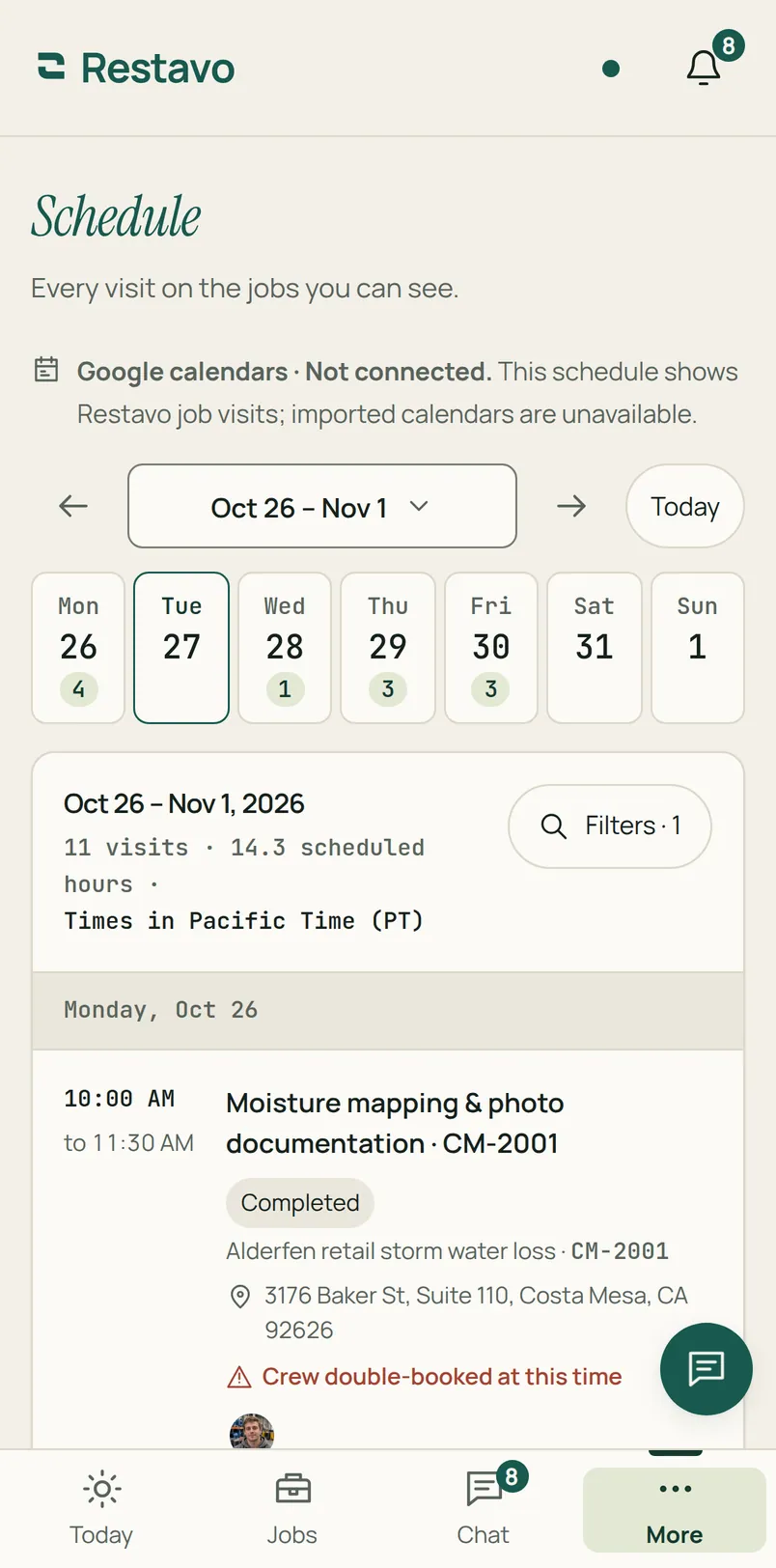
Coast Restoration · this week's moisture checks
03Week
The whole week in one view.
Look past the next stop.
Step through the dates and see what's already planned. Mitigation checks and repair visits stay linked to their jobs.
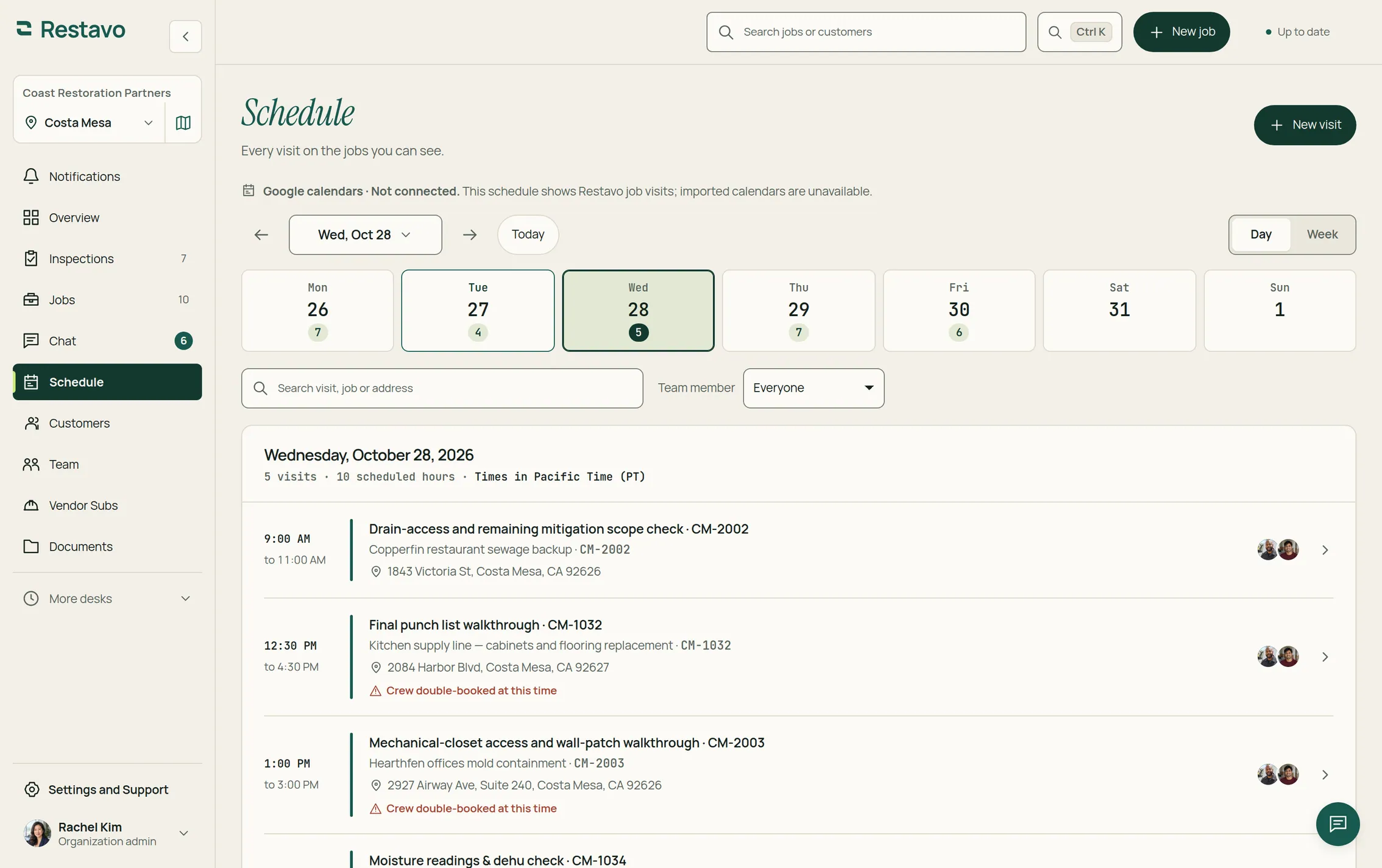
Coast Restoration · Wednesday's visits and crews
Who gets what
What each person gets from it.
- 01
The owner
A week you can read at a glance, and fewer mornings spent finding out who went where.
- 02
The office
Visits planned by day or week, with unassigned visits and double bookings flagged before the trucks leave.
- 03
The crew
Today's assigned visits on the phone, each one linked to its job, address and latest note.
Questions owners ask
Schedule, in short.
Can crews see the schedule on their phones?
Yes. Crews see their assigned work on their phones, and each visit opens the job it belongs to.
How do I catch a visit with no crew?
Visits without a crew are flagged on the schedule, and so are double bookings, so the office can sort them out before the day starts.
Who can plan visits?
Location managers and authorized job managers plan visits. Scheduling follows the same job permissions as the rest of Restavo.

A walkthrough for your restoration business
See it with your work in mind.
Tell us about your locations, crews and the handoffs that take the most follow-up. We'll walk through the relevant jobs, visits and records in Restavo.
Book a demo Email us