

Chat
Talk about the job inside the job.
One place for the office and crews to talk.
Location channels, job conversations and direct messages live in Restavo. Stop piecing the story together from texts, calls and email.
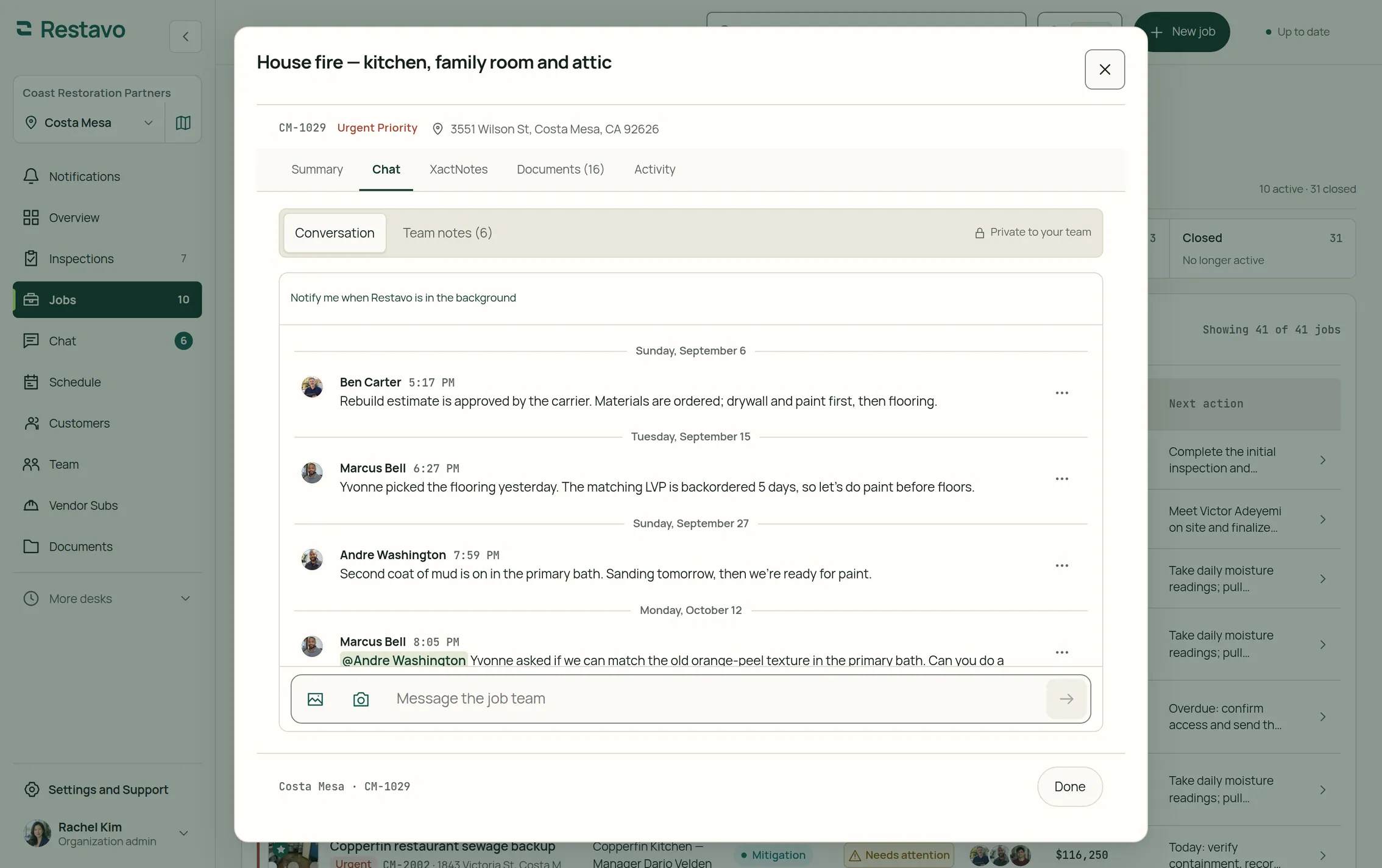
CM-1029 · conversation with the rebuild crew
01Location
Day-to-day coordination.
A channel for the whole location.
The office and field coordinate in the location channel. Unread markers show what you haven't seen yet.


02Job
The context is already there.
Each job gets its own conversation.
Discuss the work in the job's conversation. Only people with access to the job can see it.
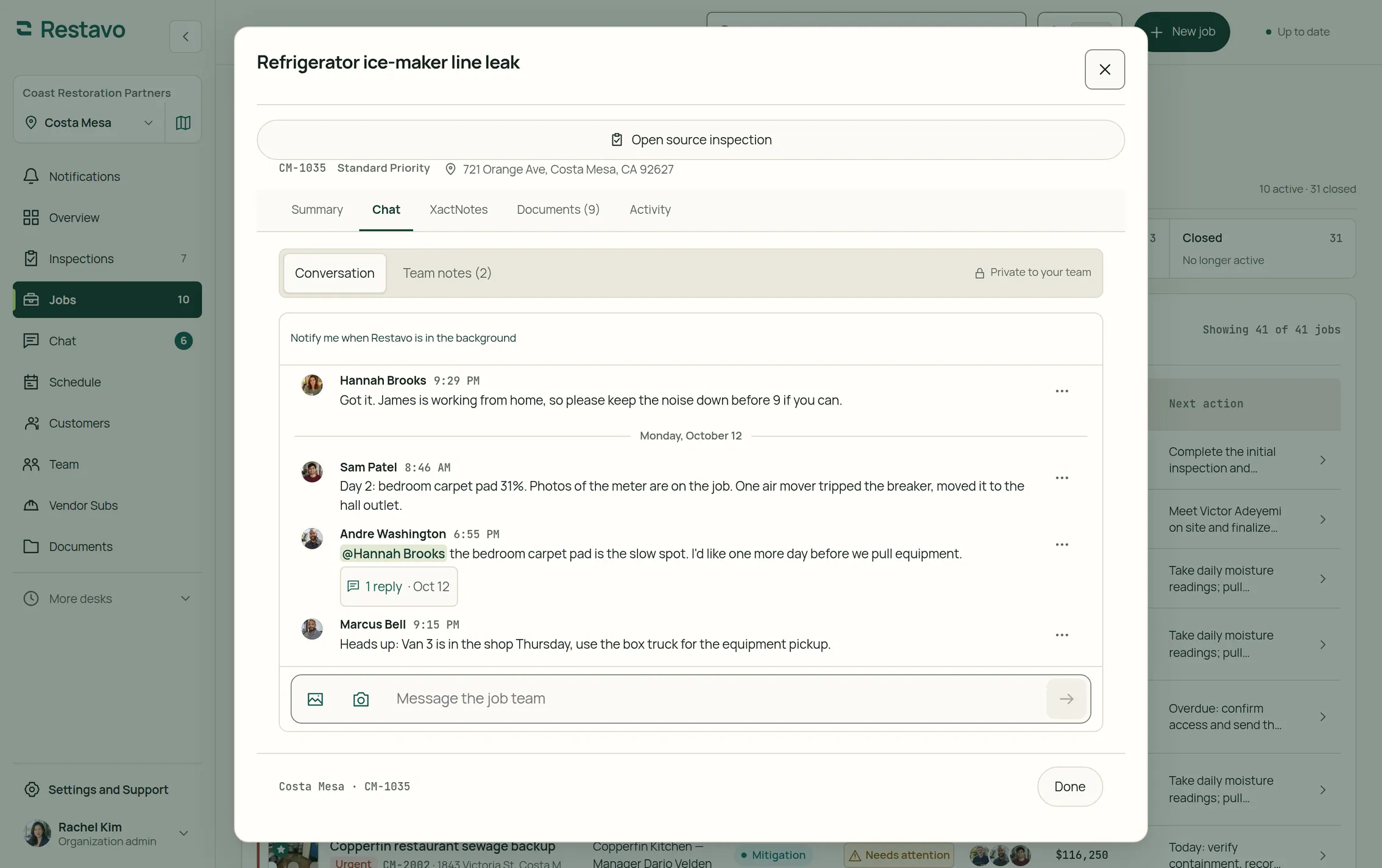
CM-1035 · job conversation
03Follow
Threads, mentions and notifications.
Never lose the reply.
Reply in a thread and mention a colleague when they need to see it. Notifications and unread counts show what's waiting.
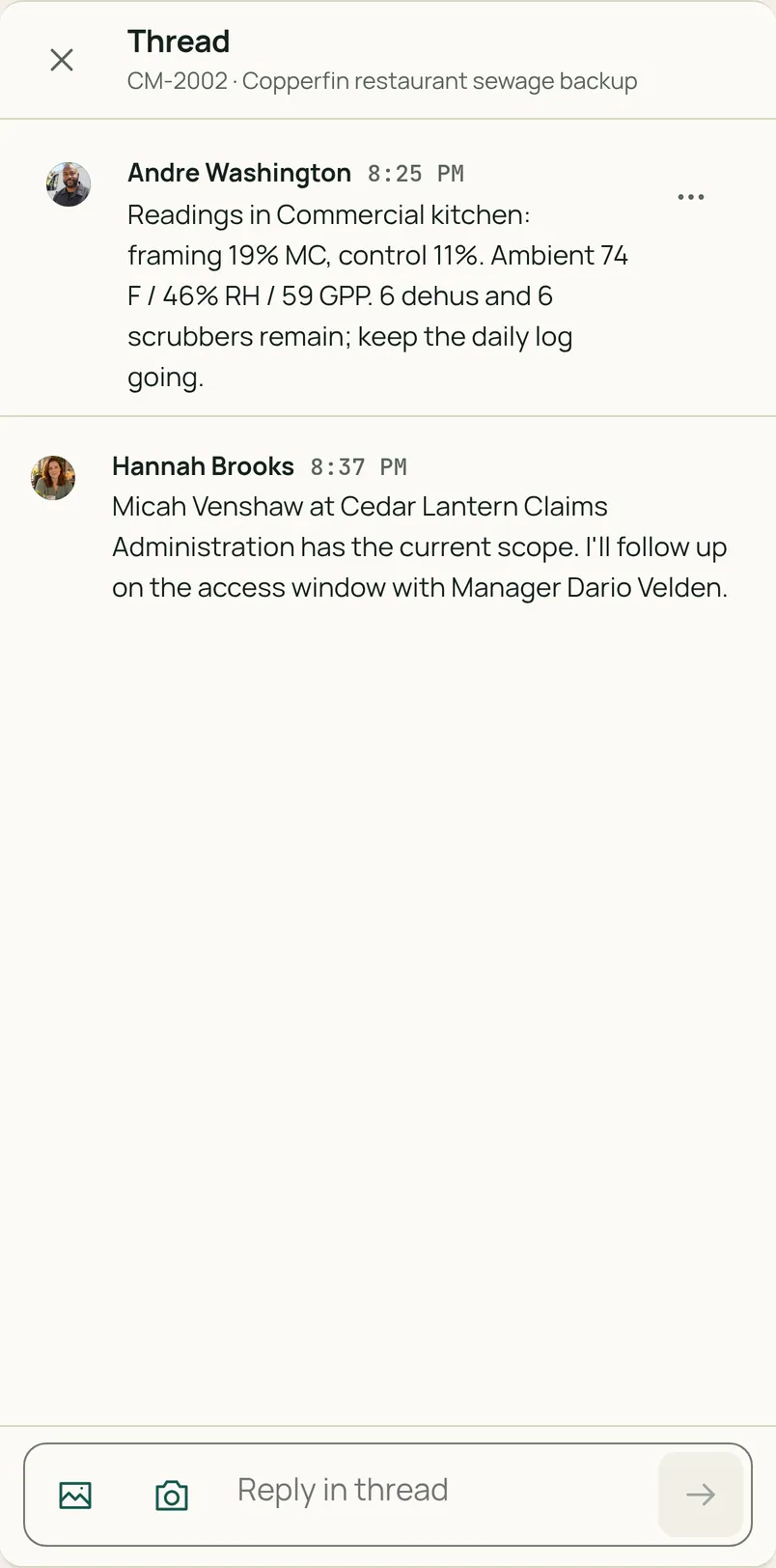
CM-2002 · replies in a job thread
Who gets what
What each person gets from it.
- 01
The owner
The story of a job in one place instead of scattered across texts, calls and email.
- 02
The office
A location channel for the day's coordination and a conversation on every job.
- 03
The crew
Questions answered in the job's own conversation, with mentions and unread counts for what is waiting.
Questions owners ask
Chat, in short.
Who can see a job conversation?
Only people with access to the job. Location and job access decide who sees shared conversations.
Can an administrator read direct messages?
No. Direct messages belong to their participants. An administrator role does not open anyone else's direct messages.
How do I know someone replied?
Threads keep replies together, mentions call a colleague in, and notifications and unread counts show what is waiting.

A walkthrough for your restoration business
See it with your work in mind.
Tell us about your locations, crews and the handoffs that take the most follow-up. We'll walk through the relevant jobs, visits and records in Restavo.
Book a demo Email us